
Description
This replay is based on an online workshop held in June 2026.
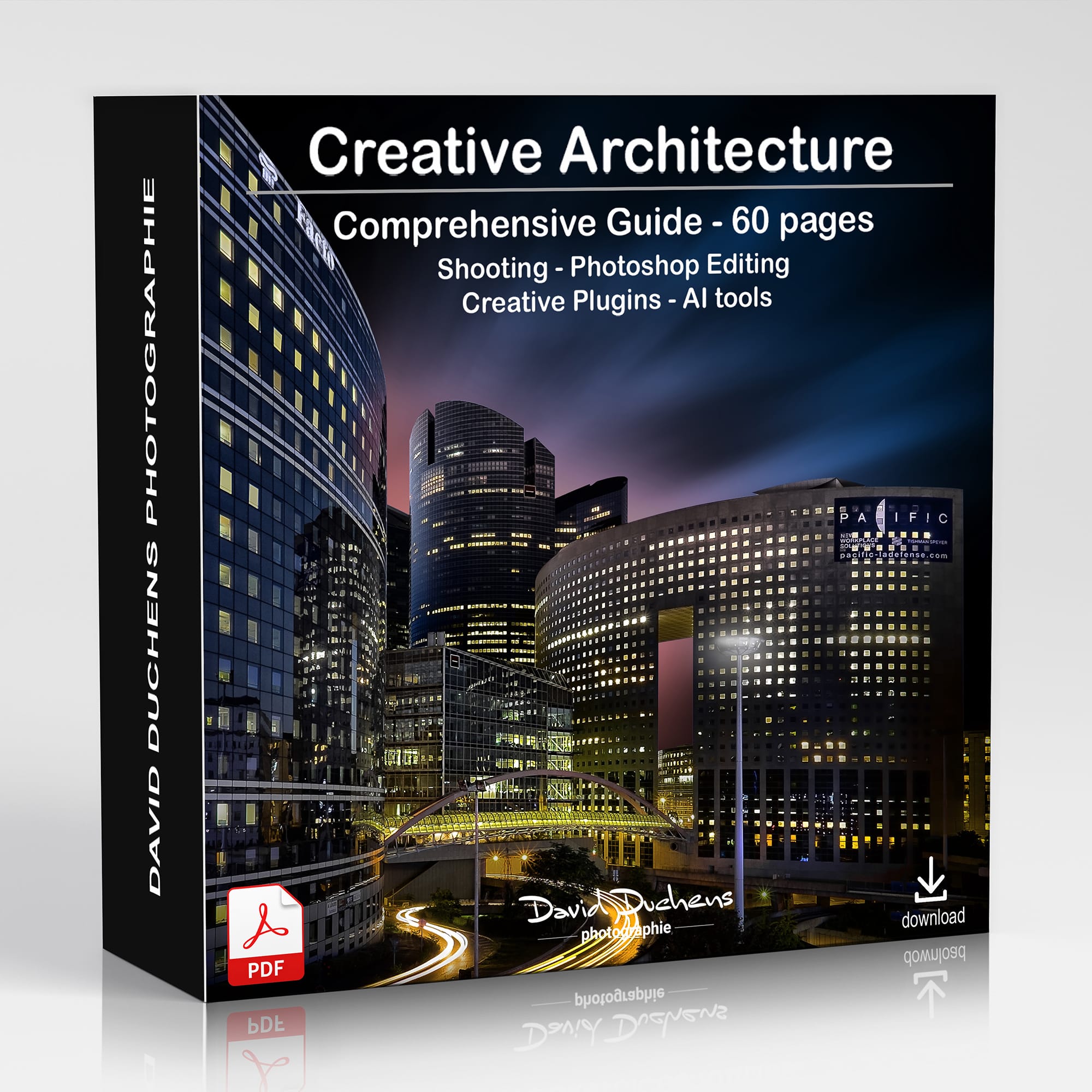
It includes the videos (4 hours of recordings) as well as the exercise files and a 60-page PDF document
You’ll receive the download links shortly after payment (PayPal or credit card).
My Most Comprehensive Online Architecture Workshop
For the very first time, I’m offering an online workshop that brings together all of my expertise in architectural photography.
This workshop covers the full range of styles and techniques I use, including black-and-white, color, and creative effects. To provide you with as much value as possible, I’ve also added a third session for the first time, instead of the usual two. This makes it a truly unique workshop.
I have been creating architectural images for over 25 years and have continually experimented with and refined my approach. My practice has evolved over time, and new tools and plugins in Adobe Photoshop have allowed me to take my work to the next level.
This is the perfect opportunity to join what I promise will be an exceptional workshop.
SESSIONS:
Black & White
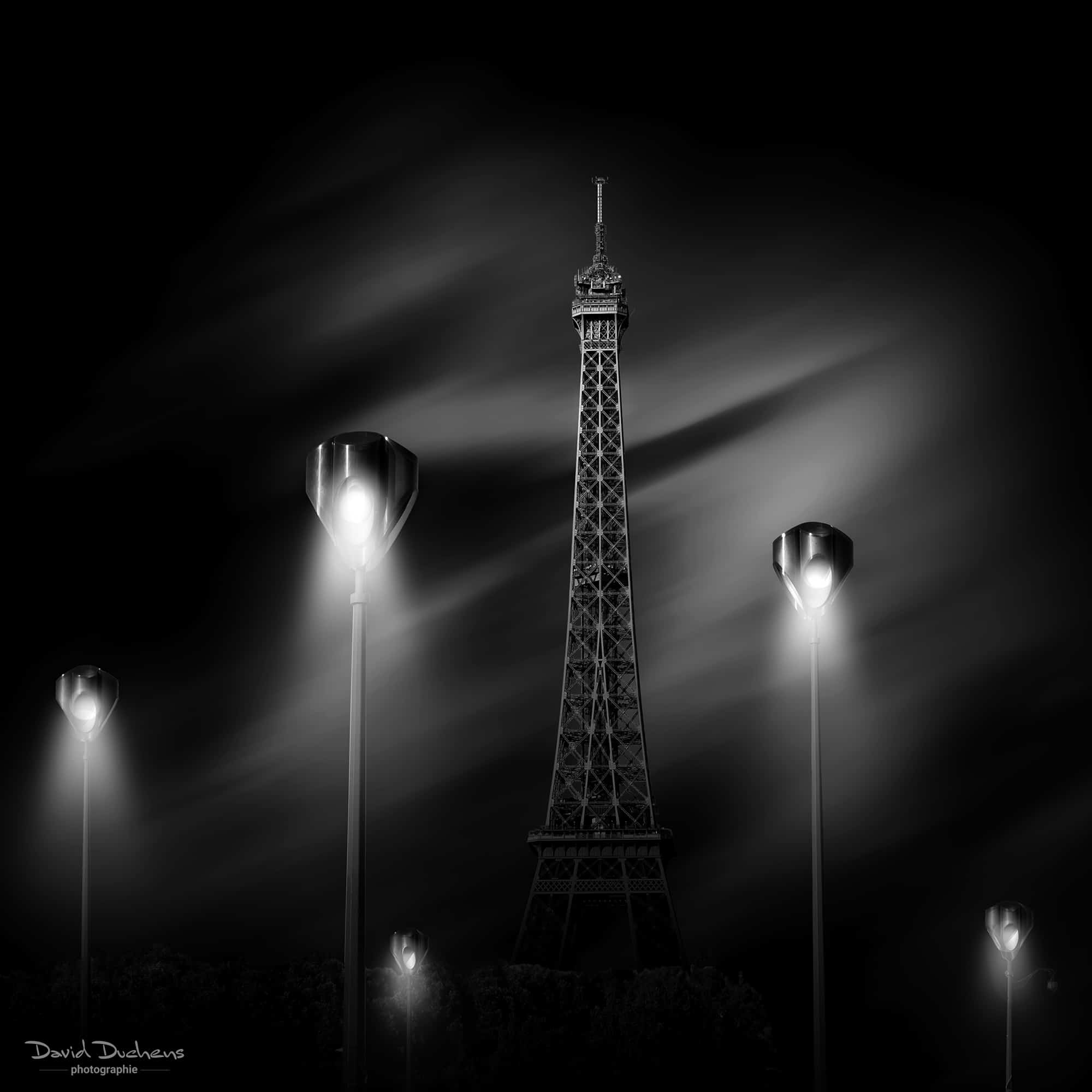
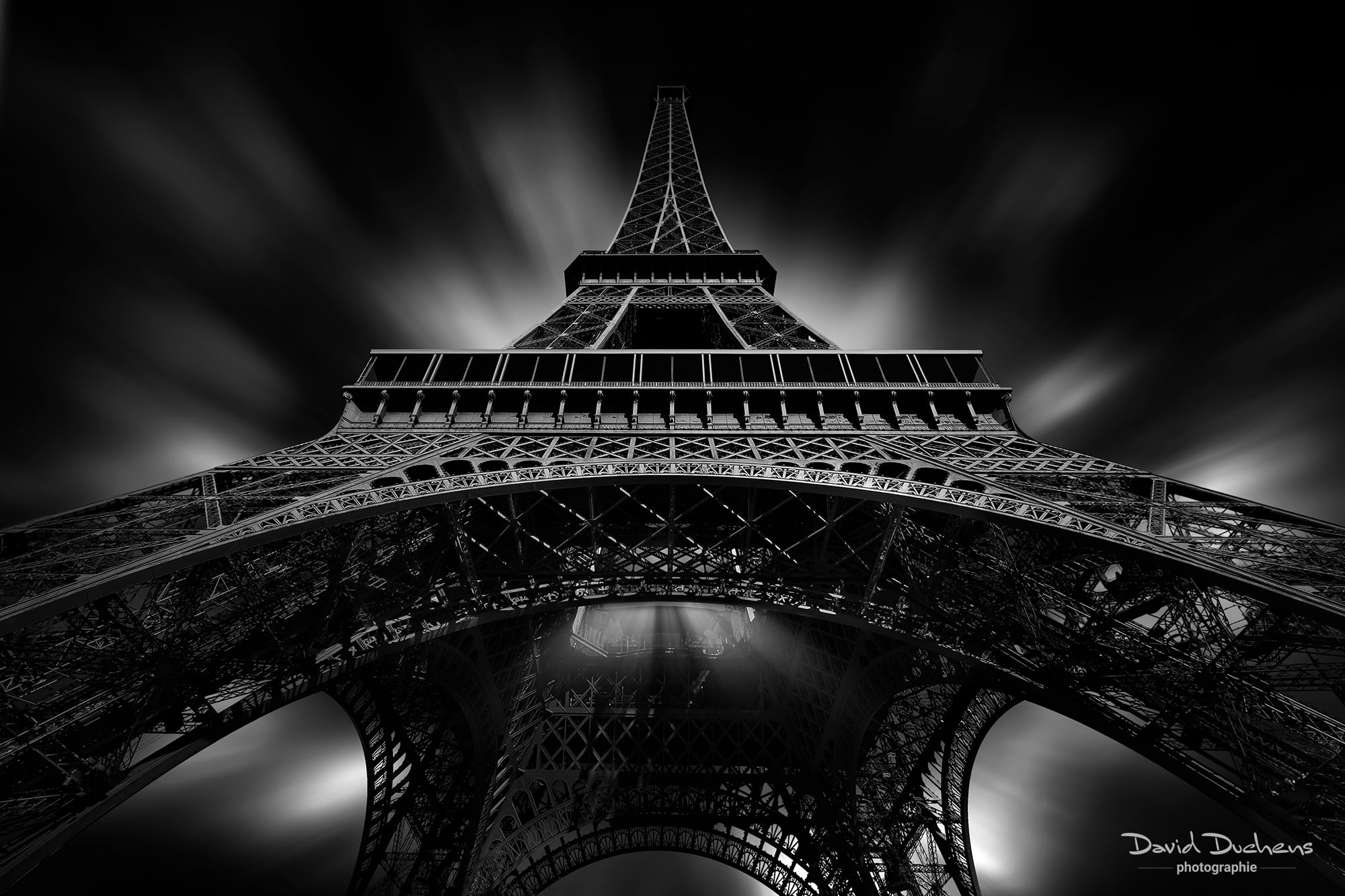
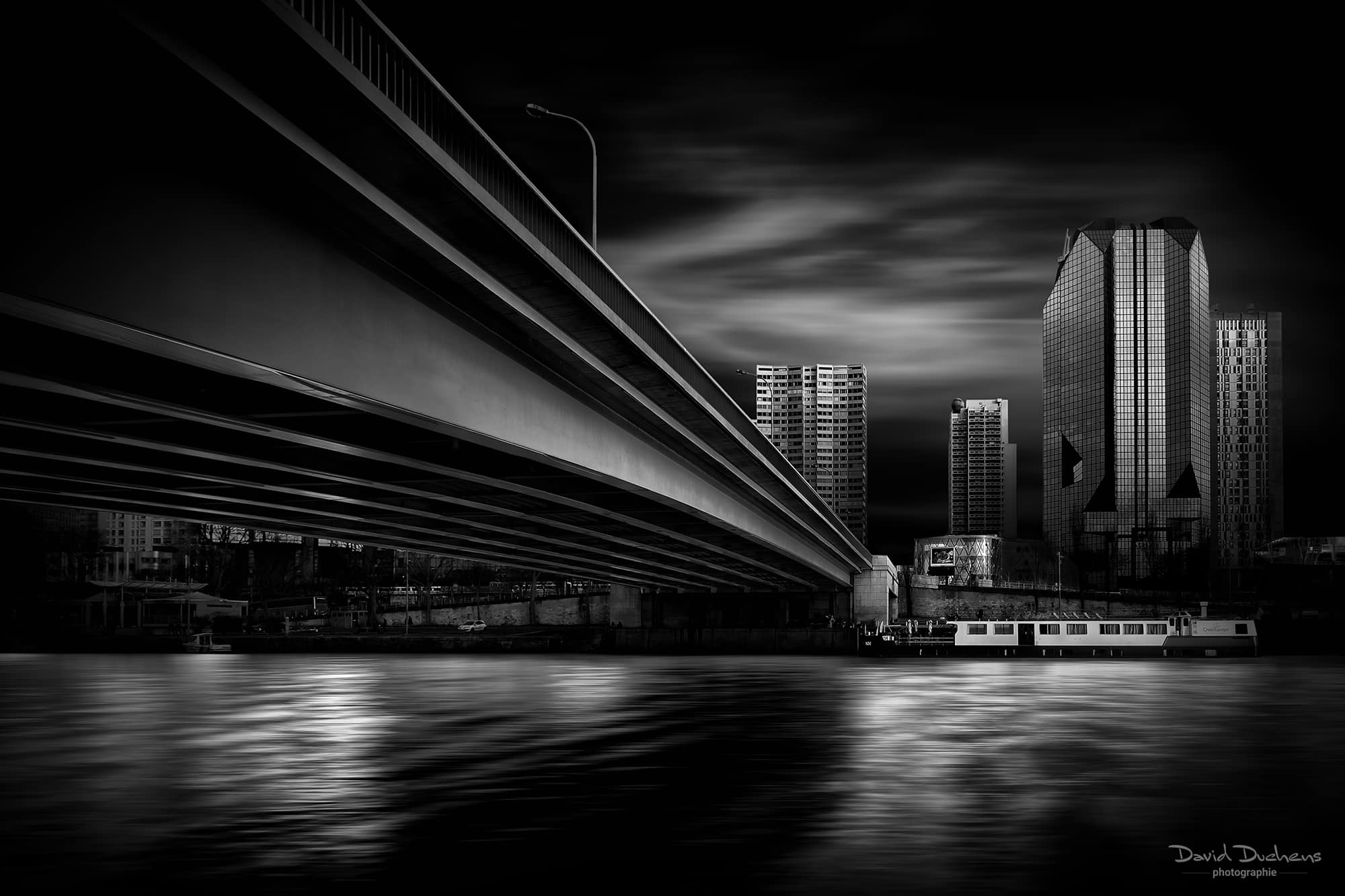
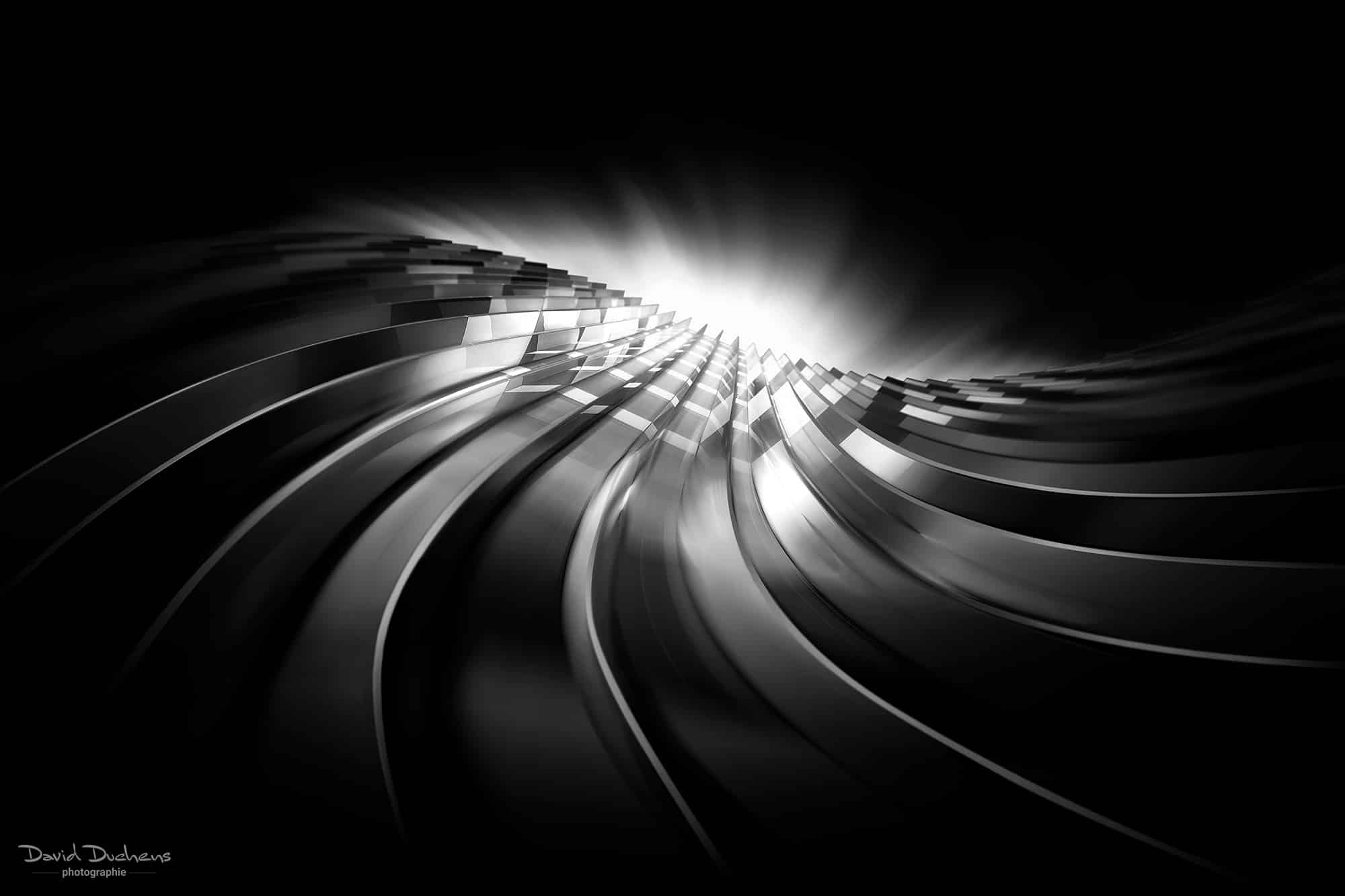
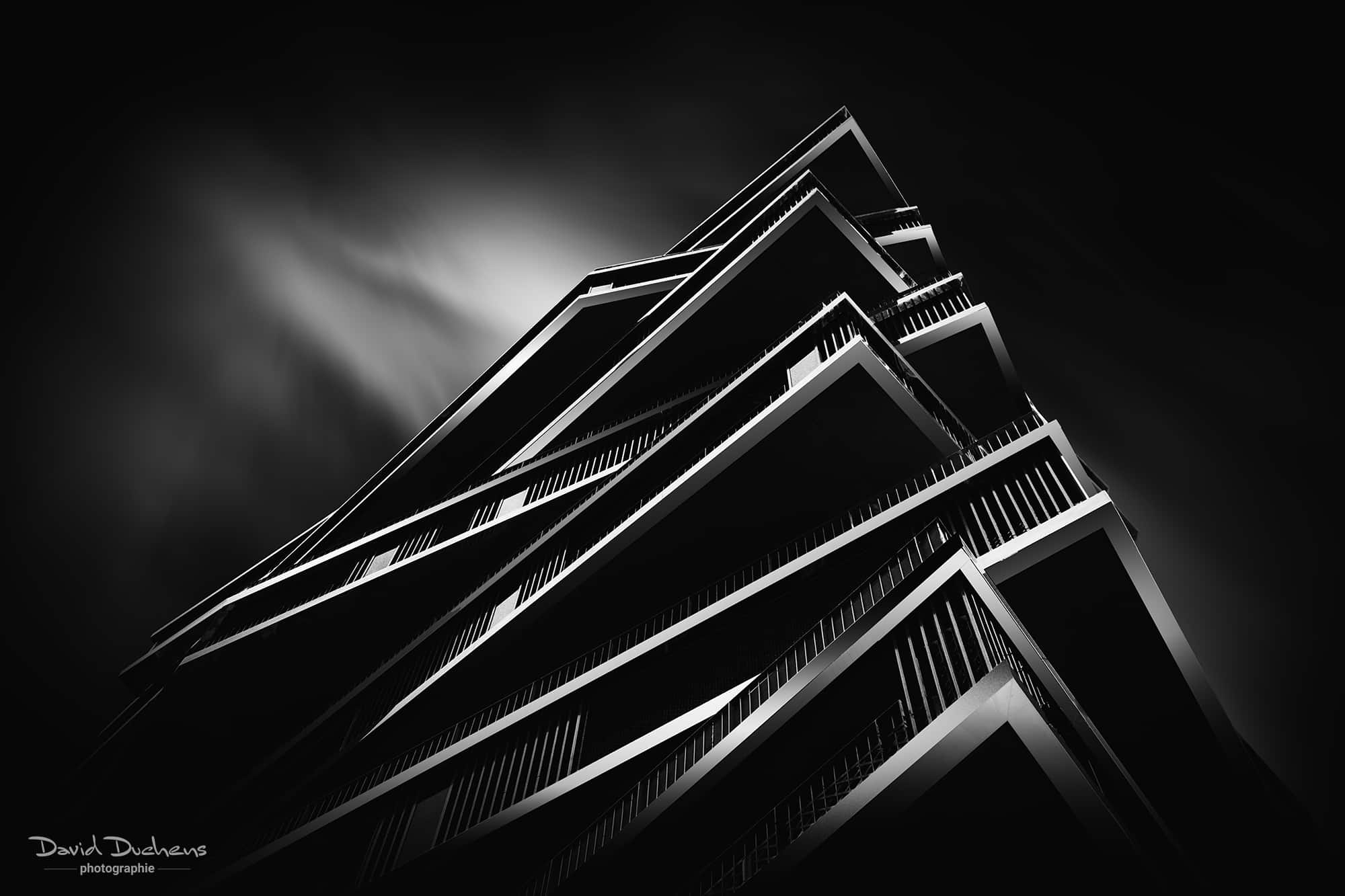
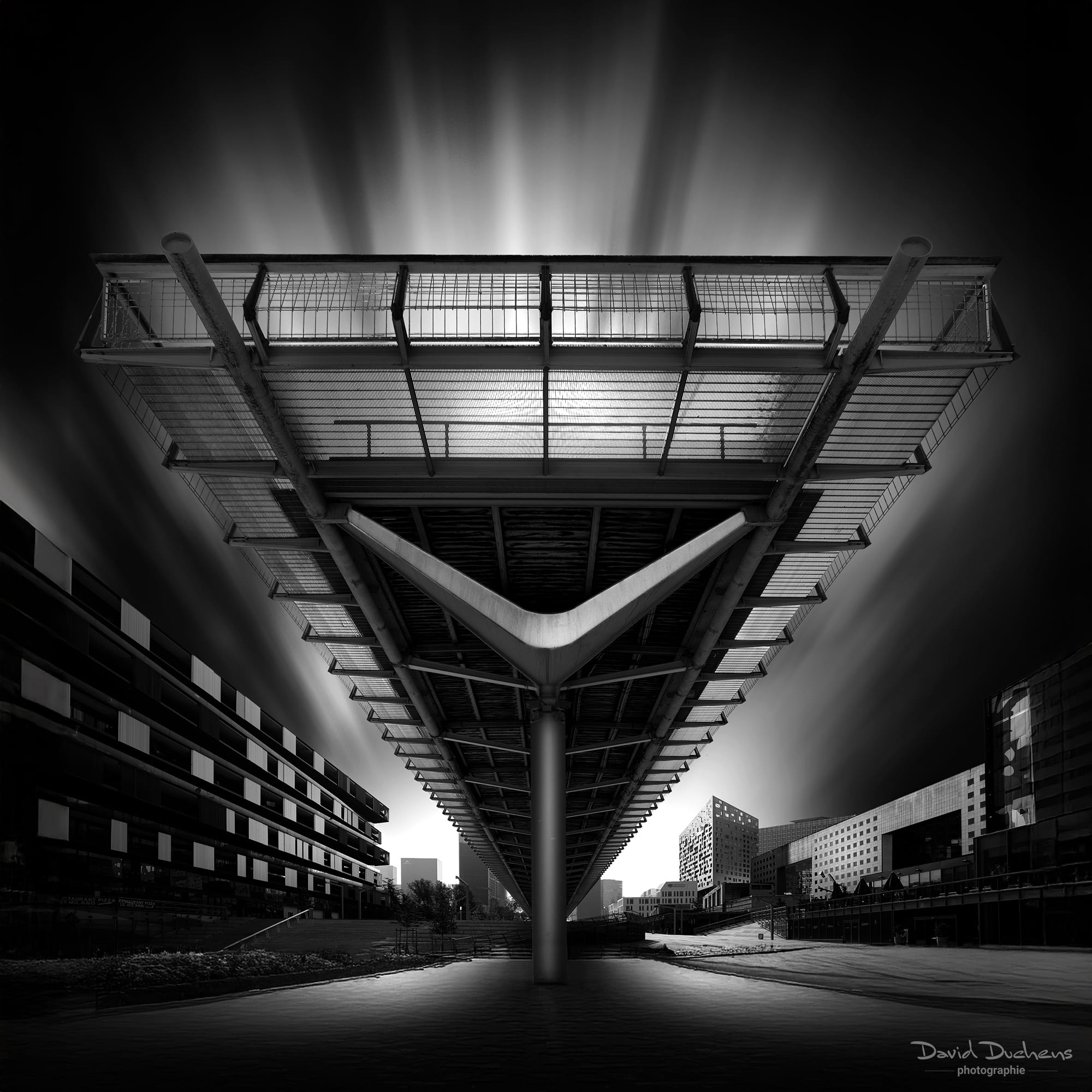
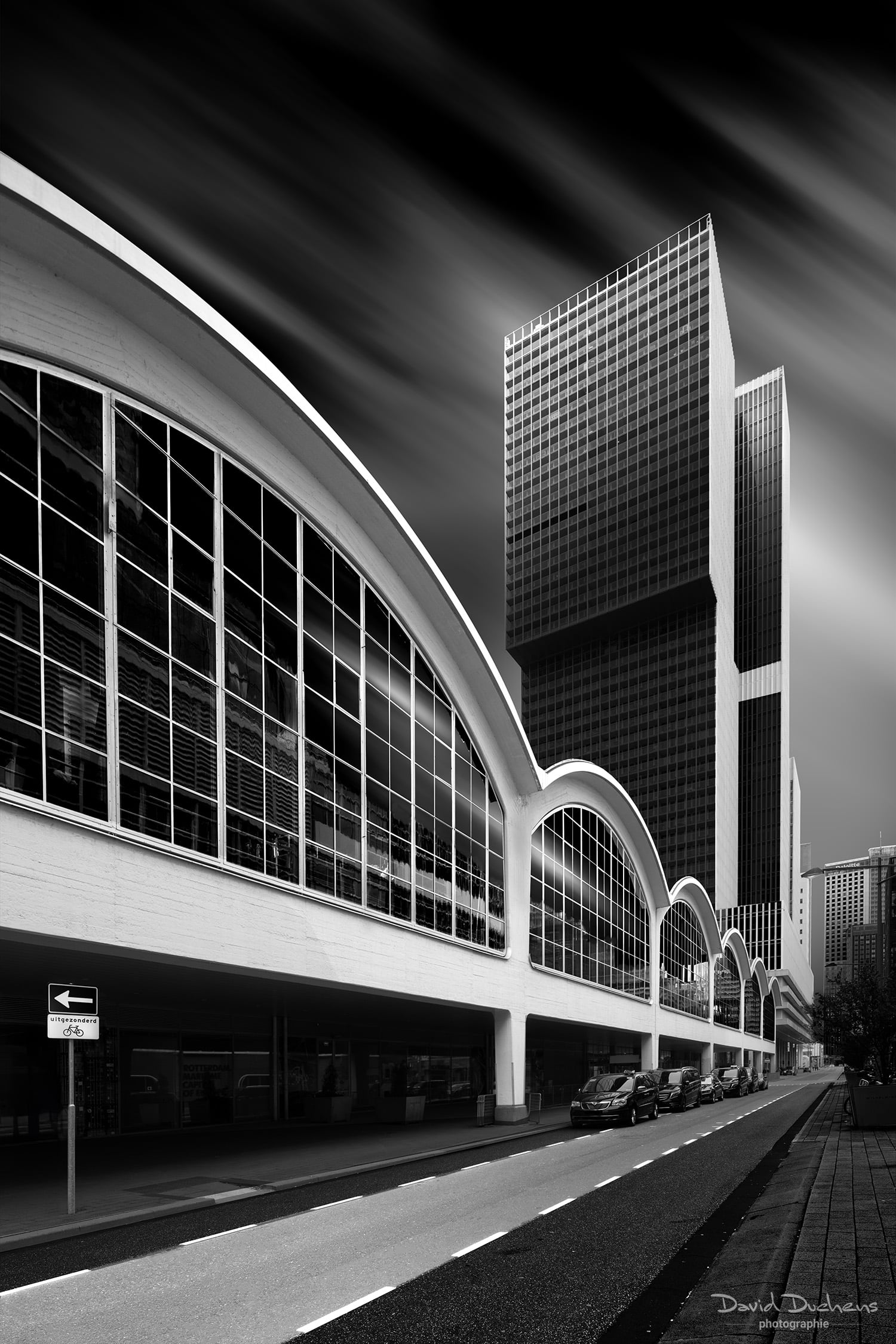
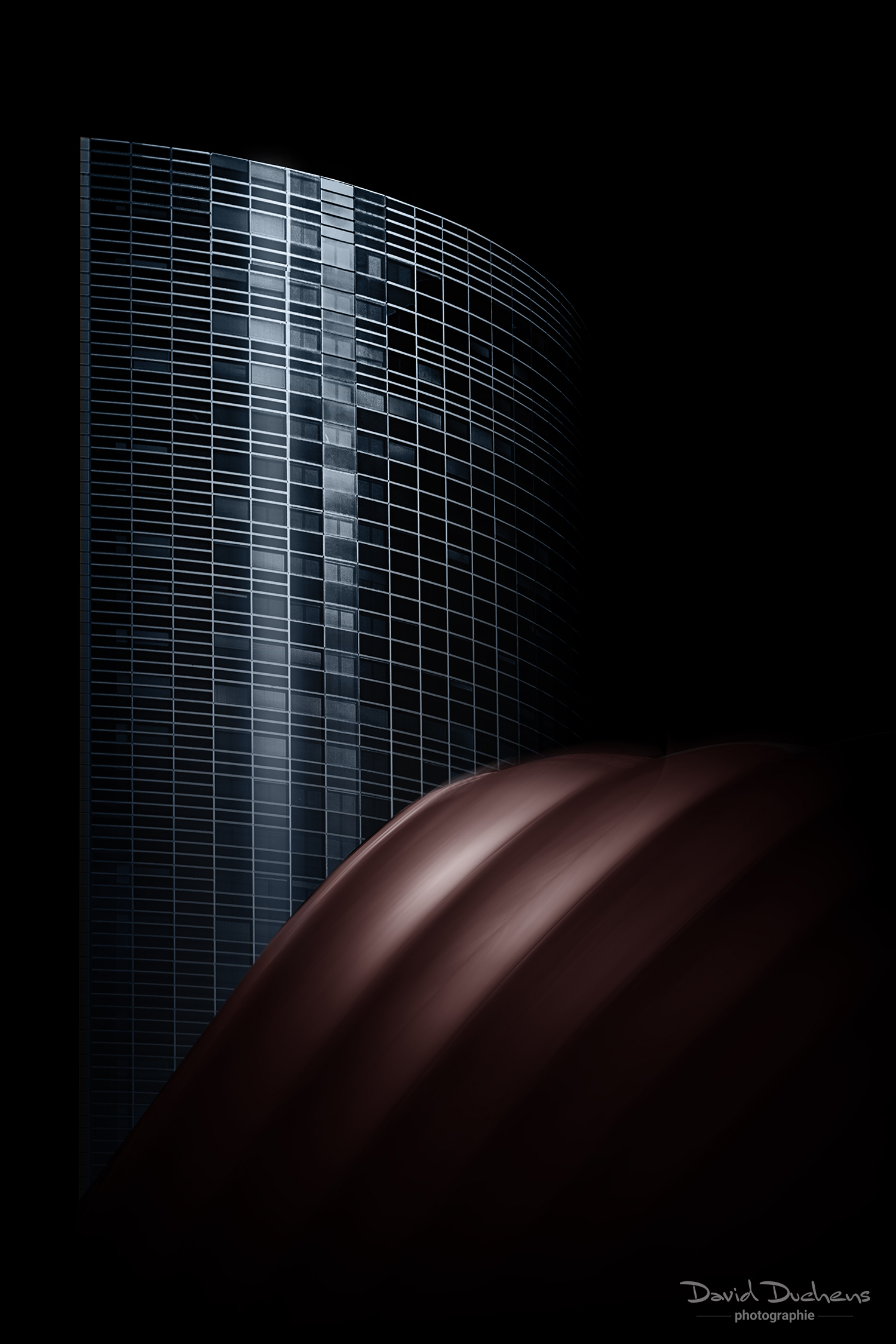
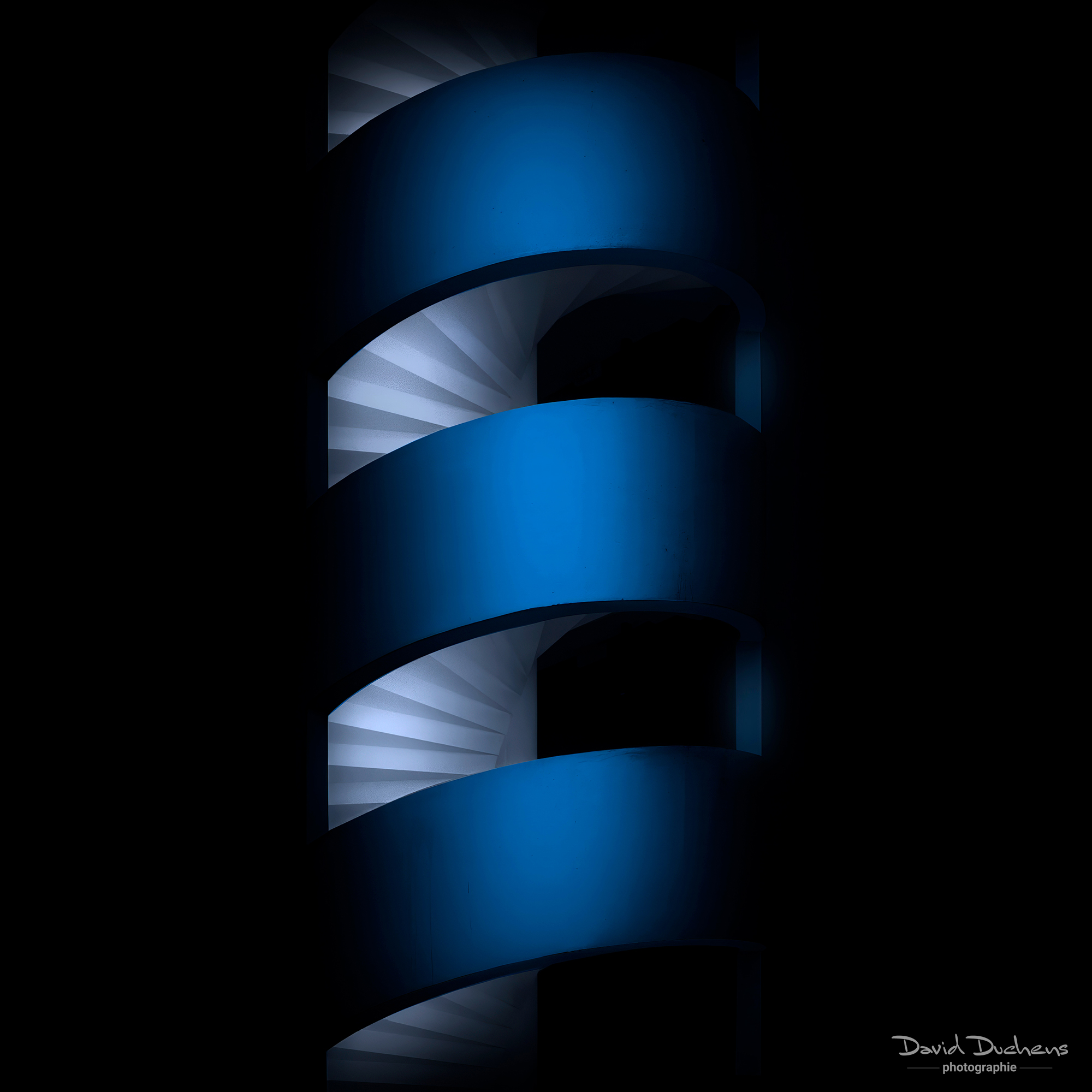
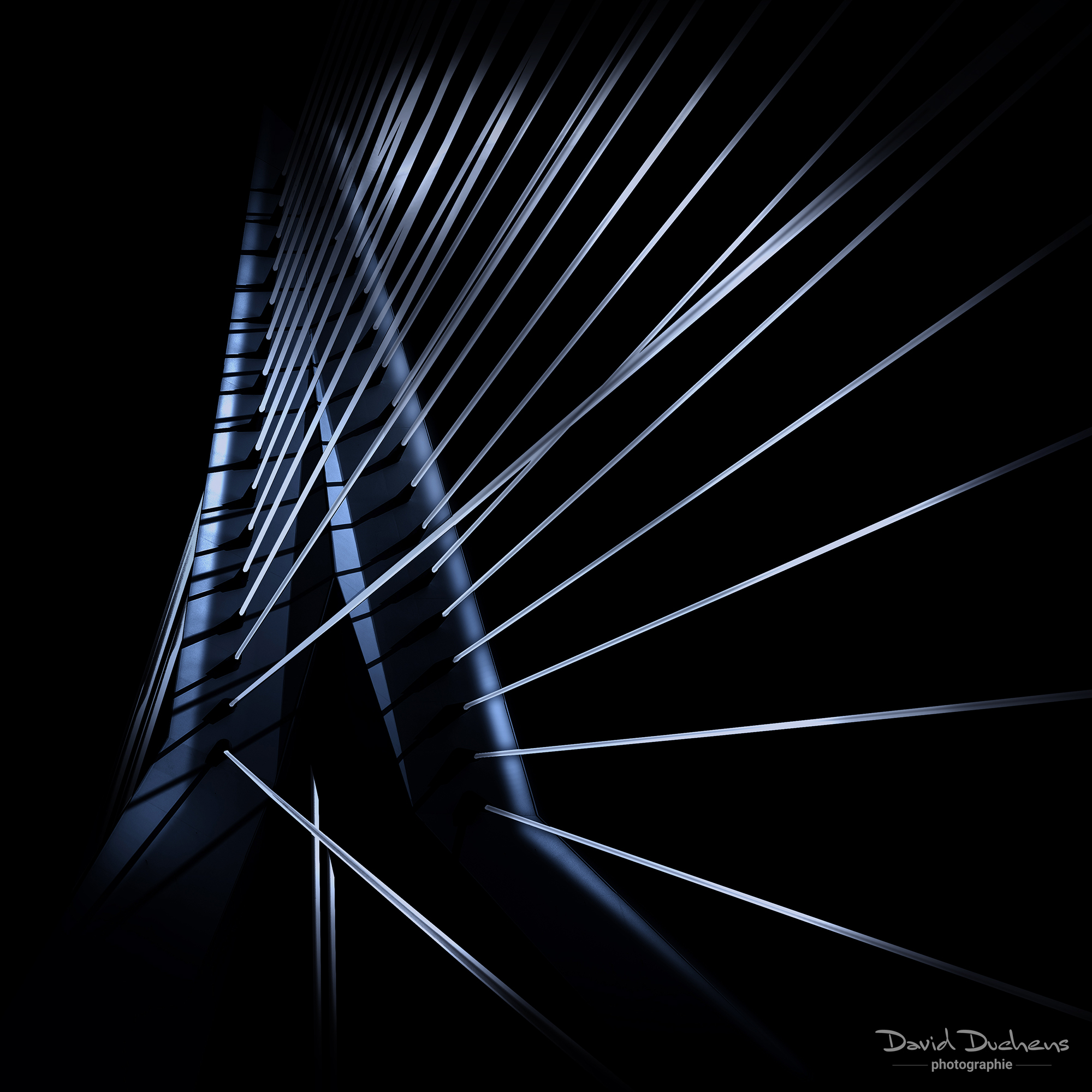
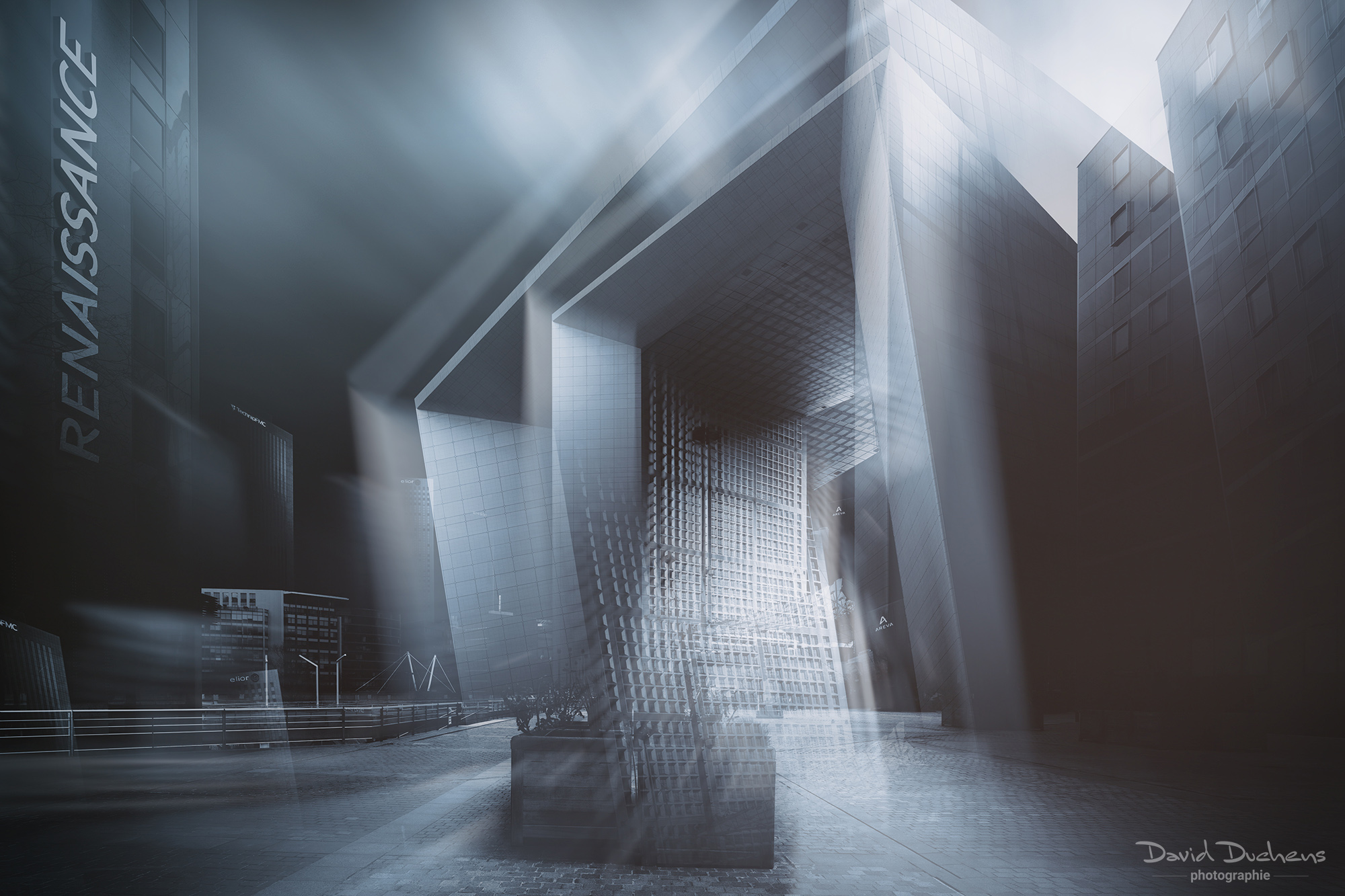
This course introduces an advanced black-and-white architectural photography technique, developed and refined over several years to create images with a strong and distinctive visual impact.
All images are captured in daylight, without long exposures—visual effects (such as motion streaks) are created during post-production.
Beyond basic black-and-white conversion, you will learn to master light, contrast, and atmosphere through in-depth work with layers, masks, and selections. The goal is to achieve a balanced, realistic, and visually striking result.
Prerequisites: a good understanding of Adobe Photoshop (layers, masks, selections, smart objects).
Course content:
- Introduction to the style and creative approach
- Shooting tips and best practices
- RAW processing in Camera Raw
- Photoshop setup and optimization
- Essential tools and efficient workflows
- Black-and-white conversion (2 methods)
- Advanced selections and image preparation
- Creating lighting effects
- Sky replacement and creation
- Creating the overall atmosphere (contrast and lighting consistency)
- Final adjustments and refinements
- Exporting (high-resolution and web formats)
Color
This course teaches you how to create architectural images with strong, controlled color palettes.
The focus is on color grading, sky work, and overall mood, using localized adjustments based on precise selections. A working file is provided so you can follow the entire process.
Course content:
- Introduction to the style and artistic approach
- Shooting techniques and tips
- Composition rules for architectural photography
- Preparation for the selection process
- Color grading and tonal adjustments
- Sky Replacement and Creation (Advanced Techniques)
- Mood creation (light, contrast, color balance)
- Final corrections and image refinement
Creative Effects
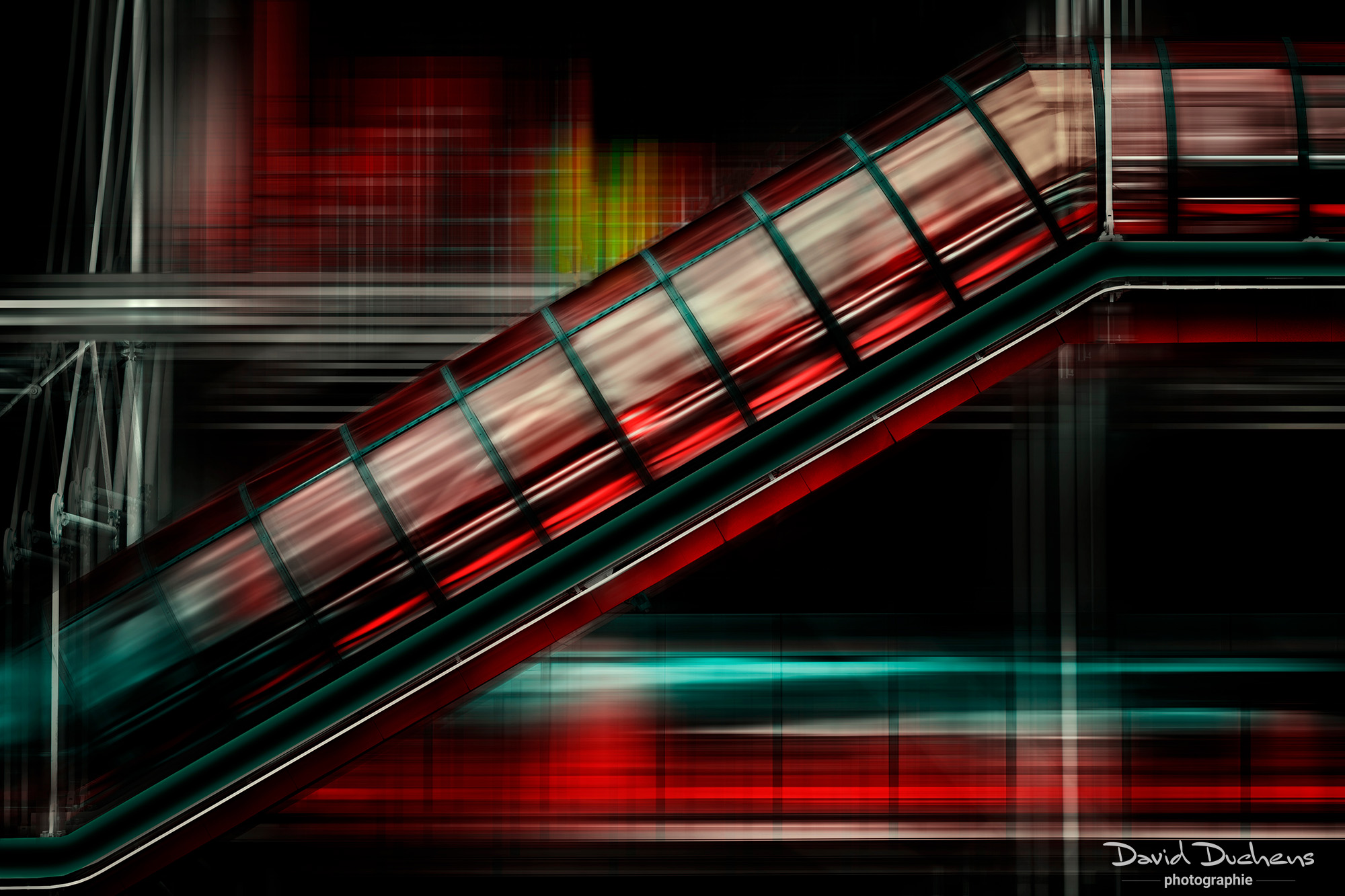
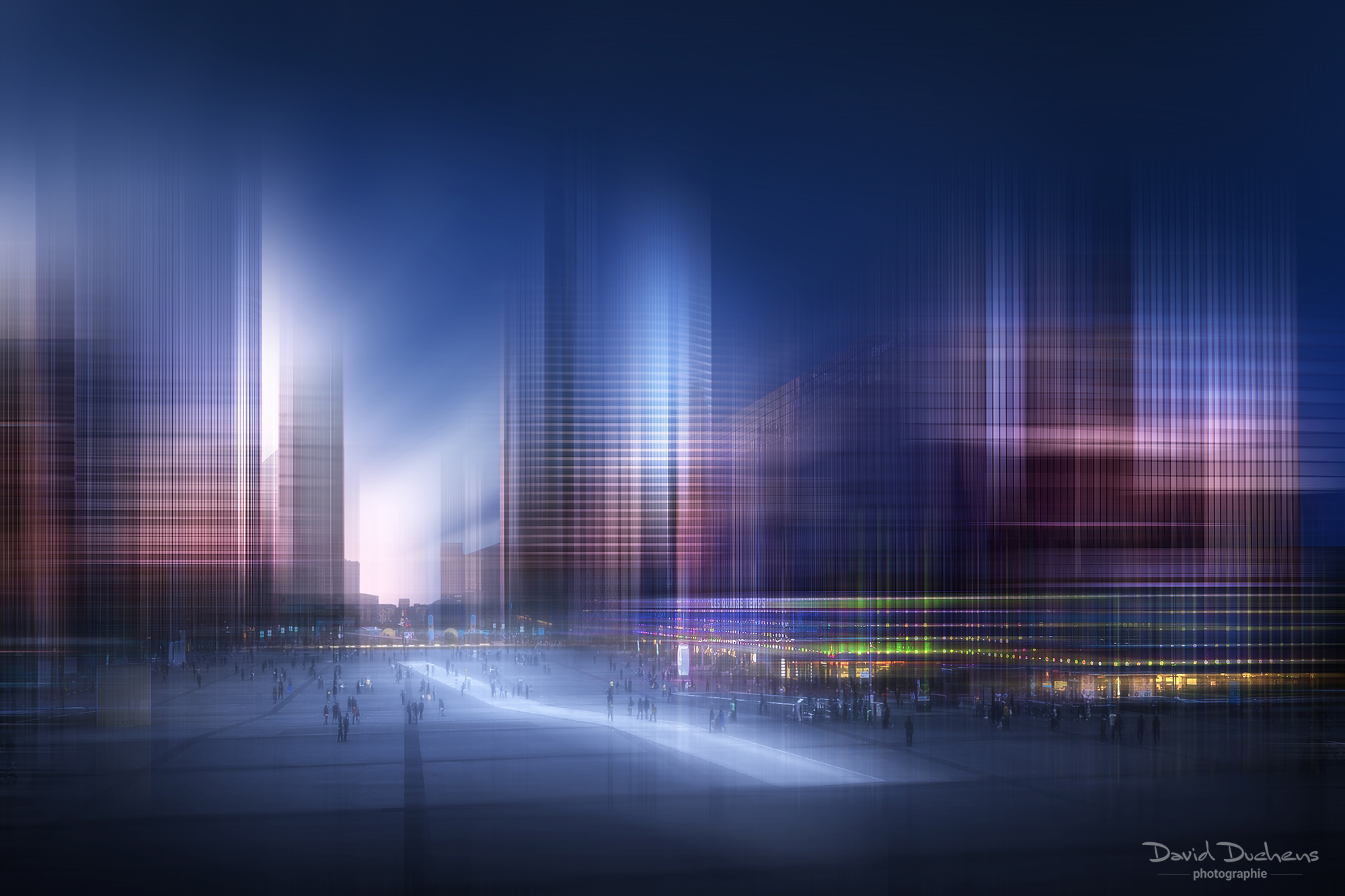
This module explores the creation of motion effects and creative atmospheres in architectural photography.
You will learn various techniques for creating unique results, primarily through motion blur and other blur effects, as well as alternative methods and advanced filters.
All effects are created exclusively in Adobe Photoshop, with the optional use of plugins such as Boris FX or the Nik Collection.
Course content:
- Motion blur techniques and creative combinations
- Use of additional blur effects
- Alternative methods for enhancing and personalizing images
- Introduction to Filters and Plugins
- Case studies using multiple images
- Working files included
Video recording :
This workshop is accompanied by a video for each session.
It is recorded live during the workshop.
The video will be sent to you in MP4 format, via WeTransfer, after each session.
Bonus:
You will receive a PDF document on architectural photography and a PDF document on black-and-white processing.
Frances C. -
As always, David never disappoints in his workshops. The creative and innovative methods he uses, combined with his clear guidance on how to actually put these amazingly creative techniques into practice! I learn so much from each class, but I leave feeling confident that I can have fun bringing these new ideas to life on my own. Thank you, David, for your enthusiasm and willingness to share your creative inspirations with us!
Gregory W. -
I recently participated in David Duchens’ online workshop “The Art of Creative Architecture.” I highly recommend David as an instructor and his online workshop. The workshop spanned three sessions and was well structured, allowing participants to ask questions while David clarified concepts and demonstrated techniques. As a photography enthusiast with 20 years of experience using Photoshop, David shared a number of techniques that were new to me. With these new tools in my arsenal, I look forward to creating more artistic images.
Greg from Utah
Paul E. -
I’d like to thank David for creating such an inspiring training session divided into three webinars. I thought I was reasonably up to date with Photoshop, but he made me feel like a total beginner. He demonstrated creative techniques that had never even crossed my mind before, opening up a whole new world of possibilities. He was happy to answer questions throughout the session to clarify points, and he always had the answer. This guy is so creative. I would recommend this workshop to anyone who wants to see what’s possible in Photoshop by removing the blindfold from your creativity—without having to buy plugins, actions, or any other add-ons.
Paul