
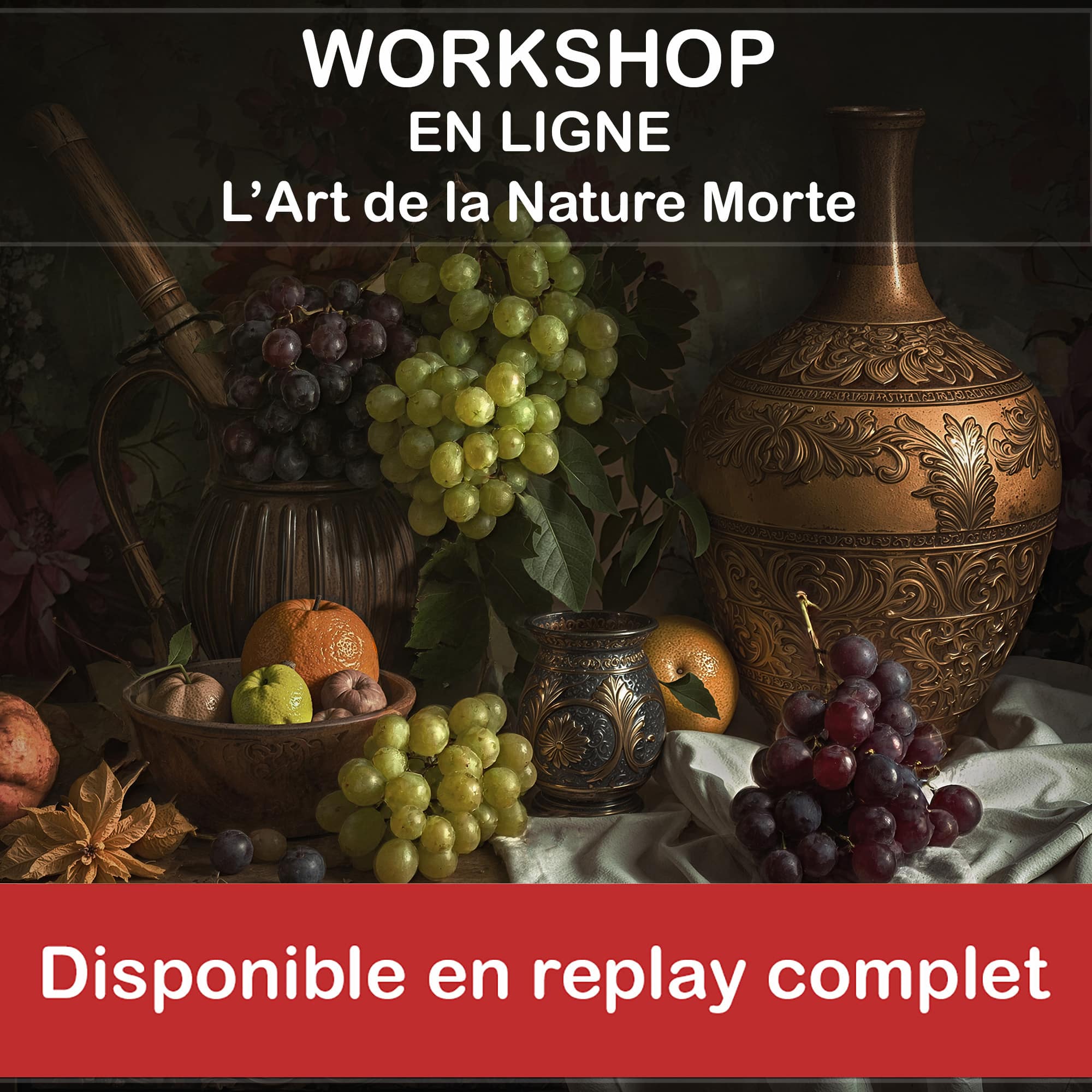
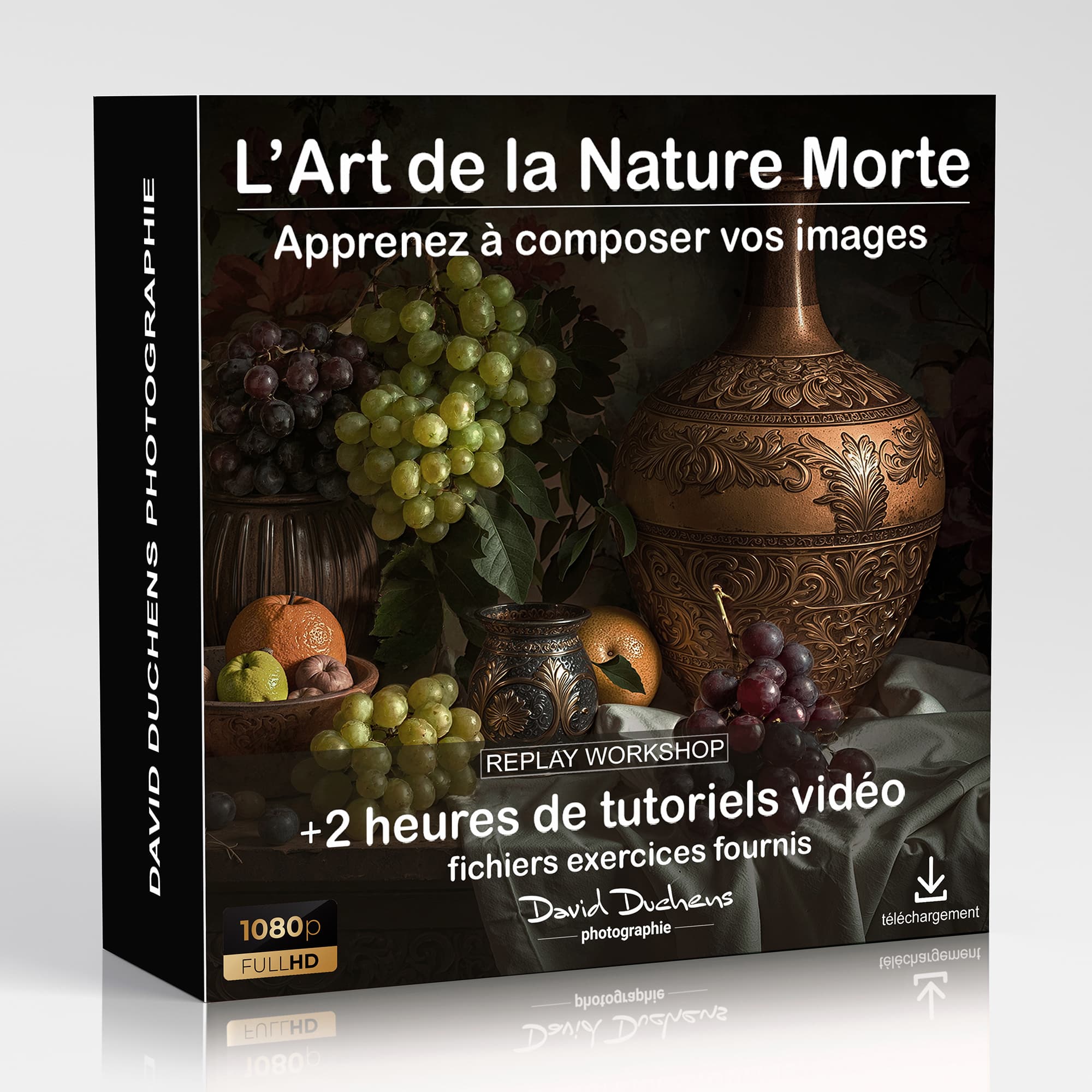
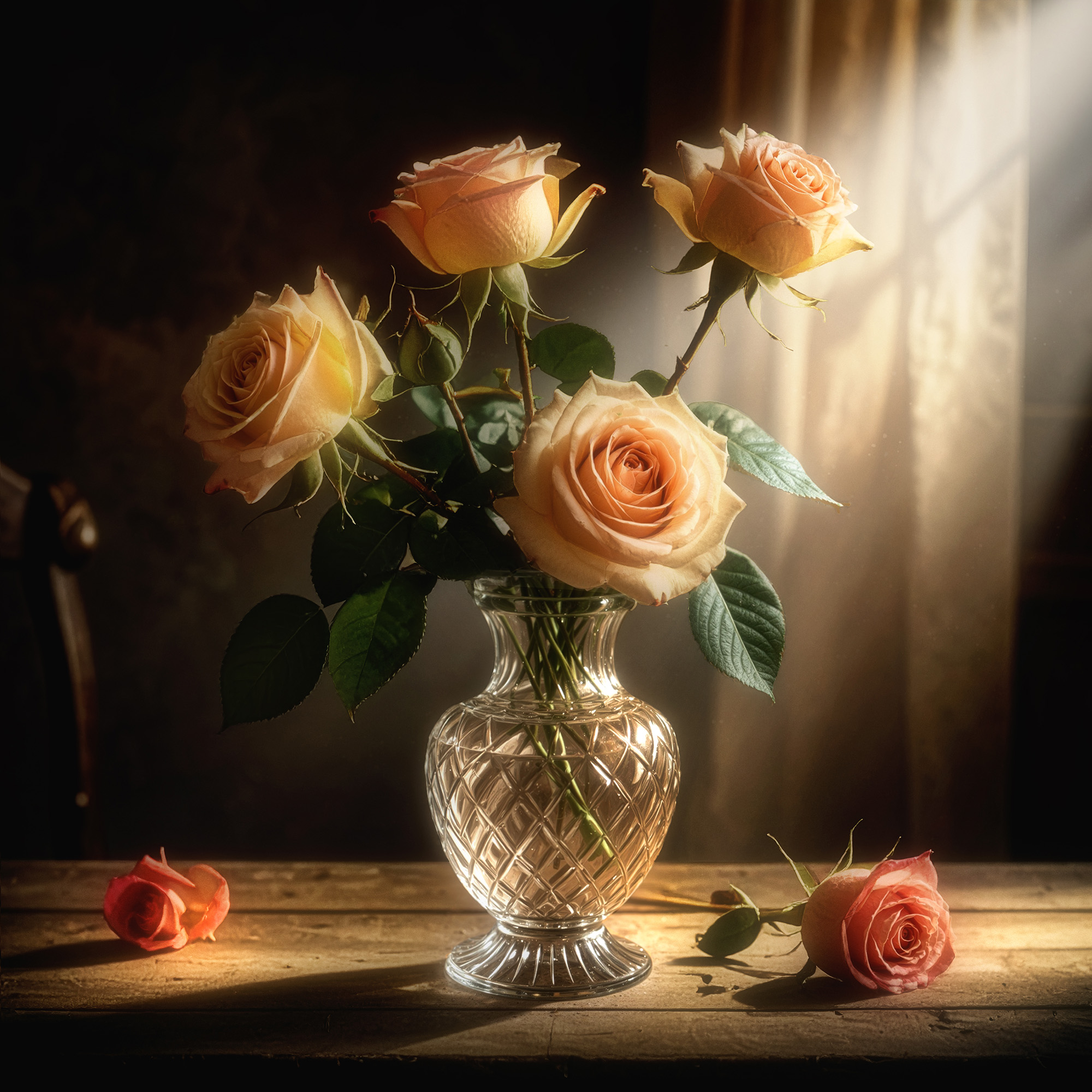
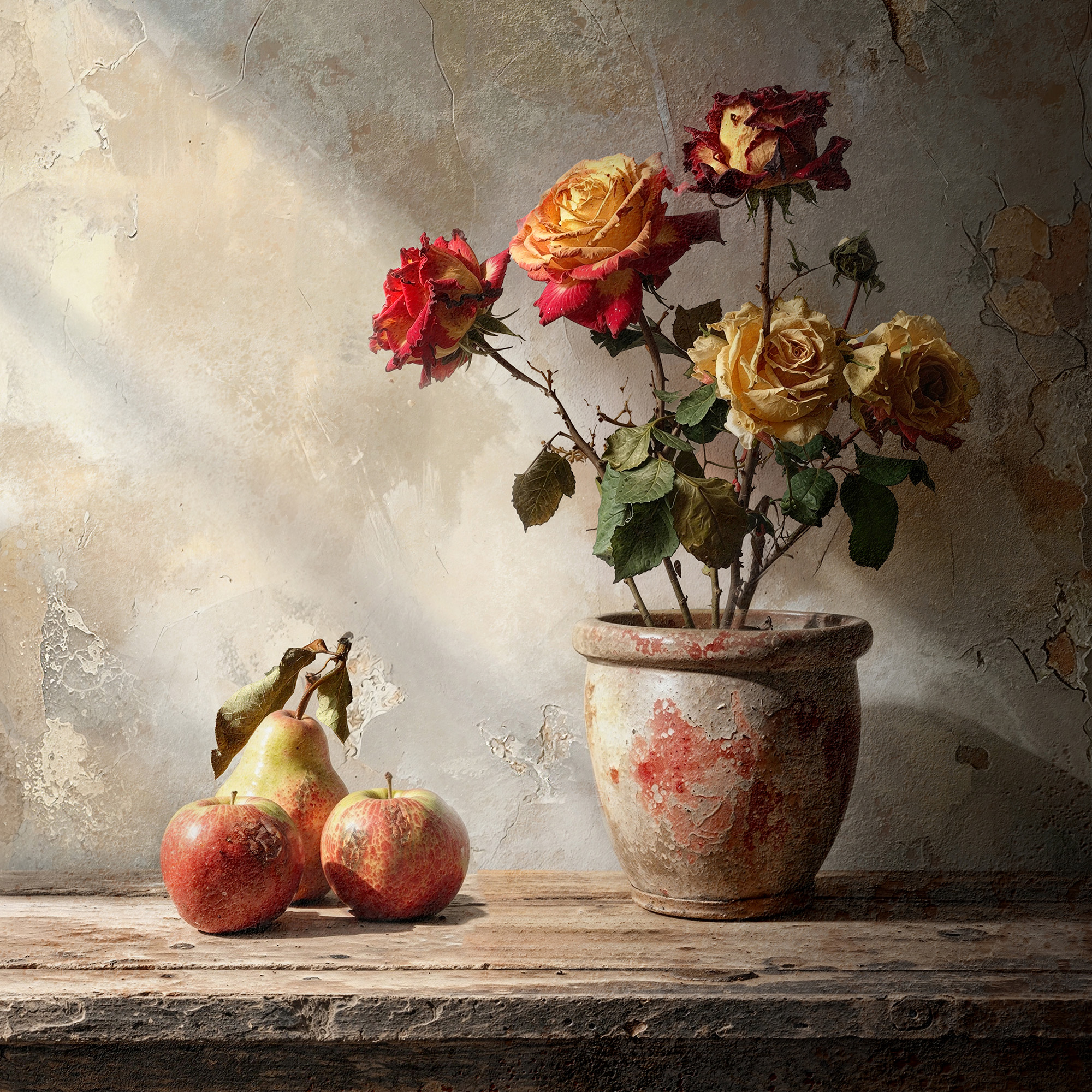
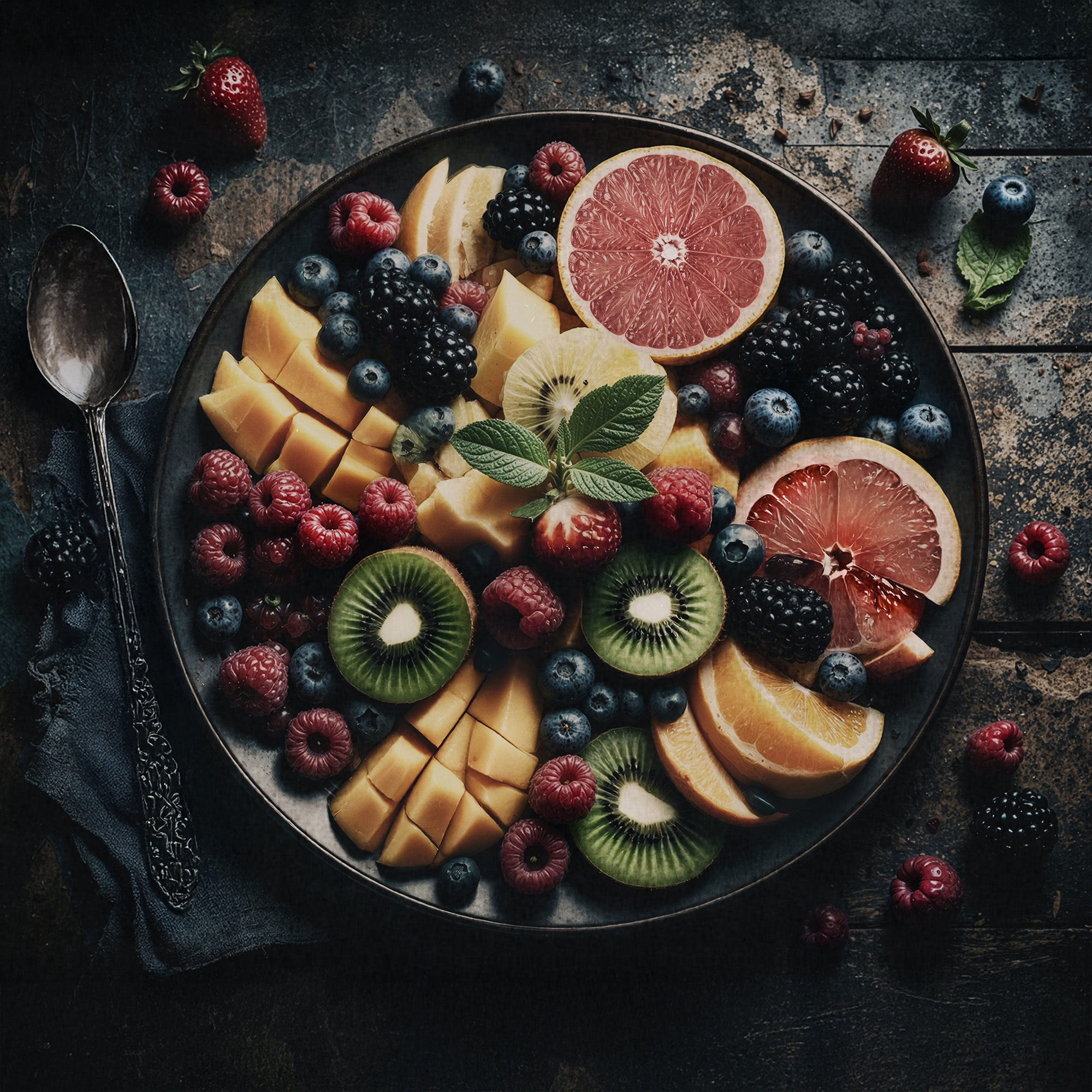
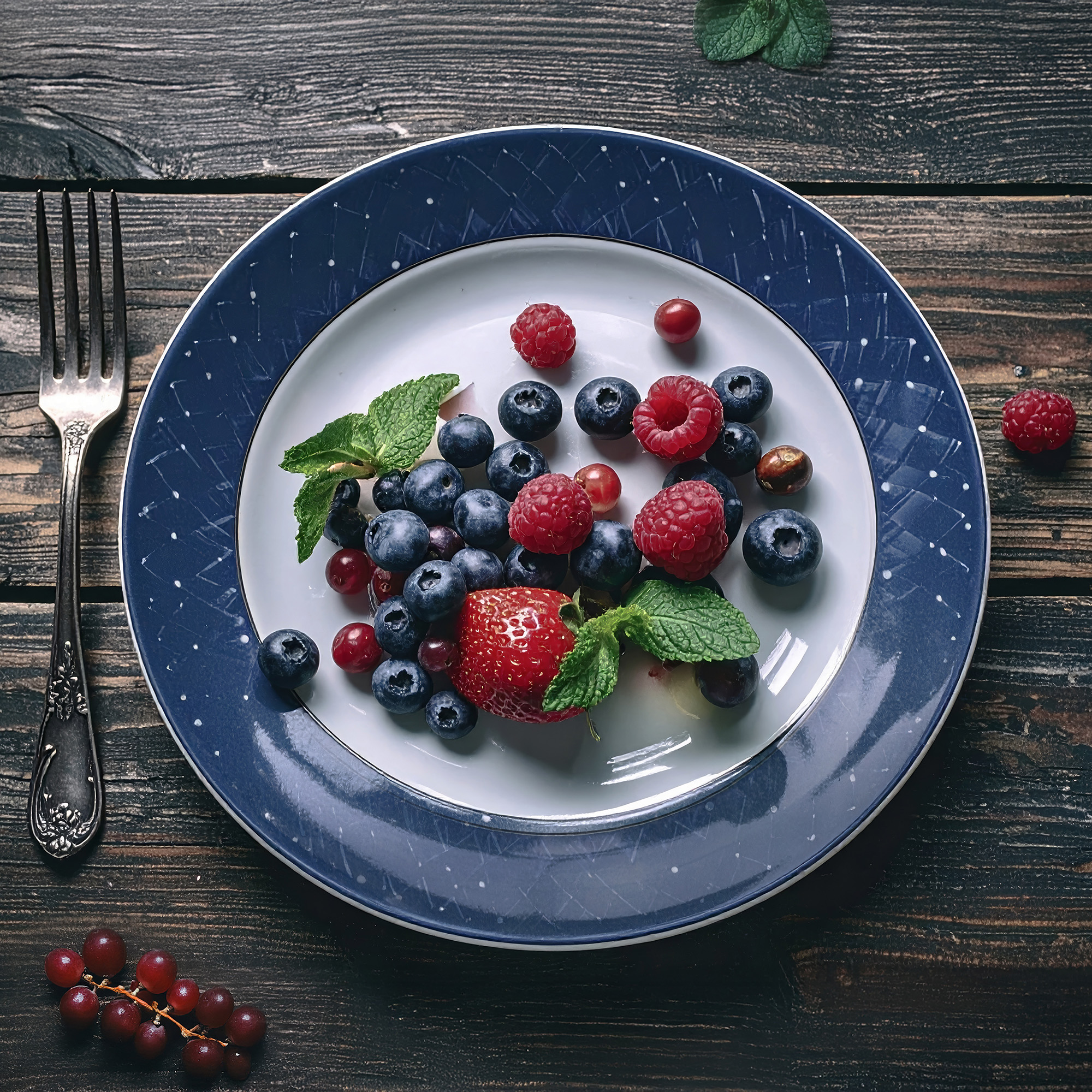
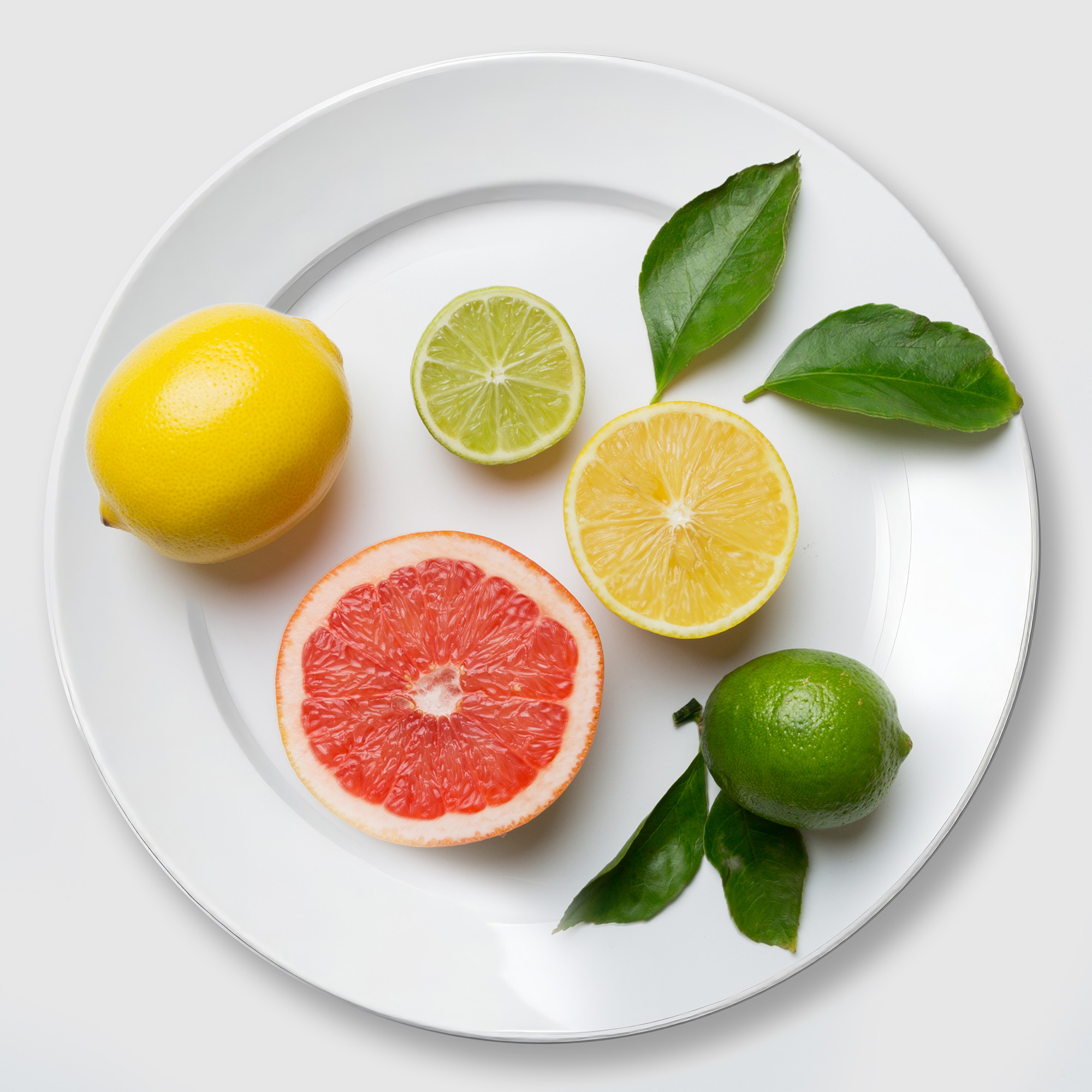
Description
This replay follows an online workshop (Photoshop workshop) presented in January 2026.
It includes the video (2 hours and 11 minutes of recordings) as well as exercise files and a PDF document.
You will receive the download links shortly after your payment (PayPal or credit card), or upon receipt of the amount in the case of a bank transfer.
From object to artwork
A fruit, a flower, a cup... behind each object lies an infinite number of possibilities. This workshop will teach you how to transform them into true works of art. Thanks to an accessible and inspiring approach, you will explore, step by step, the techniques that will allow you to reveal your own style and create works that truly catch the eye.
Workshop content:
During this session, I will guide you step by step through my creative process.
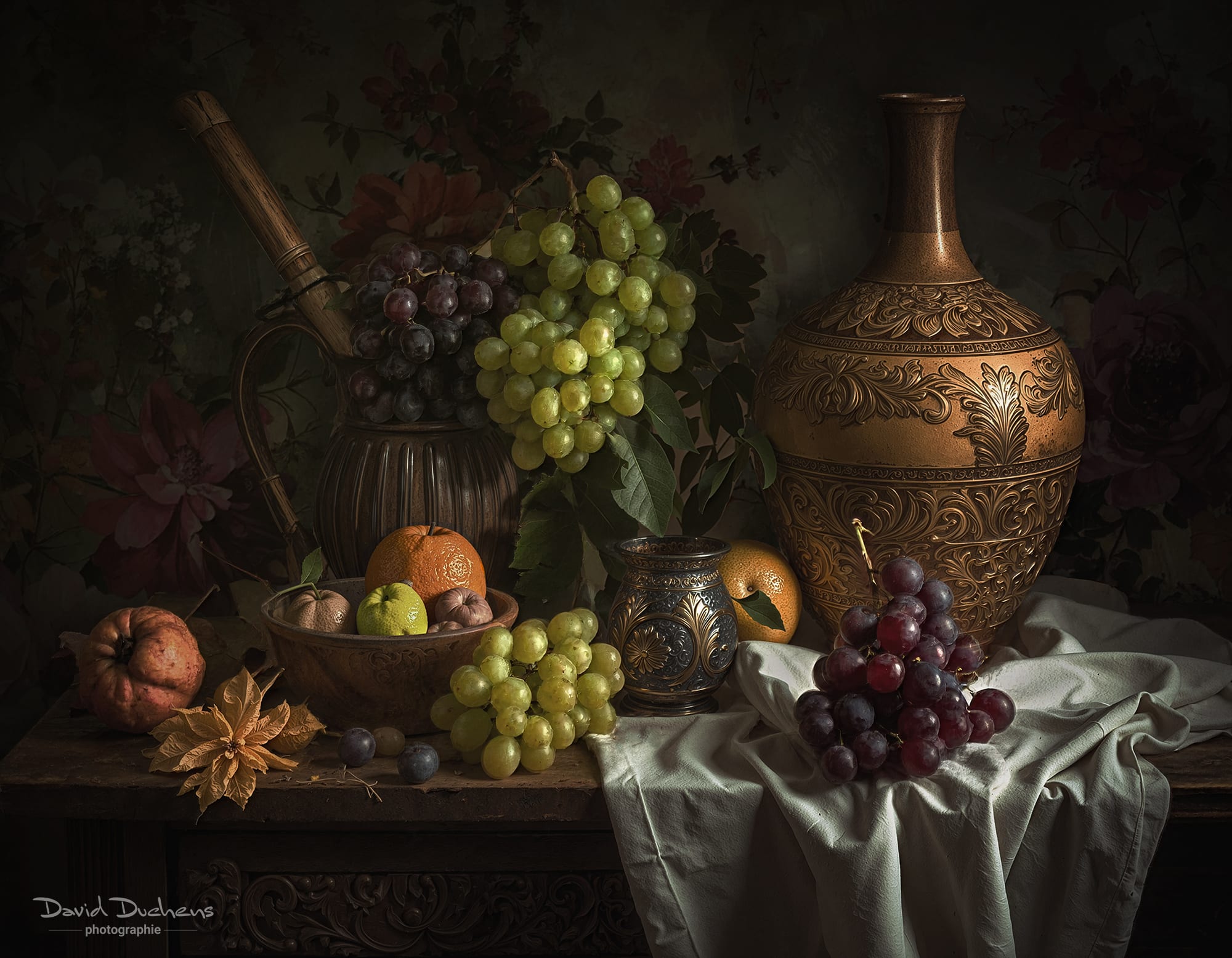
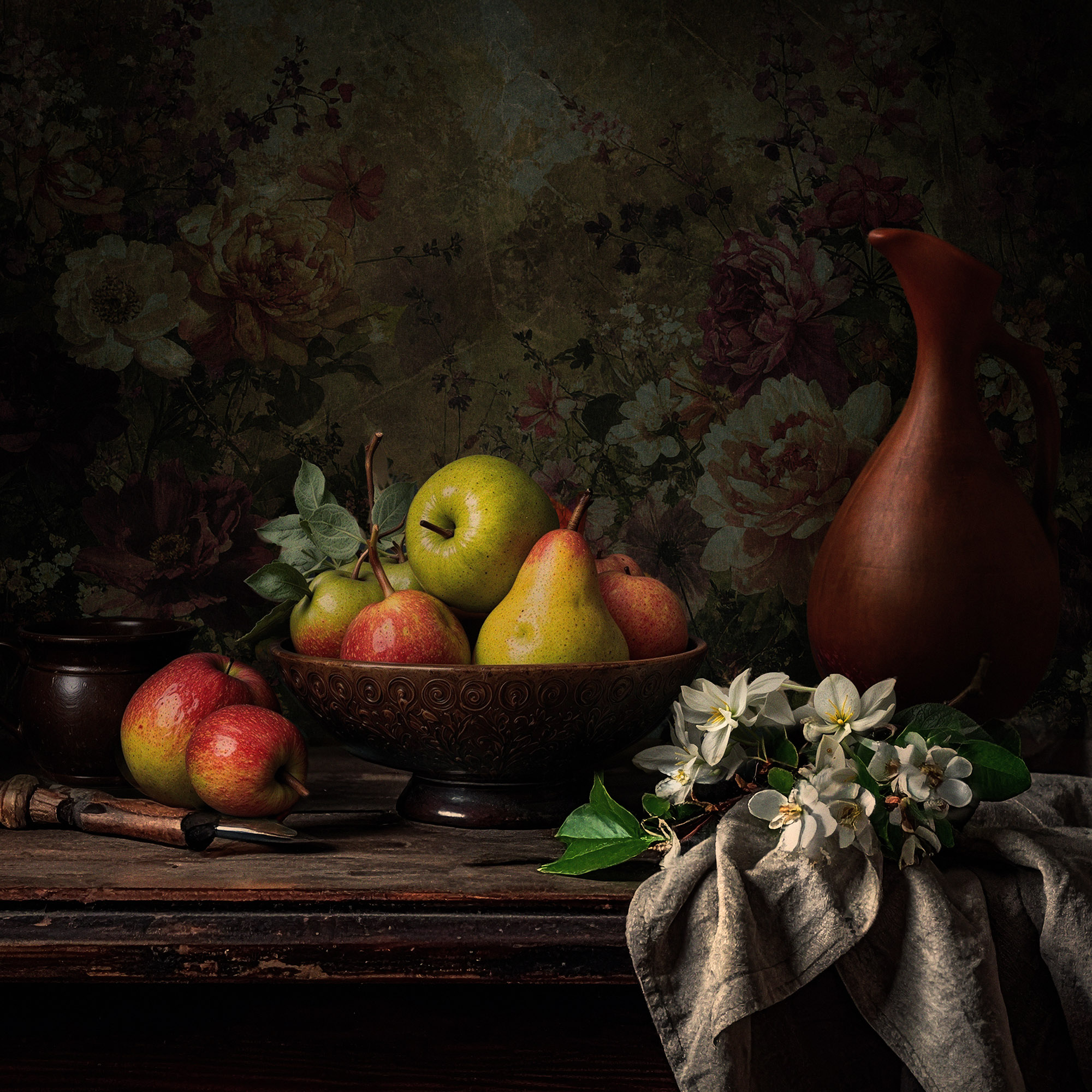
We will begin with a brief presentation of some of my images in this style, so that you can see concrete examples and better understand my artistic approach.
When I began exploring this theme, I naturally drew inspiration from my floral images. They seemed like a logical next step and complemented this new direction very well.
After this introduction, we will move on to the practical side. We will explore different methods and techniques that will allow you to create your own images, while adding your own personal and artistic touch.
Almost the entire process will take place in Photoshop. I will explain each step in detail, starting with simple source images and transforming them, changing the background, adjusting the mood, and modifying various elements.
During the session, you will learn how to:
- Create a base image from a real photo or AI-generated elements, depending on your preferences. Of course, everything we will see in this workshop can be created entirely at the time of shooting, using photographic equipment.
- Important note regarding artificial intelligence: we will not be using it in this workshop. However, it can be used to generate certain elements, but not a complete image. We will review several specific examples together.
- Build the overall composition of the image.
- Work on the atmosphere and lighting, both globally and locally (for example, by creating rays of light).
- Discover useful tips and tricks that will make your workflow more efficient.
- Using layer masks effectively: this is essential, as much of the work is done using these tools. So here we review the basics of Photoshop.
In addition, I will show you some filters and plugins that can save you time and make it easier to achieve complex effects compared to Photoshop alone.
Plugins we will explore: Nik Collection and Boris FX Optics, which offer almost unlimited variations and adjustments.
To illustrate this workshop, you will receive a comprehensive PDF document on the art of still life photography along with the video. All the essential points are covered, including composition, shooting techniques, lighting schemes, etc.
There are also 27 exercise files provided so that you can practice right after the workshop.
As a bonus, you will receive a comprehensive document on still life composition.
By the end of the workshop, you will not only understand the workflow, but you will also have the tools and confidence to create your own unique images.
Video:
This workshop is accompanied by a video.
It is recorded live during the workshop.
The video will be sent to you in MP4 format via WeTransfer after the session.
Catherine Godefroy (confirmed customer) -
I loved this training course on still life photography. It is extremely rich, precise, and full of practical tips that can be applied immediately.
What I particularly appreciated was the clarity of the explanations. Each step is explained in great detail: how to light an image, compose the scene, position each object to reveal its texture and material, and create true visual harmony.
Beyond the technical aspects, you can really feel the passion and enthusiasm for sharing knowledge. It's motivating, inspiring, and very educational.
I highly recommend this course to anyone who wants to improve their still life photography, refine their eye, and learn professional methods in an atmosphere that is both demanding and supportive.
Pierre Mestdagh (confirmed customer) -
This time, David taught us different ways to create a still life. For example, cut fruit on a plate, flowers in a vase, and other inanimate objects. What really interested me was that he showed us how to vary the lighting and emphasized how shadows can change the mood of a photo.
I also appreciate David's open-mindedness. He doesn't hesitate to use artificial intelligence if he needs something to improve his photo. He also explains how to use certain software programs such as Boris FX Optics and DXO Nik Collection to show us the many possibilities these programs offer. These programs offer us numerous variations, sometimes with a simple click of the mouse or adjustment of a slider.
In short, I have discovered many ways to find a wide range of techniques and tools that help me achieve the aesthetic I want to convey.
Patricia Gourvest (confirmed customer) -
This was my first time with David. The still life training is very rewarding; it allows you to bring photo montages to life with the interplay of shadows and light. A great opportunity to share, training for all levels.