
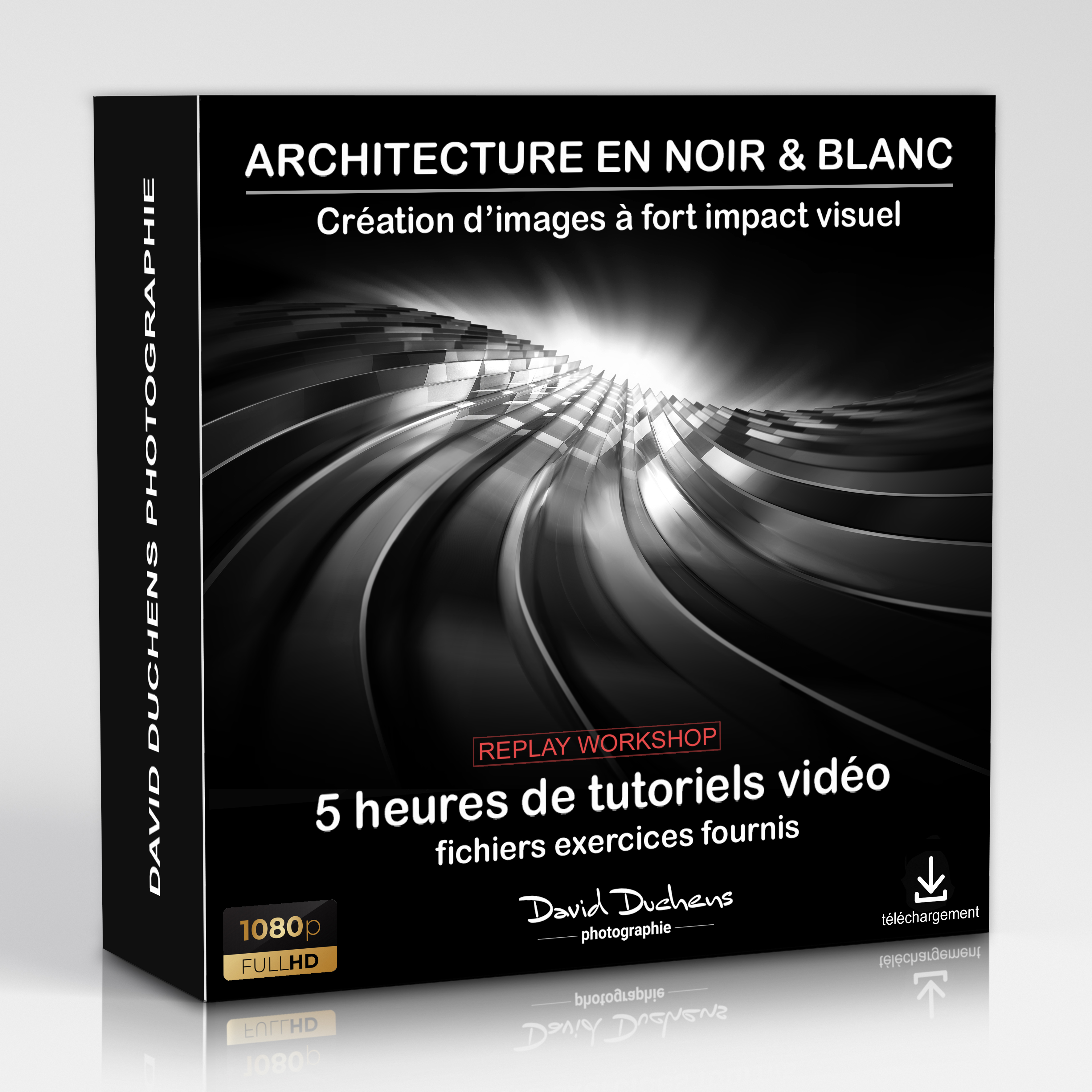
Online workshop - Architecture Fine Art in black & white (REPLAY)
149,00€
THIS WORKSHOP IS AVAILABLE IN FULL REPLAY
(2 videos and exercise files provided for download - Full HD)
5 hours of lessons in total
This tutorial is presented in French only
Price includes VAT for 1 person
Prerequisite: knowledge of Photoshop basics
(see description below for more details)
This replay follows an online workshop (Photoshop workshop) presented in May 2024.
It includes the videos (just over 5 hours of recordings) as well as the exercise files.
Download links are usually sent to you within a few moments of payment (PayPal or credit card), or on receipt of payment by bank transfer.
Join me for this online workshop dedicated to architecture in black and white, and which is the most comprehensive since I began organizing this type of workshop.
The Fine Art style will no longer hold any secrets for you, and will enable you to create unique images with strong visual impact.
For the first time, I've brought together all the knowledge I've acquired over the years in this comprehensive workshop.
Indeed, I've always enjoyed trying out new approaches and learning new techniques. Sometimes I've also used some new plugins.
In recent years, I've also been lucky enough to work with some great specialists and artists.
Workshop content :
- Introducing this image style: I'll briefly explain my technical and creative approach to these monochrome images.
- Shooting conditions: I'll give you tips on how to get the best possible images for initial retouching, starting in the best possible conditions.
- Opening images in Photoshop: at this stage, a few additional adjustments will be made to the image.
- The tools you'll need: we'll review the main tools we'll be using to create (including selection tools, blend masks, adjustment layers, dynamic objects and filters). There are many possibilities and choices when using Photoshop, but here I'll suggest some simple and effective ones.
- Preparing selections: this is where the creative process begins. Here you'll learn how to make your choices, by selecting different areas of the image, and thus prepare it for the following stages.
In this workshop, I will introduce several selection techniques, depending on the complexity of the subject to be cropped (geometric selection tools, alpha layer, mask mode, pen tool).
To do this, several basic photos will be used and explained in detail). - Creating lighting effects: you'll learn the different techniques for creating lighting effects for this style of image.
Different possibilities will be explained, depending on the materials and textures of the architectural elements. - Replacing the sky: if the sky is present in the composition (which is almost always the case), you will learn how to replace it.
As the sky is an important element in the creative process, several effects will be explained. - Creating the overall mood: at this stage, we'll explain a number of techniques for creating the final mood of the image. We'll be working on contrasts in particular.
In this workshop, I'm also adding the creation of lighting effects through the use of ray-brushes. - Corrections and finalization: this is where you'll make any minor alterations. I'll also teach you two additional techniques for fine-tuning the lighting effects. Finally, I'll give you a few tips for improving certain aspects of the image.
- Using plug-ins : although they're not necessary for image creation, over time I've discovered software that lets you create or add interesting effects (Boris FX Optics, Flood 2). I'll show you how they work and what they can do.
- Artificial intelligence : recently added to Photoshop, generative filling offers infinite creative possibilities. I'll give you a demonstration.
How the workshop works :
This workshop is held online (via the Internet), and live. The ZOOM videoconferencing application will be used. The connection is established in just a few clicks. You don't need to create an account or subscribe to Zoom to take part in the workshop. An invitation link will be sent to you by e-mail before each session. You will then simply be asked to download the application, in order to get access to the user interface. It's very easy to learn. Don't hesitate to contact us if you have any questions.
Course video :
This workshop is accompanied by 2 videos.
They are recorded live during the course,
The videos will be sent to you in MP4 format and in Full HD, via WeTransfer, after each course.
Work files :
The image files used during the 2 sessions will be sent at the same time as the videos.
4 reviews for Online Workshop - Architecture Fine Art in black & white (REPLAY)
Only connected customers who have purchased this product can leave a review.
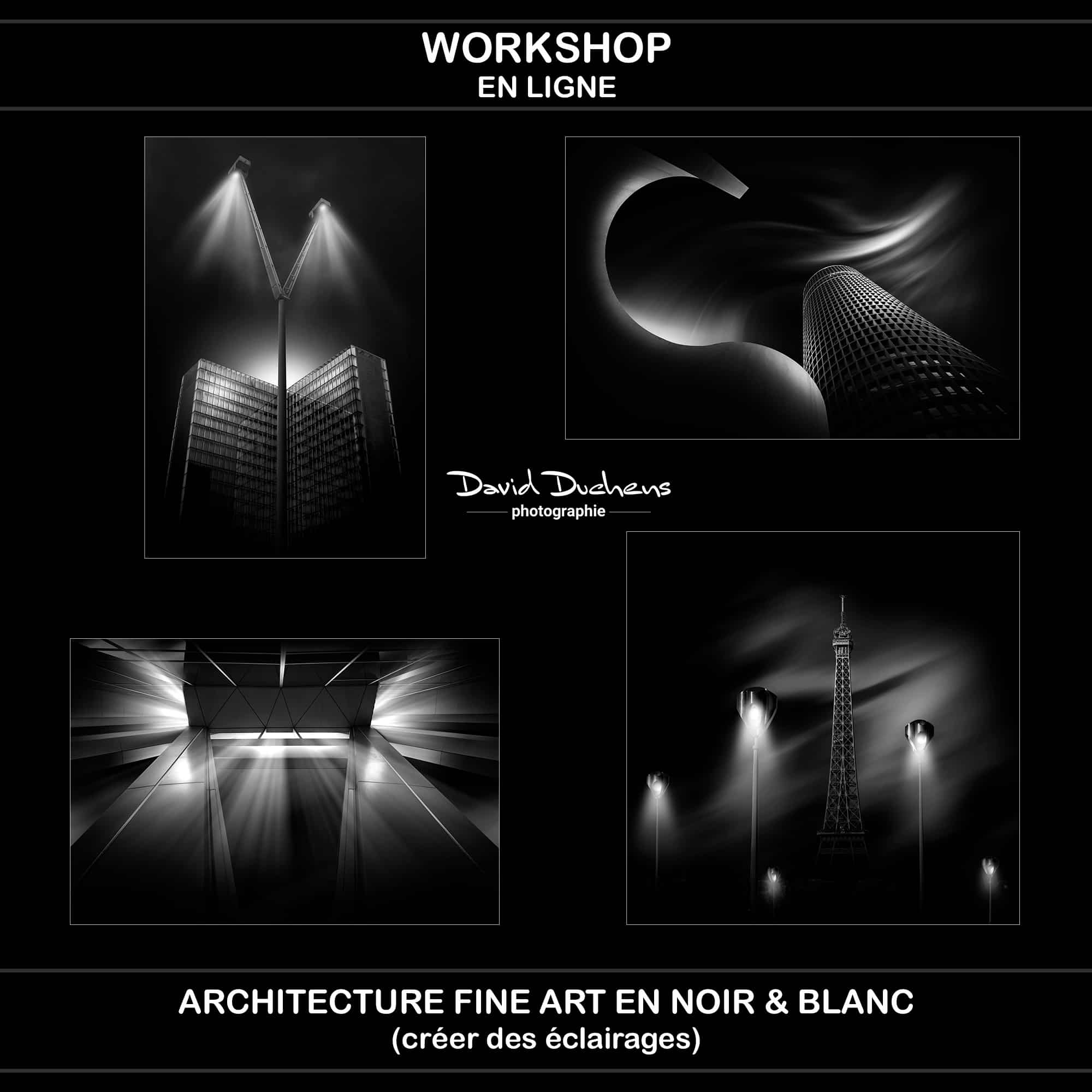
A few examples
(Click on thumbnails to enlarge)
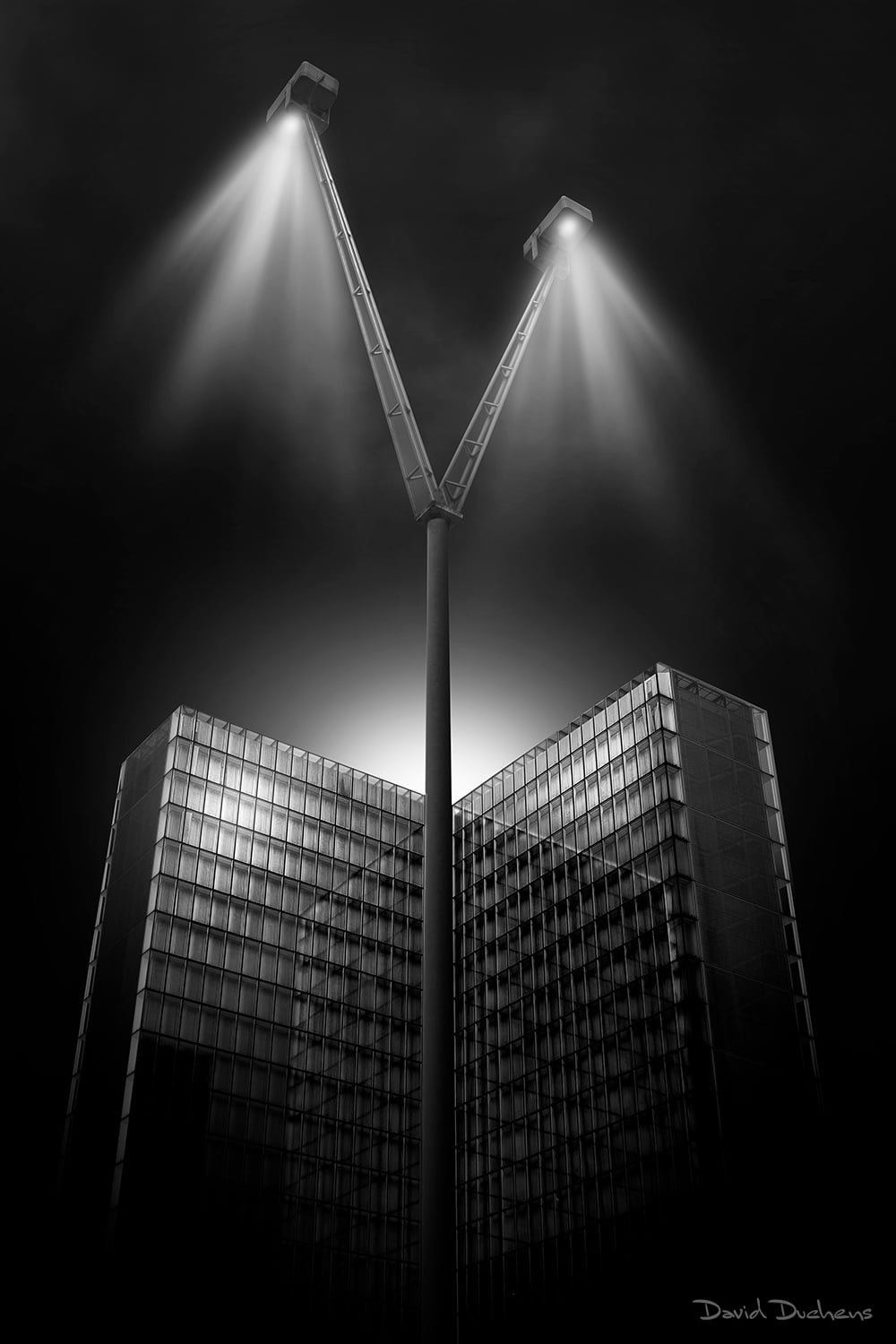
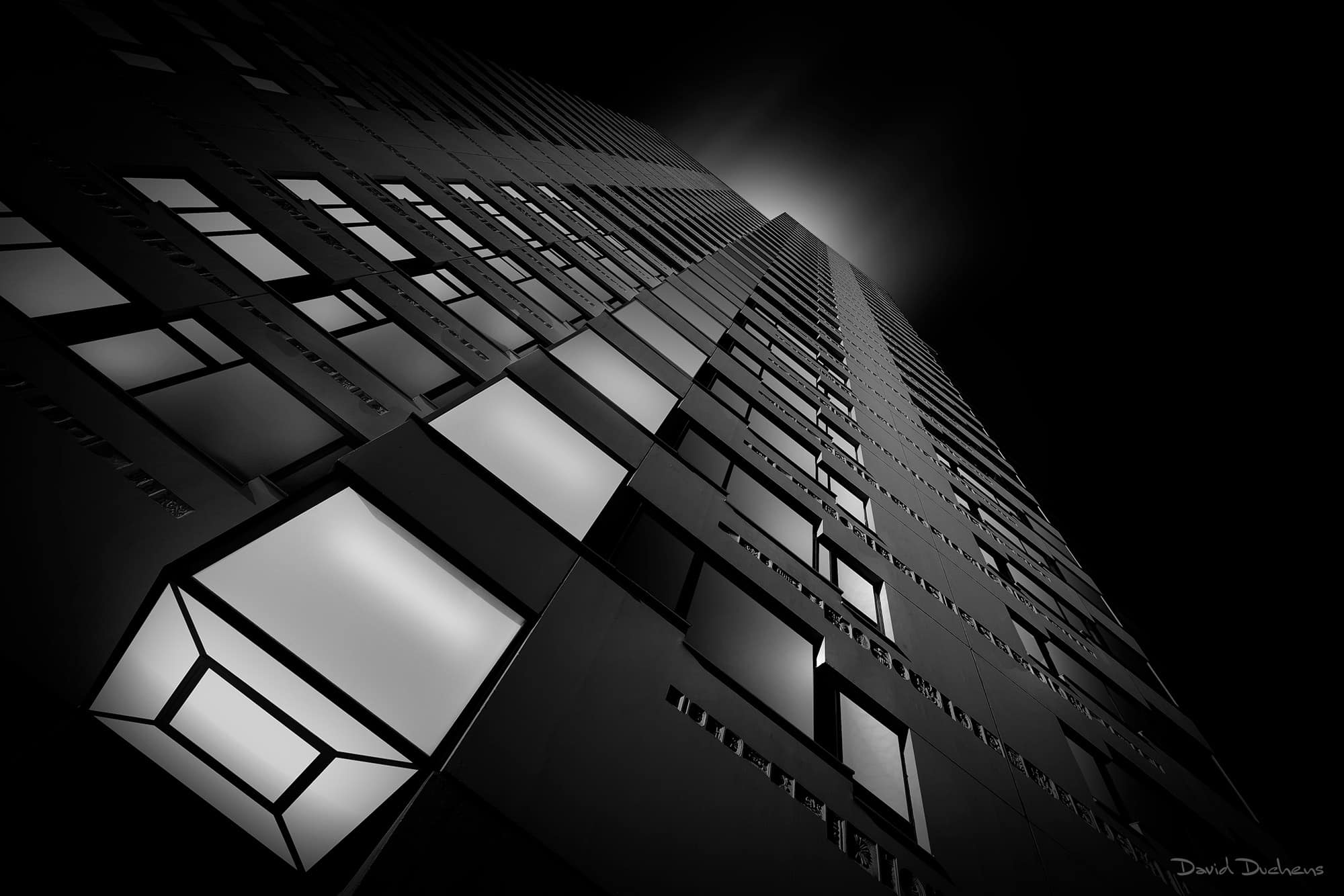
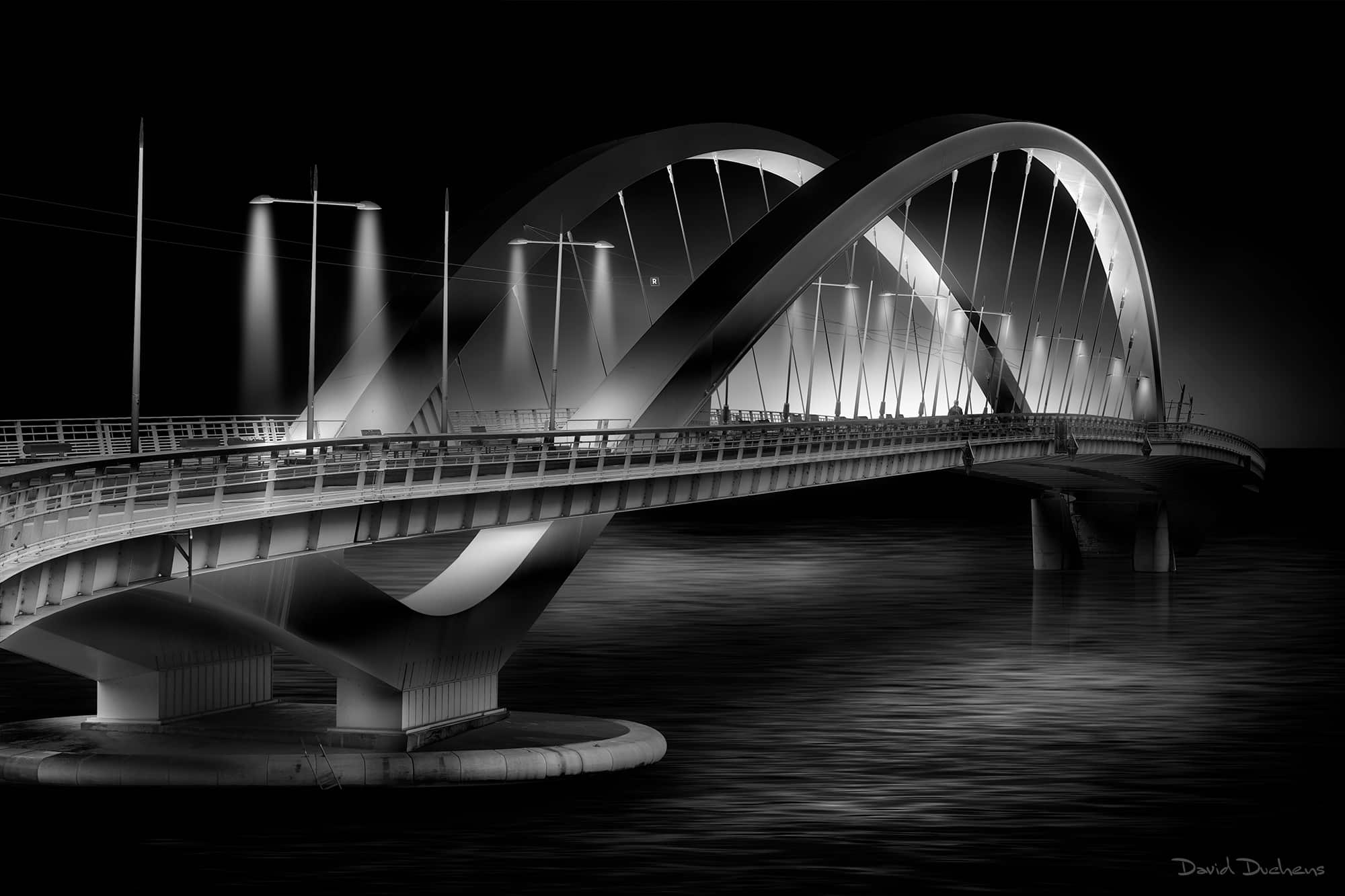
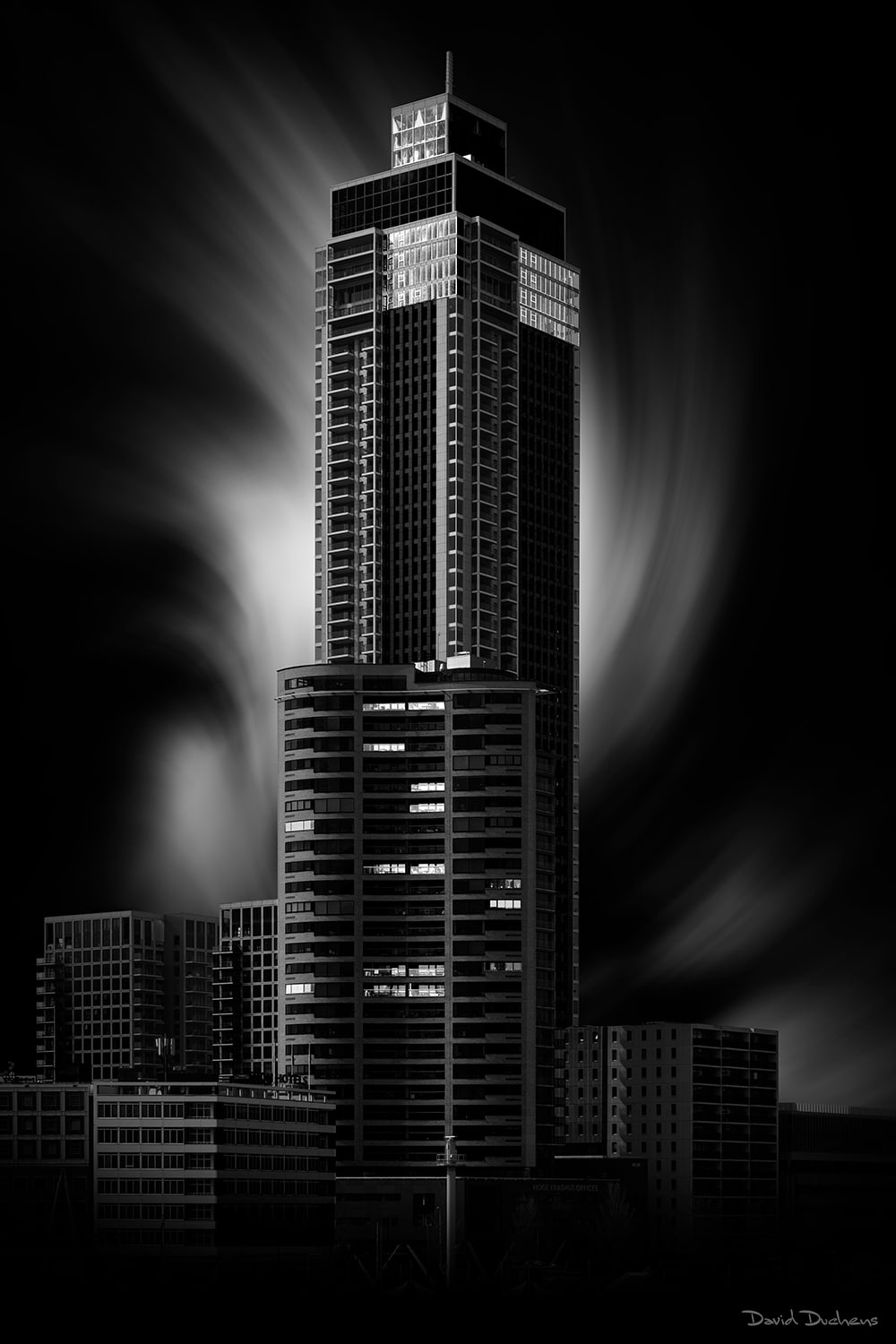
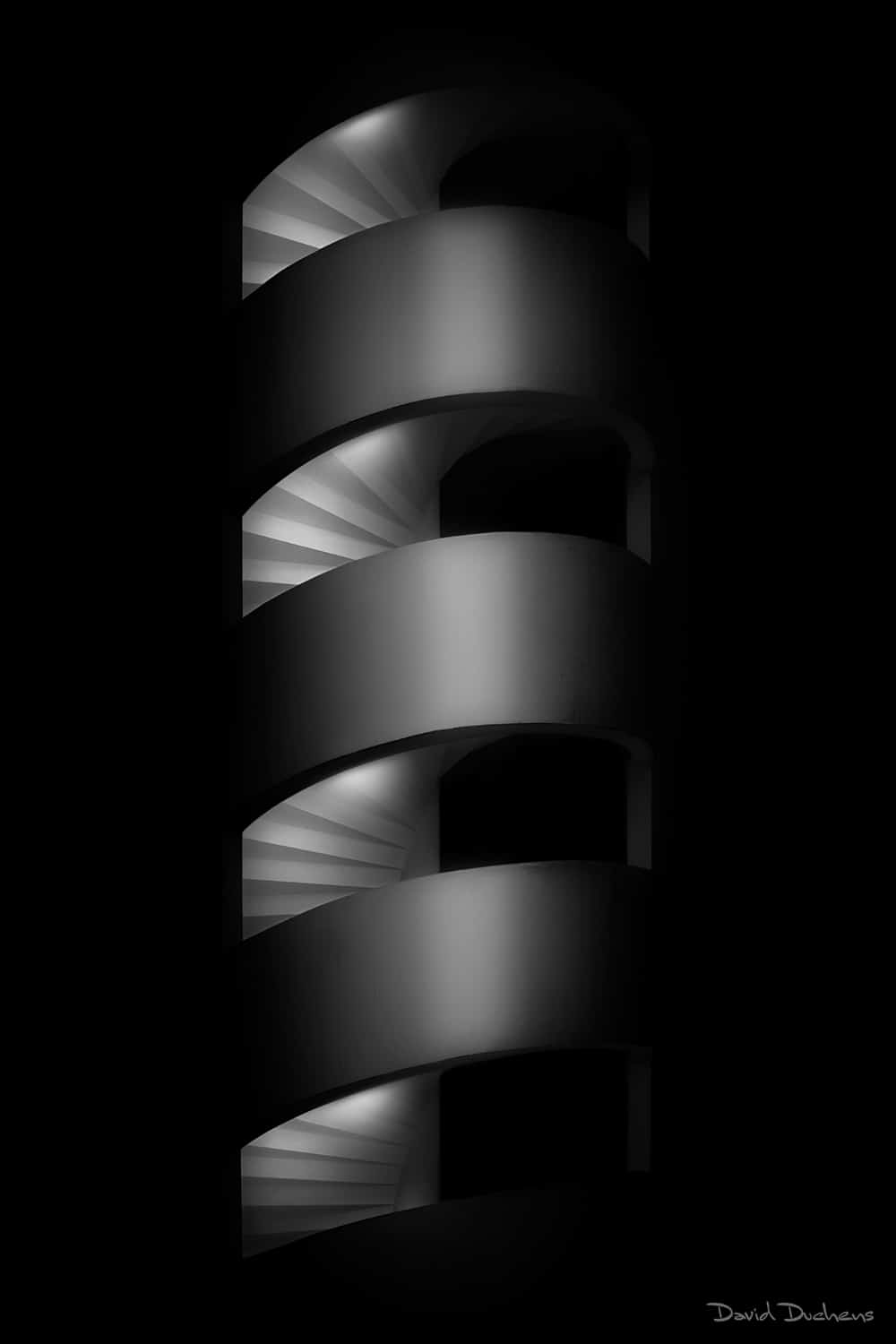
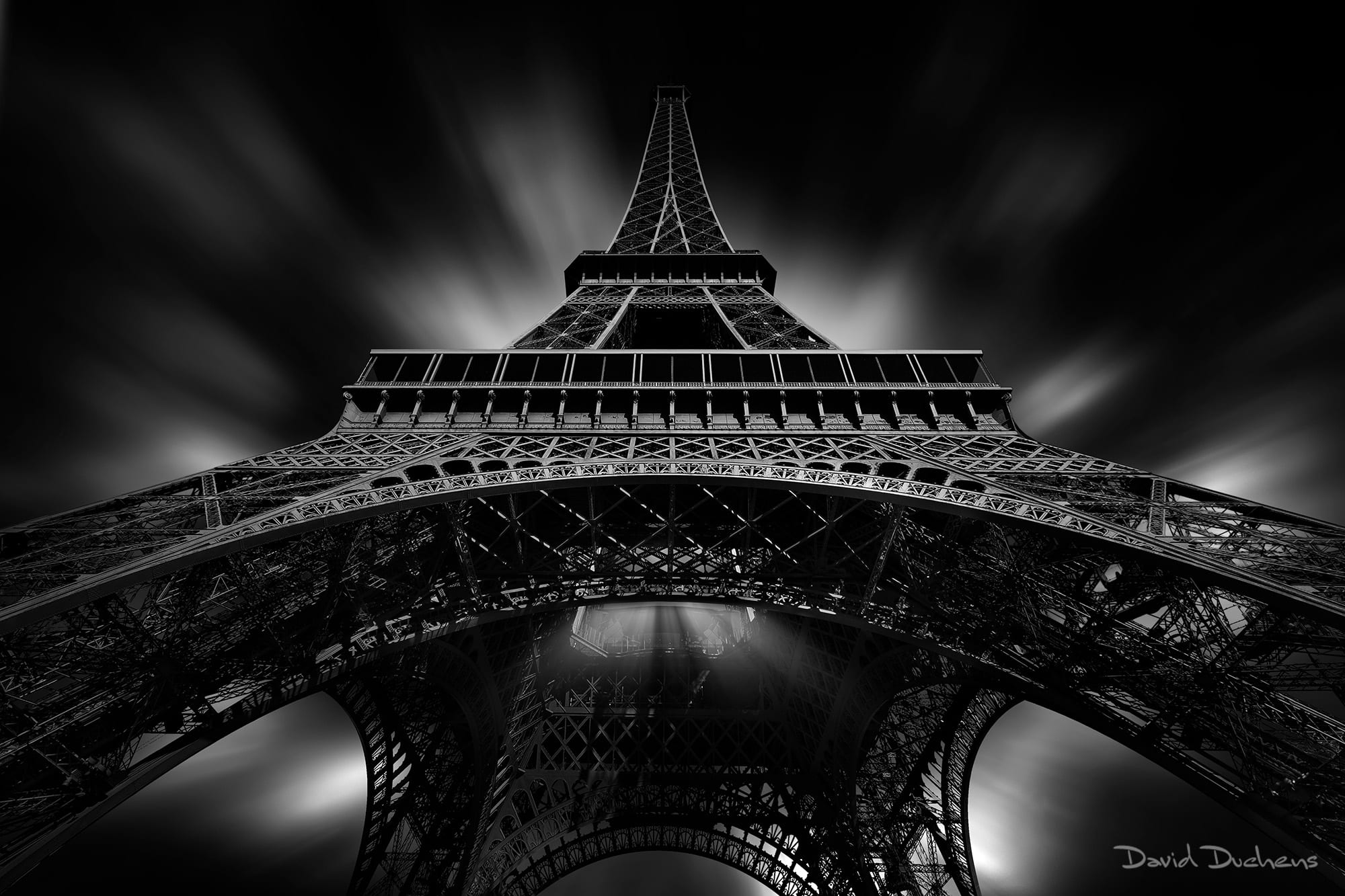

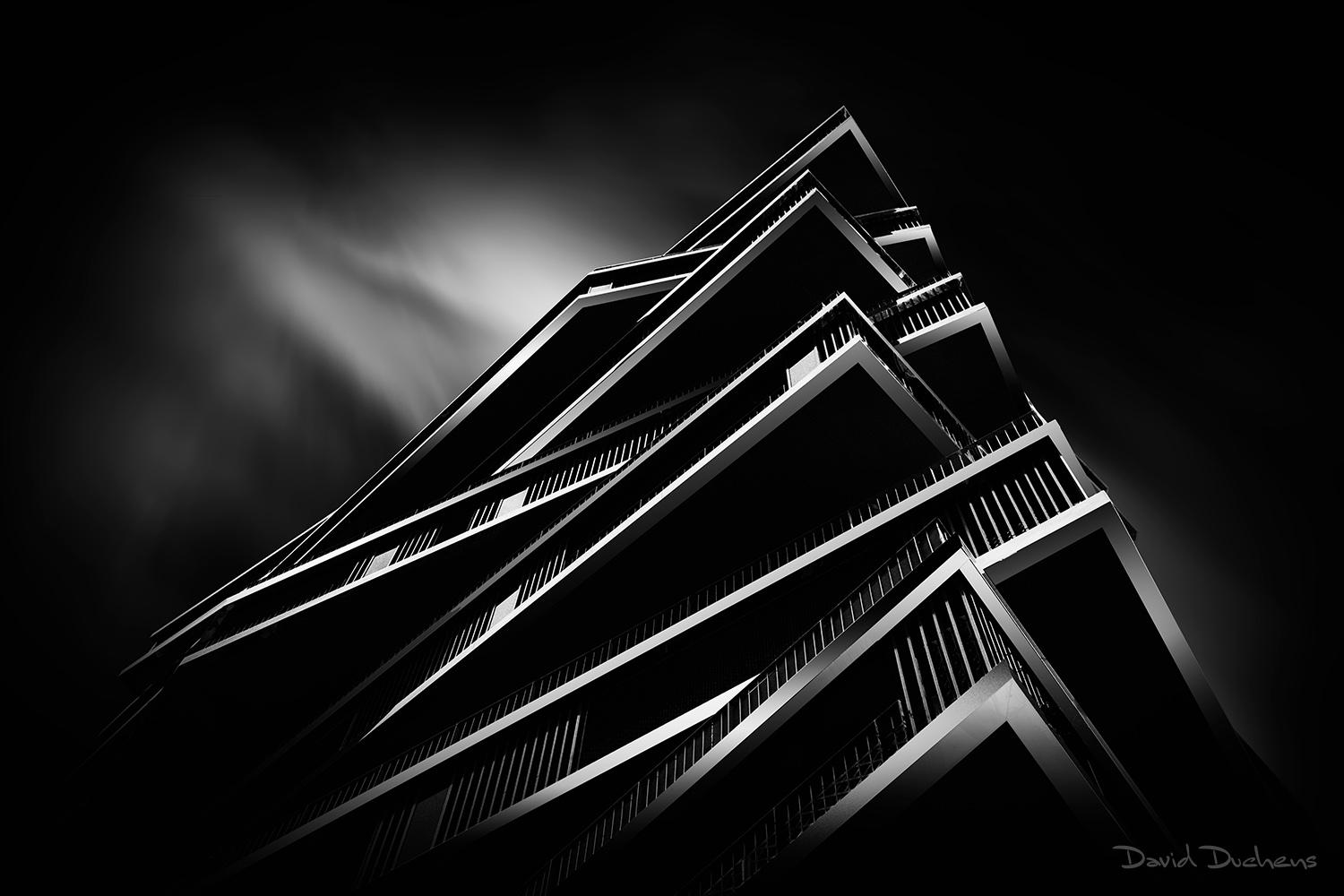
Before / After
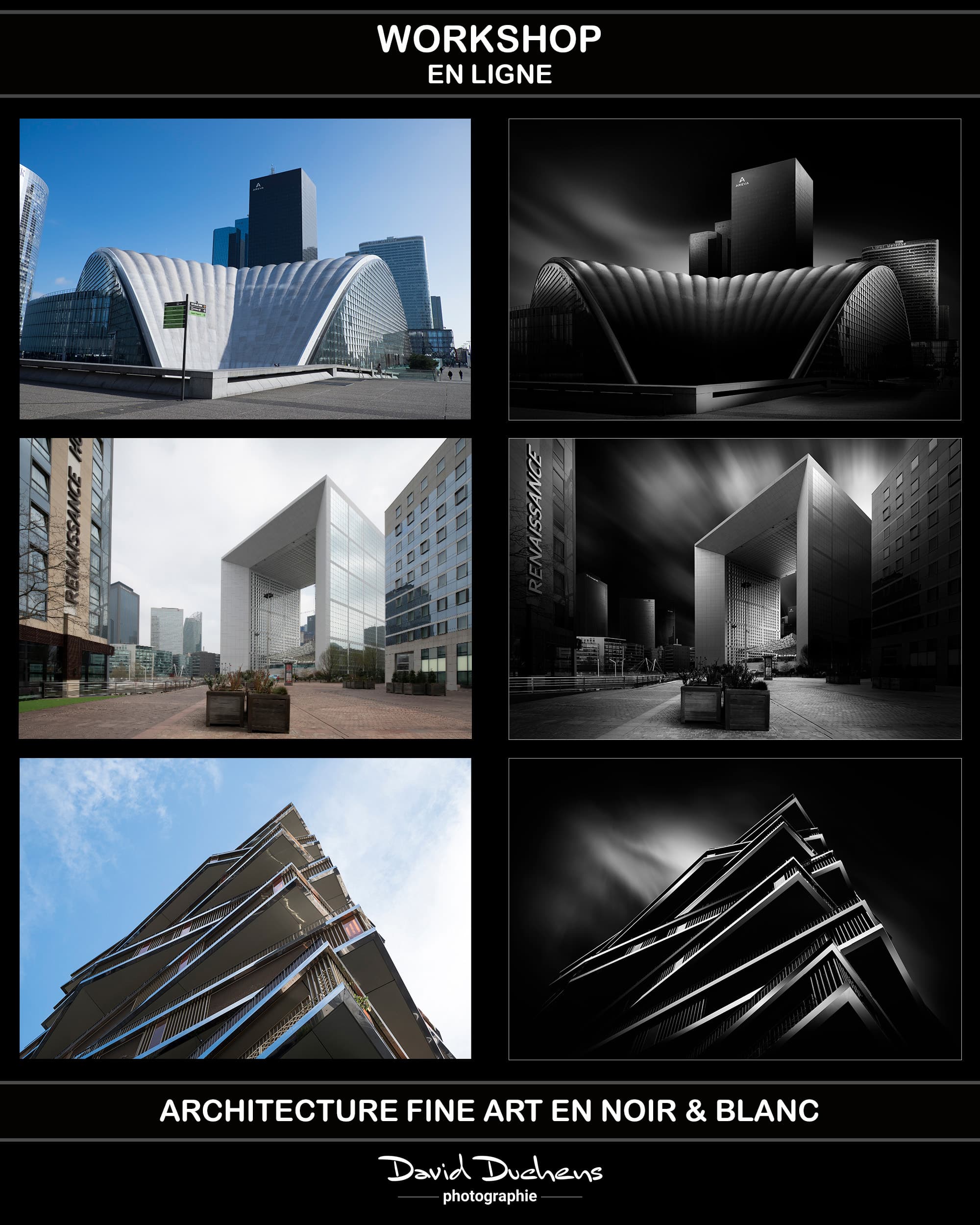
Creating lighting
Antoine Bergeal (confirmed customer) -
Thank you David for this workshop. You played down my anxiety about Photoshop difficulties, mainly due to my lack of proper training (just a book that wasn't very good at first and a few mini-tutorials on YouTube). I was able to see, especially during the first session thanks to your examples, that with a minimum of reflexes to acquire, particularly on the definition and use of layers, things become easier to understand and use. I quickly spotted what was wrong with my work and understood many of my mistakes. I didn't even need to ask a lot of questions, as you showed me exactly what to do. Now I'm using the videos you sent me to start again, testing at my own pace, as you've already seen.
Capy Heredia (confirmed customer) -
I was lucky enough to follow it live! A real compendium of technique, artistry and pedagogy, with the simplicity of David Duchens. Thank you for reconciling me with Photoshop. Your work is excellent. See you soon!
Michel Lacroix (confirmed customer) -
On May 5 and 19, 2024, I took part in an online WorkShop with David Duchens entitled Architecture Fine Art Noir et blanc.
I confess I'm a beginner in this field, which attracts me with graphics to highlight, lighting to adjust, perspectives to straighten and contrasts to optimize.
I was very dubious. I learned a lot about the methods used, the tools to use and the masks to apply.
Well done to David, who remains very pragmatic, accessible and educational in his explanations.
The support provided after each session makes it possible to go further and take the time to progress.
Pierre Mestdagh (confirmed customer) -
I was initially very impressed by David Duchens' superb architectural photos. They are truly works of art, thanks to the author's open mind and mastery of Photoshop. My hope was then to be able to produce photos that would come close to this refined style.
As soon as I heard that this photographer was organizing a Zoom workshop on black and white architectural photography (he also does some in color), I immediately signed up. It's true that the price is a bit steep, but the very high quality of this two-session workshop, lasting over three hours each, more than justifies it, especially as you receive a video recording, photos and a long PDF explaining step-by-step the procedure for taking this type of photo. David Duchens explains clearly, patiently and with answers to every question, from how to take the photo to each step in processing it in Photoshop. I was amazed by the fact that he achieves such a majestic result using just a few of the software's simple tools, which makes the job so much easier for an amateur like me.
What I also particularly liked was that you could sense David Duchens' great passion for this type of photography, which he has mastered, while retaining a great deal of modesty despite his notoriety in this field. At the end of the workshop, he even continued to answer questions at length, without showing the slightest impatience. He never seemed to want to stop, and it was the participants who suggested that we bring the long conversation to a close.
In short, I suggest that any photographer who wants to produce beautiful architectural photography should sign up for a David Duchens video course or workshop. It's undoubtedly the best way to make great progress, and to save time, both artistically and in the use of certain Photoshop tools. It's the quickest and most effective way to enrich your photographic skills.