
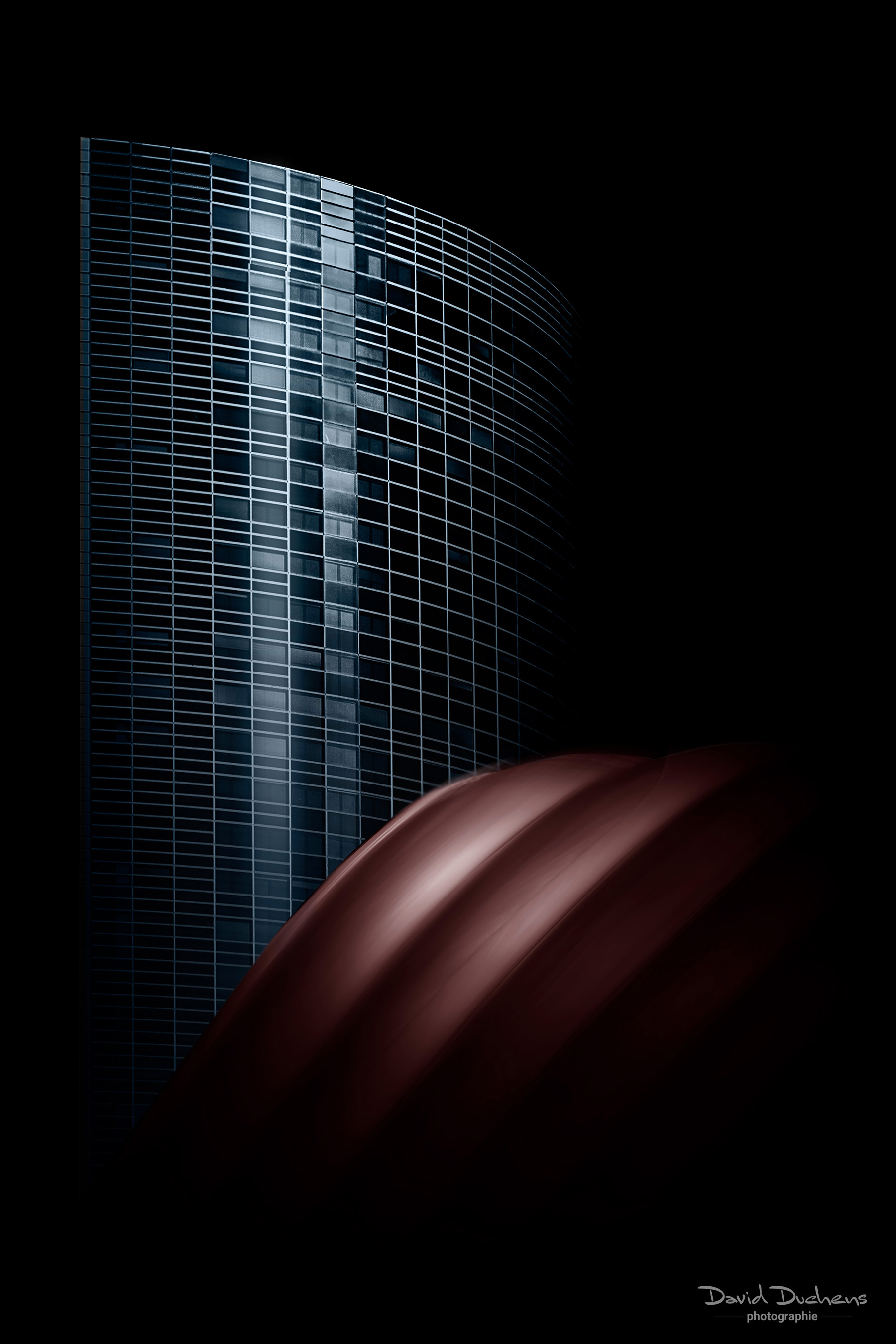
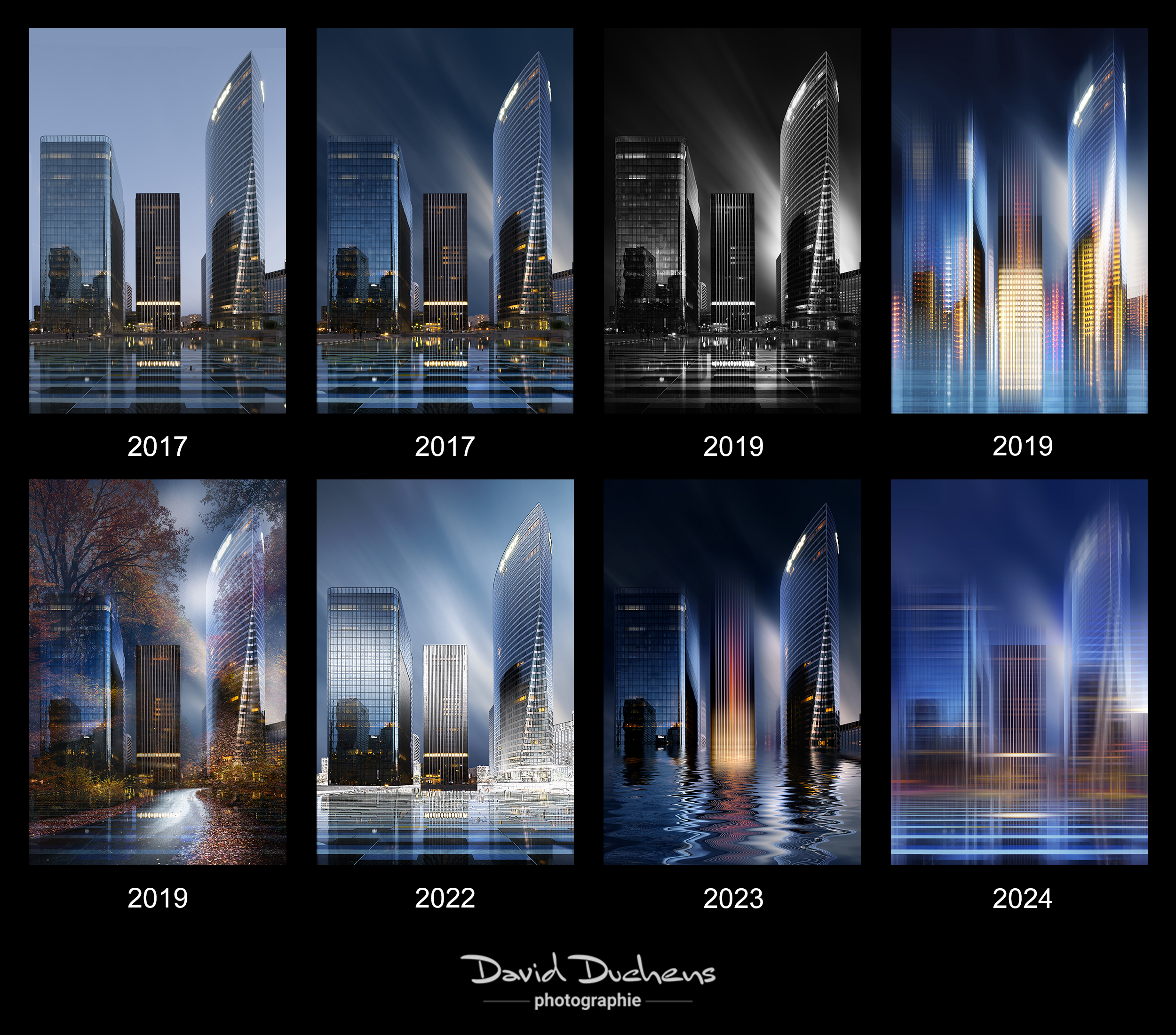
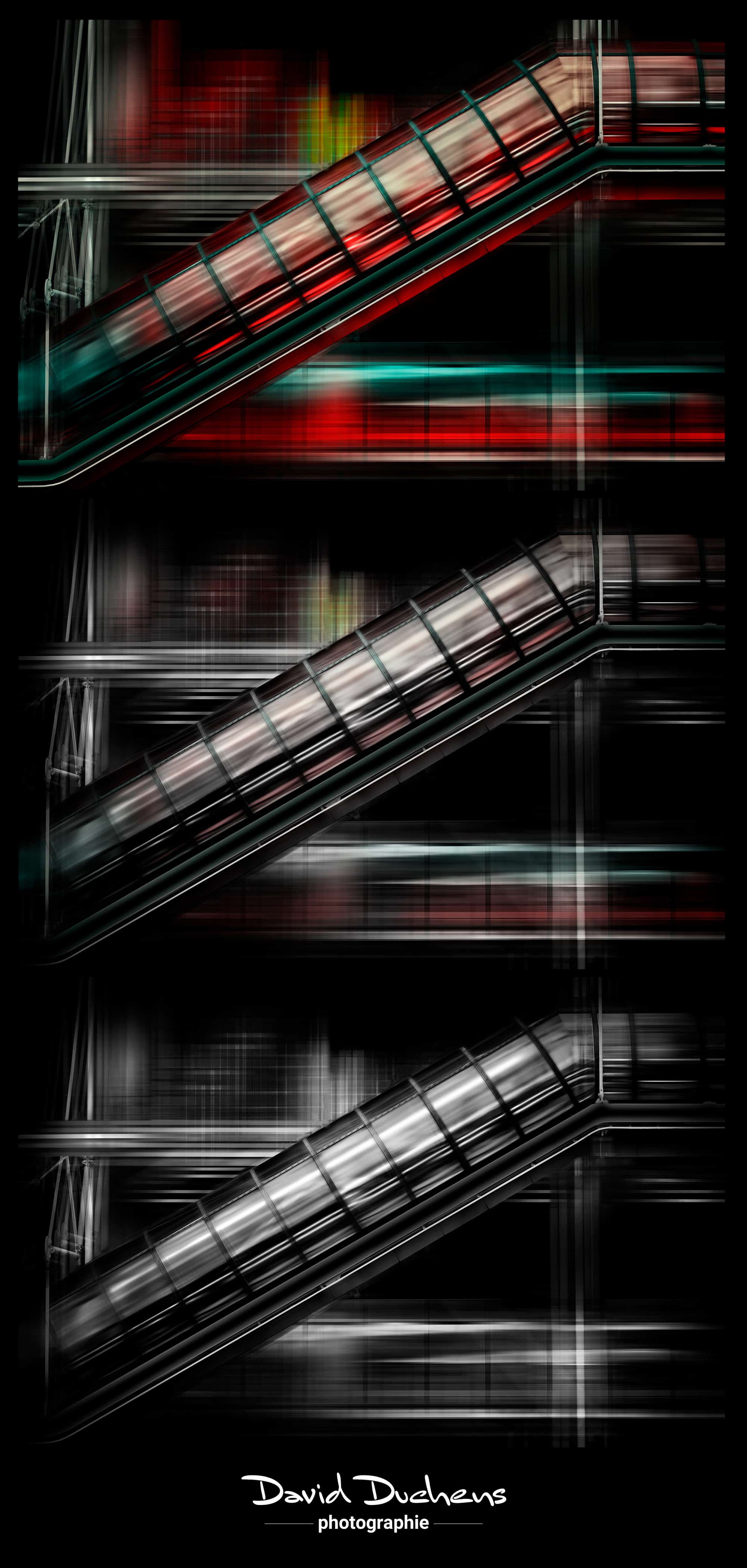
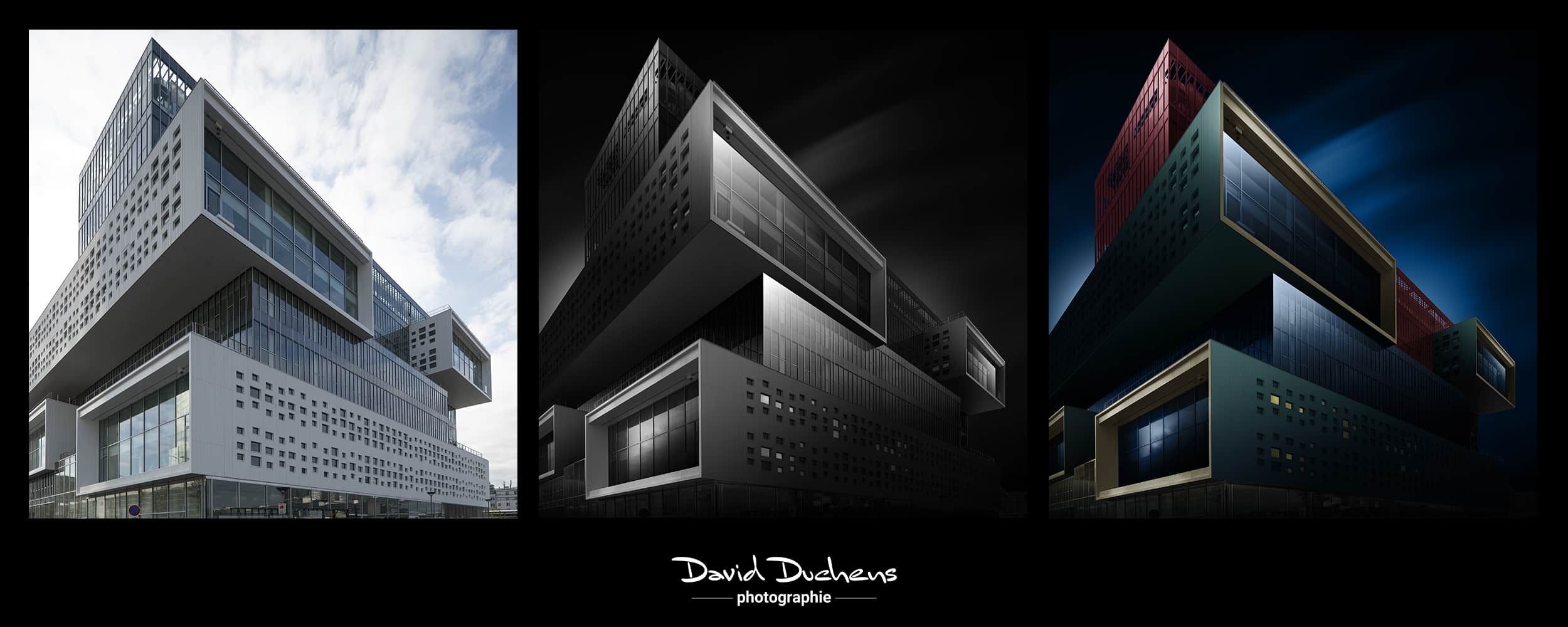
Description
This replay is based on an online workshop (Photoshop workshop) held in December 2025.
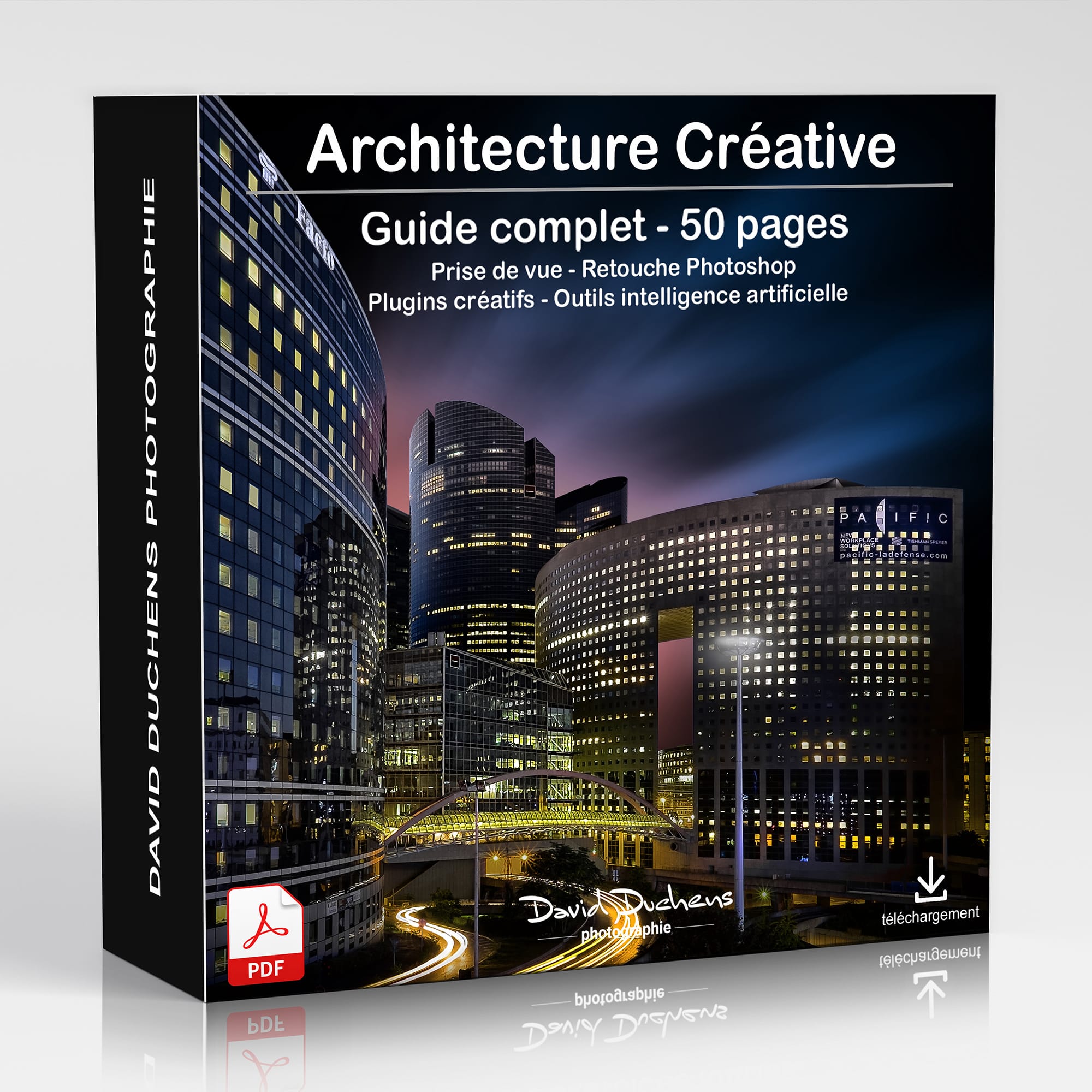
It includes the videos (3 hours and 24 minutes of recordings), as well as the exercise files and a 50-page PDF document.
You will typically receive the download links shortly after your payment is processed (via PayPal or credit card), or as soon as the payment is received if you paid by bank transfer.
Join me for my brand-new online workshop, entirely dedicated tocreative architecture.
A unique workshop, rich in discovery, advanced techniques and inspiration - designed to stimulate your eye and develop your creative photographic practice.
What makes this workshop unique:
With each new workshop, I like to offer you innovative approaches and tools, based on my most recent experiments.
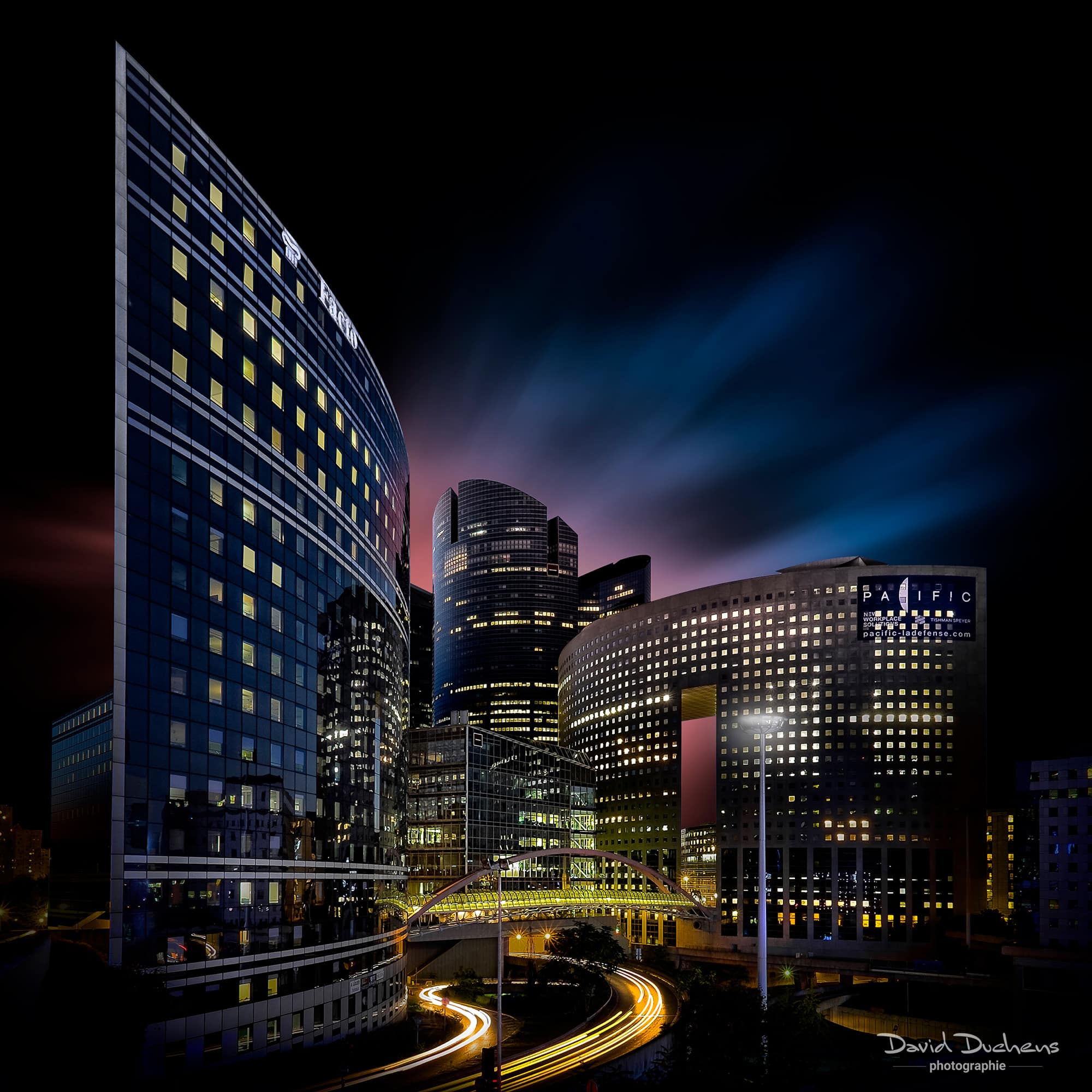
And this time, I've got a number of exclusives in store for you: new selection techniques, new black & white work, original movement effects, and above all, a simplified use of the Pen tool in Photoshop.
This workshop is a logical follow-up to my video tutorial on black & white architecture.
On the program:
The Plume tool, finally available
Often dreaded, this tool here becomes a creative ally.
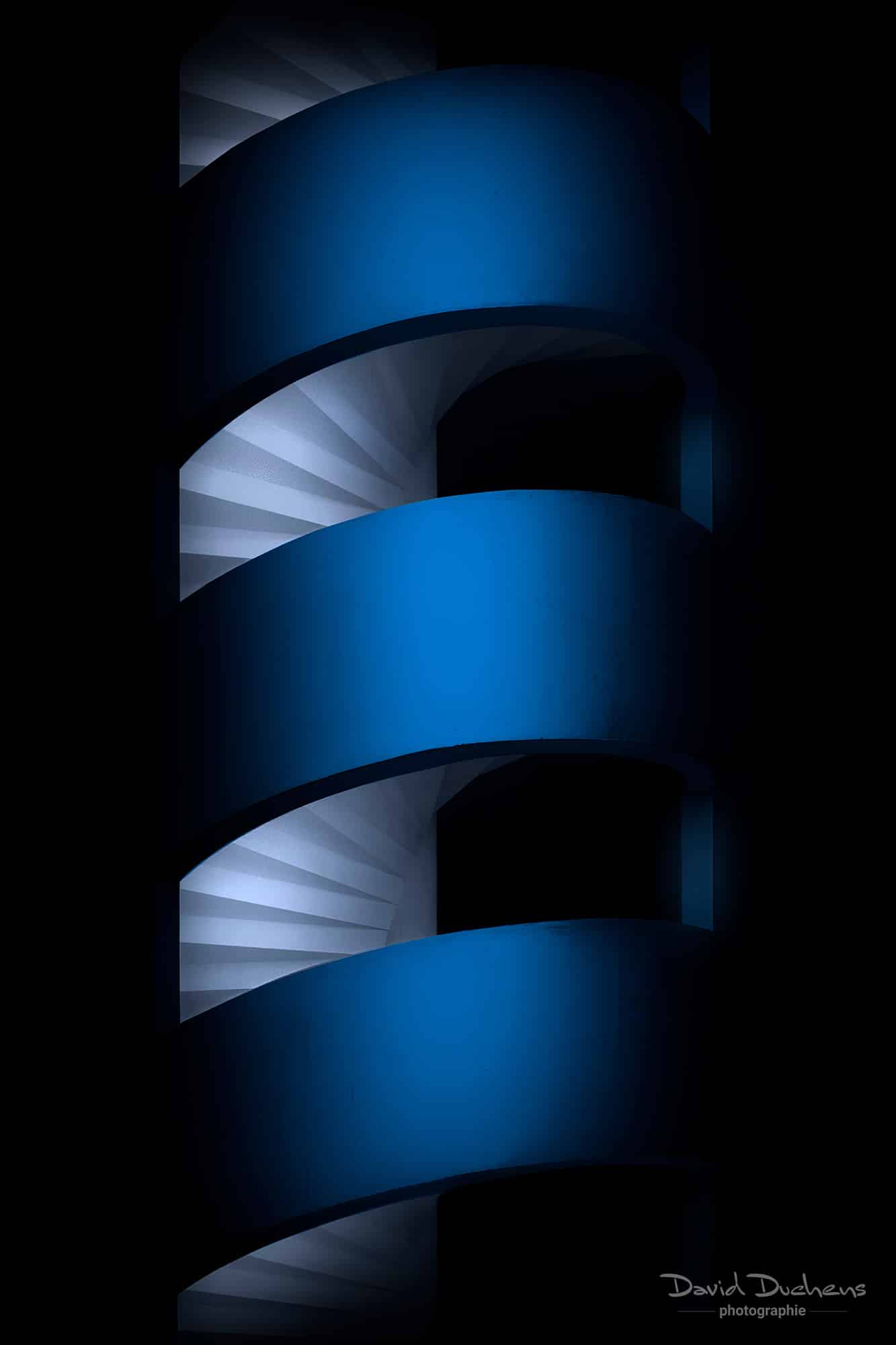
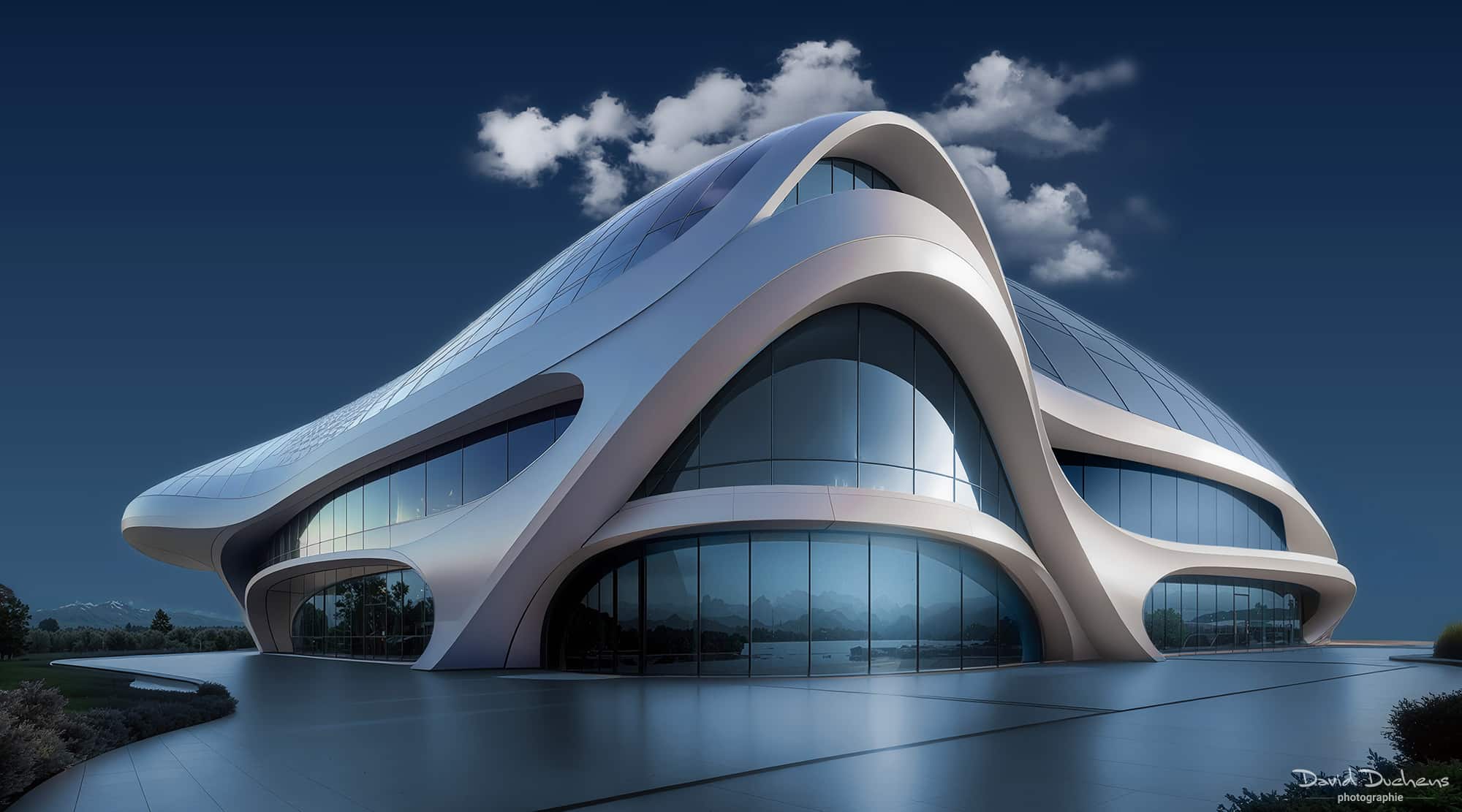
I'll show you how to use it easily with an image of futuristic architecture, dominated by curves and fluidity.
A new, ultra-fast selection method
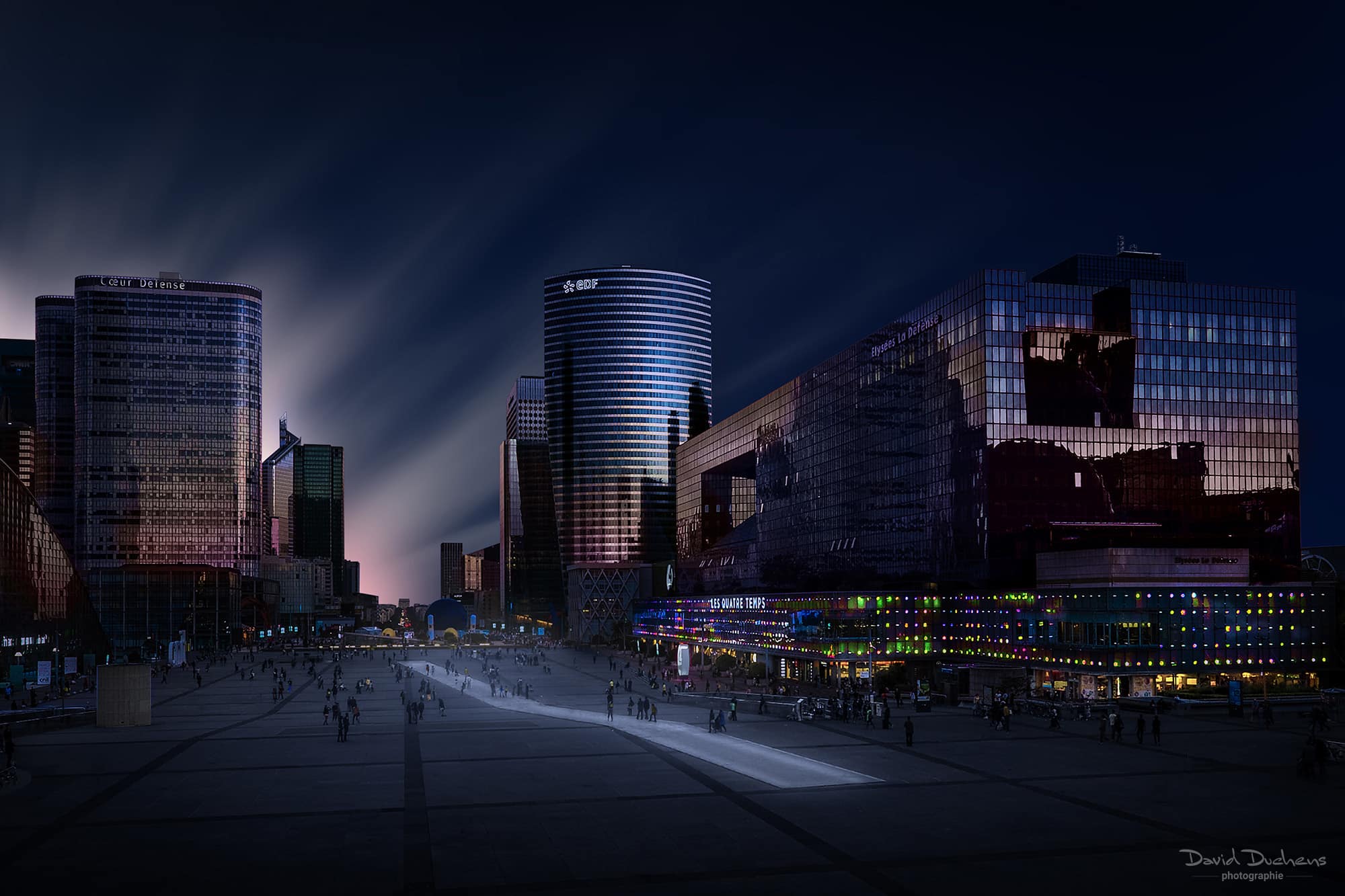
Discover my new technique for making precise selections of architectural elements, ideal for applying your lighting effects to towers, for example.
Black & white revisited
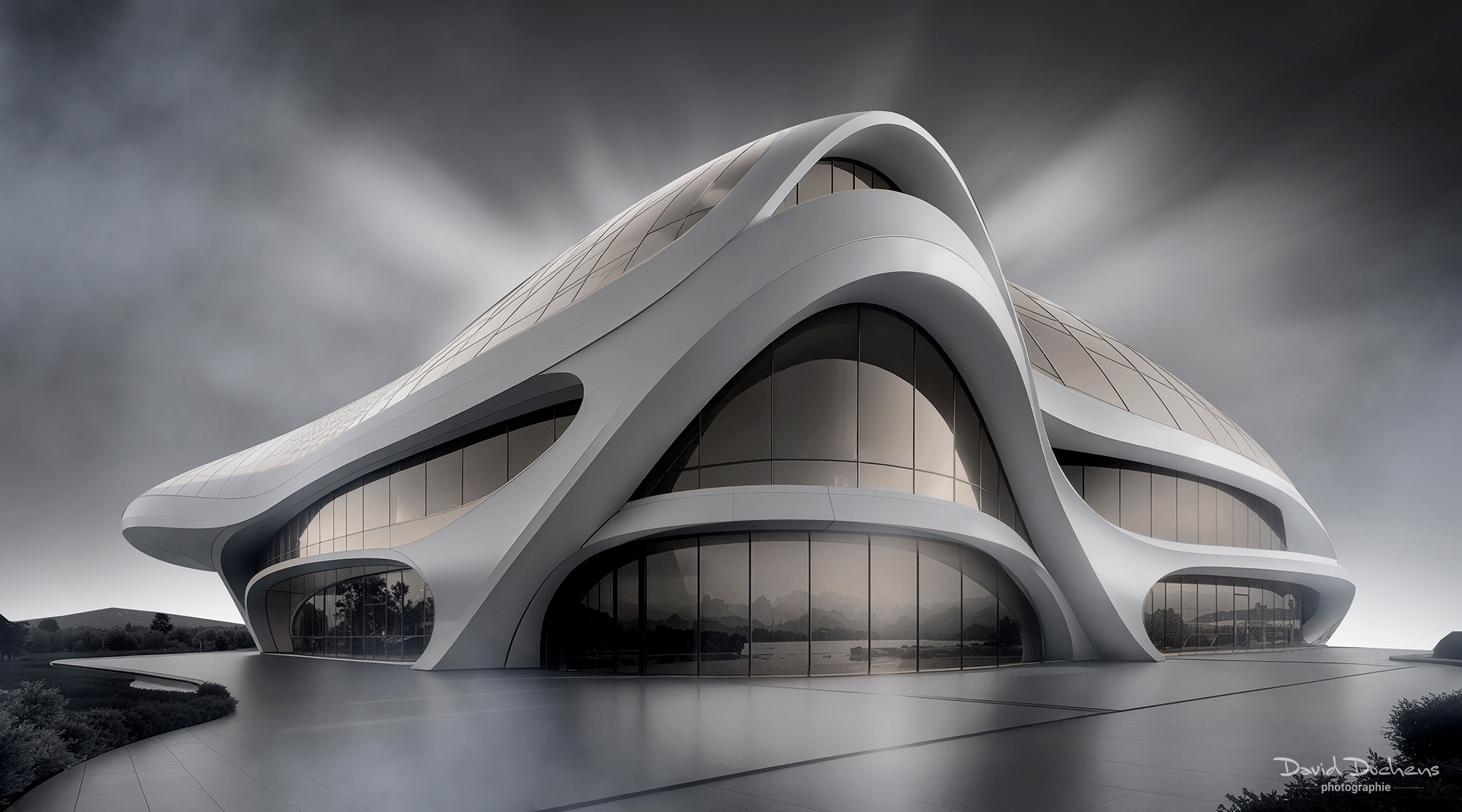
If you're familiar with my contrasting images with deep blacks, prepare for a surprise: this time we'll be exploring light, metallic and airy tones. A totally new approach.
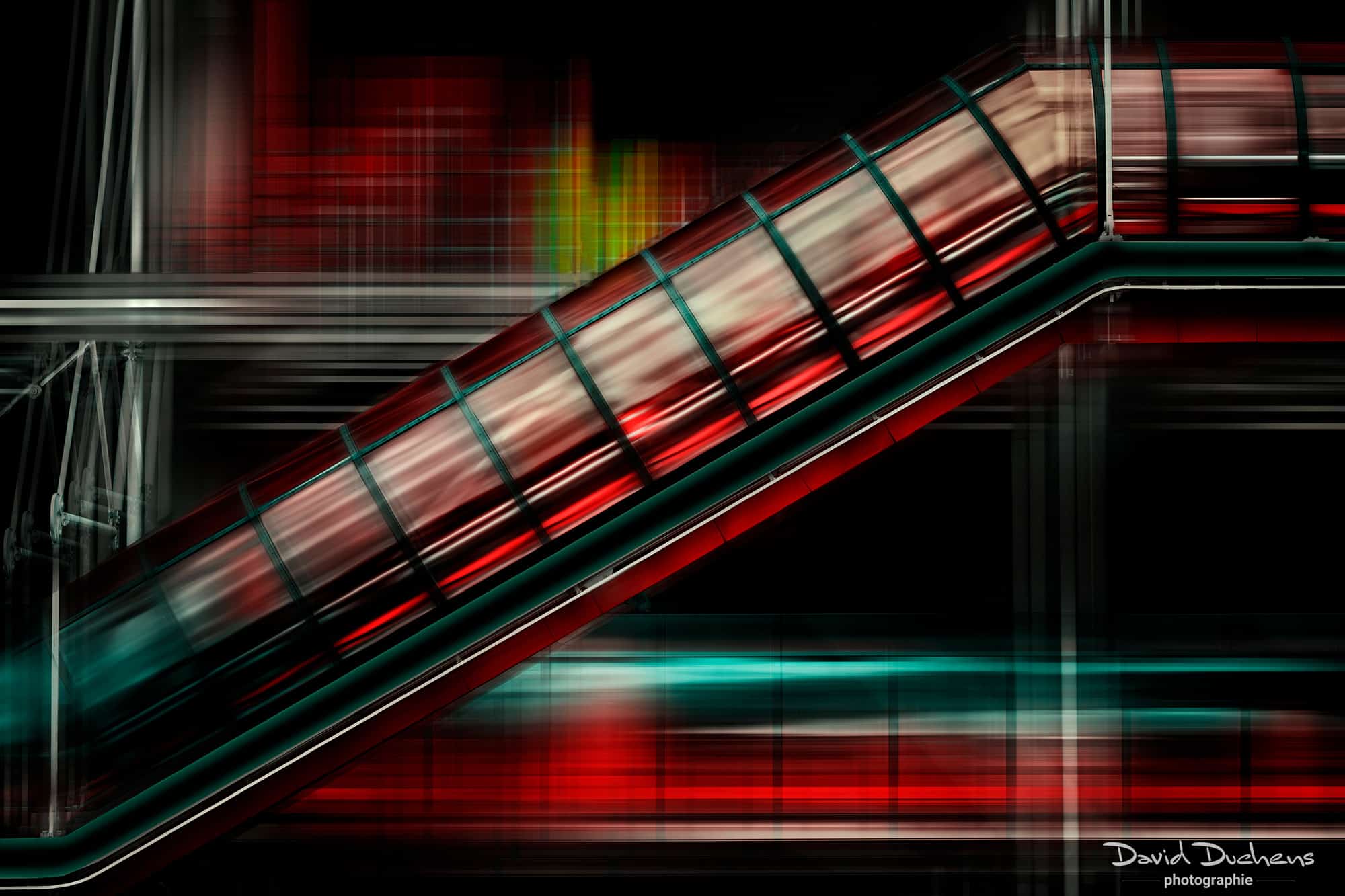
Creative motion effects
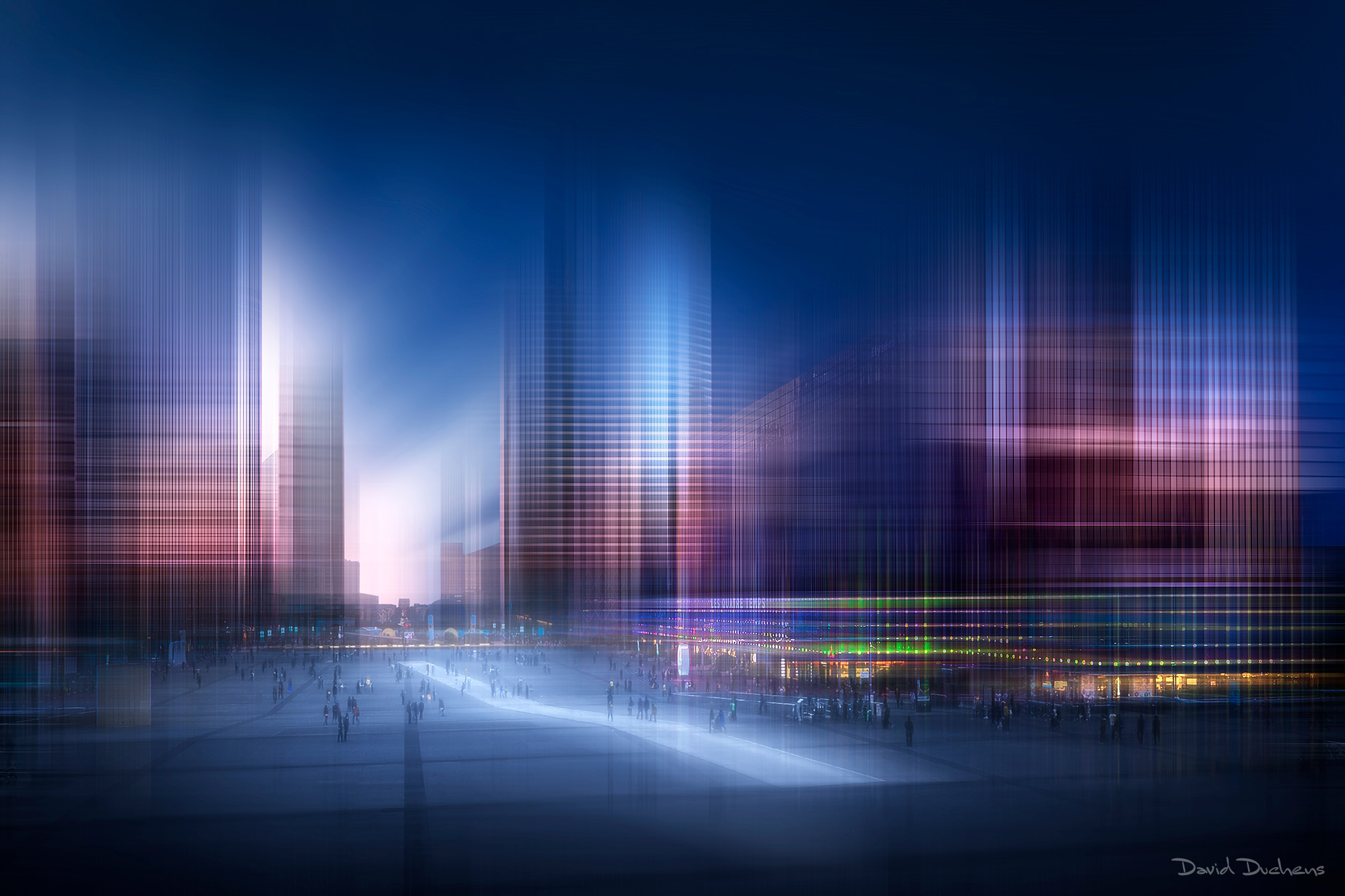
Beyond simple directional blur, I'll show you several ways to introduce dynamism and creativity into your compositions.
Plugins & bonus applications
I'll introduce you to some additional tools that I now use on a daily basis:
- Boris FX Optics, for spectacular effects in just a few clicks.
- Bloom (Topaz Labs), to enhance your creations in post-production.
These plug-ins are optional, but will open up new horizons for your creativity.
Workshop objective:
Through several case studies and concrete demonstrations, you'll learn how to develop your own artistic approach to architecture.
Each step will be detailed in Photoshop, from basic photos to final images in color and/or black & white.
An exclusive workshop combining technique, creativity and shared experience.
If you like to push the boundaries of your architectural photography, this workshop is for you.
Bonus:
1 brand-new practical guide to creative architectural photography (50-page PDF)
Pierre M. (confirmed customer) -
David shows us how to modify the aesthetics of a photo, mainly using Photoshop, but also sometimes using Boris Fx Optics software (only available in English, but easy to use), without fear of making judicious use of artificial intelligence. His suggestions are often very simple, such as using the "normal" slider in PS, then using other sliders to obtain different variations of the same photo. Everyone can find something to work on, depending on their knowledge of Photoshop. What I appreciate about David's workshops is that they are explained in simple terms and that he doesn't hesitate to extend the duration of the workshop in order to answer all questions.