
Description
This replay follows an online workshop (Photoshop workshop) presented in June 2025.
It includes the videos (3 hours 25 minutes of recordings) as well as the exercise files.
Download links are usually sent to you within a few moments of payment (PayPal or credit card), or on receipt of payment by bank transfer.
Let your imagination blossom...
Between petals and colors, let yourself be guided by the poetry of flowers. This online creative floral art workshop opens the door to a world where every flower tells a story. Create, dream, compose...
After a first online workshop presented in November 2024, which included my first 2 Photoshop courses dedicated to floral art (floral art and floral art creation tools), this workshop is the second part. It includes my 2 most recent courses on this theme (creative floral art and creative floral art part 2).
For your information, the replay of my previous online workshop on floral art is available HERE
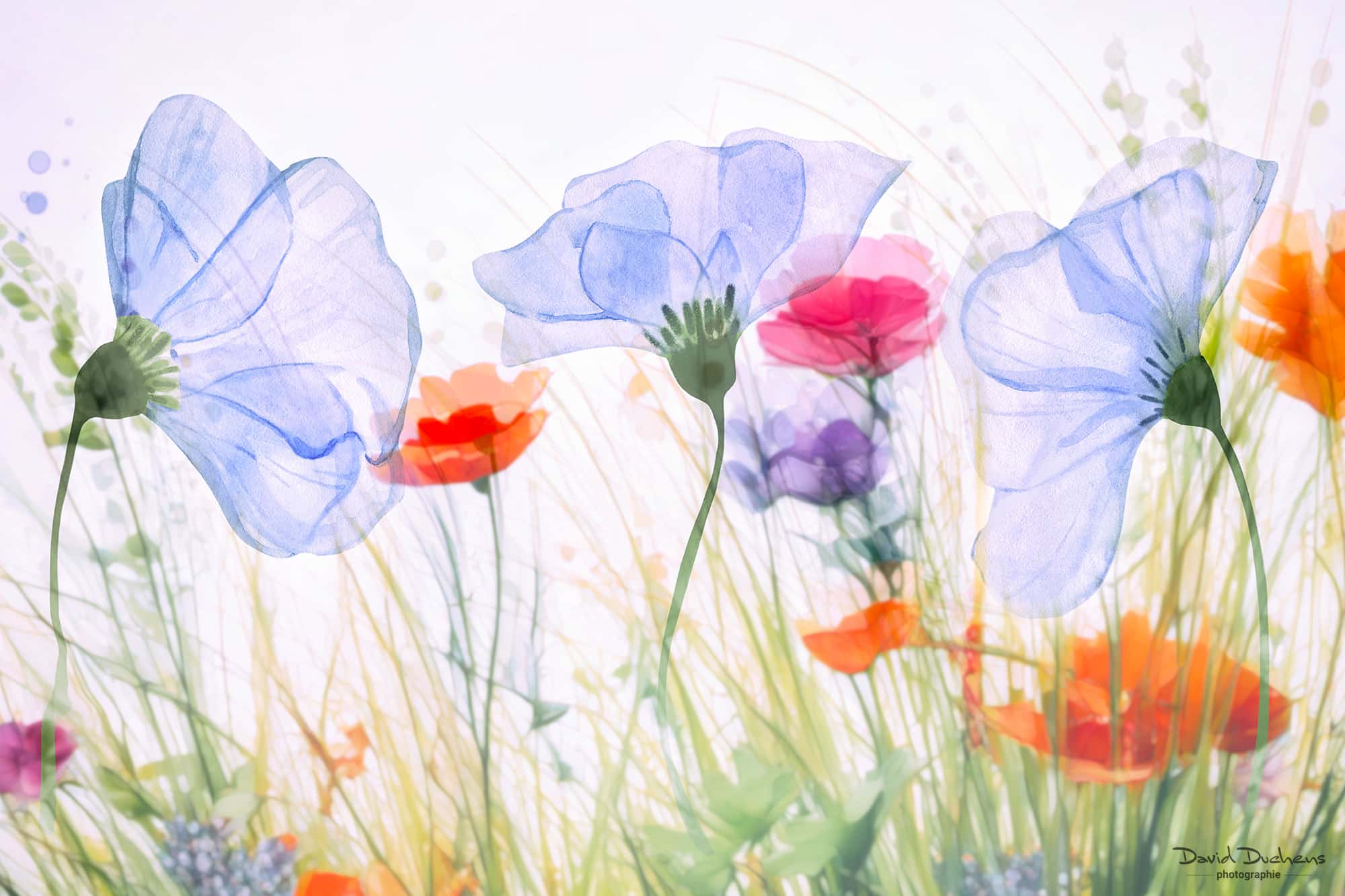
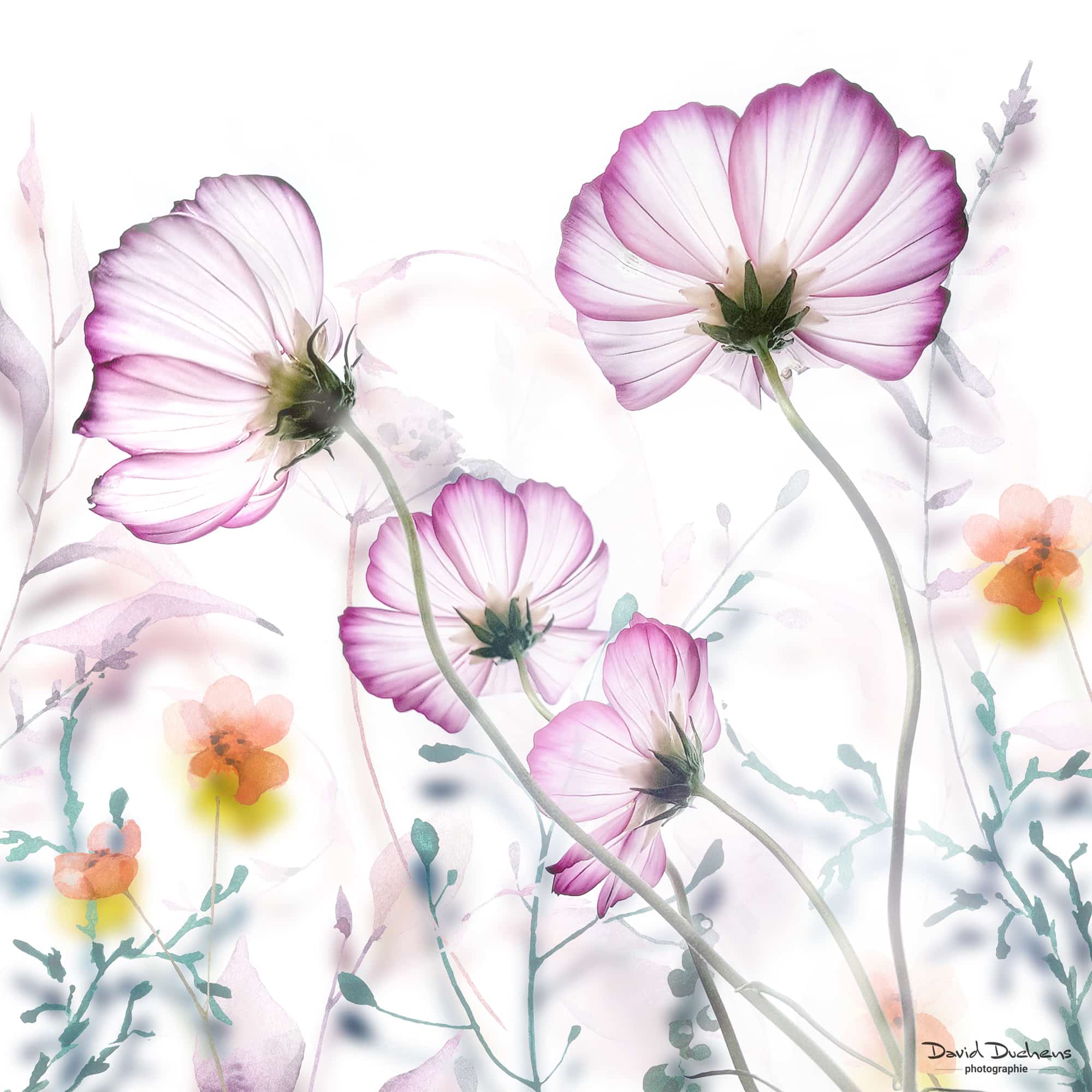
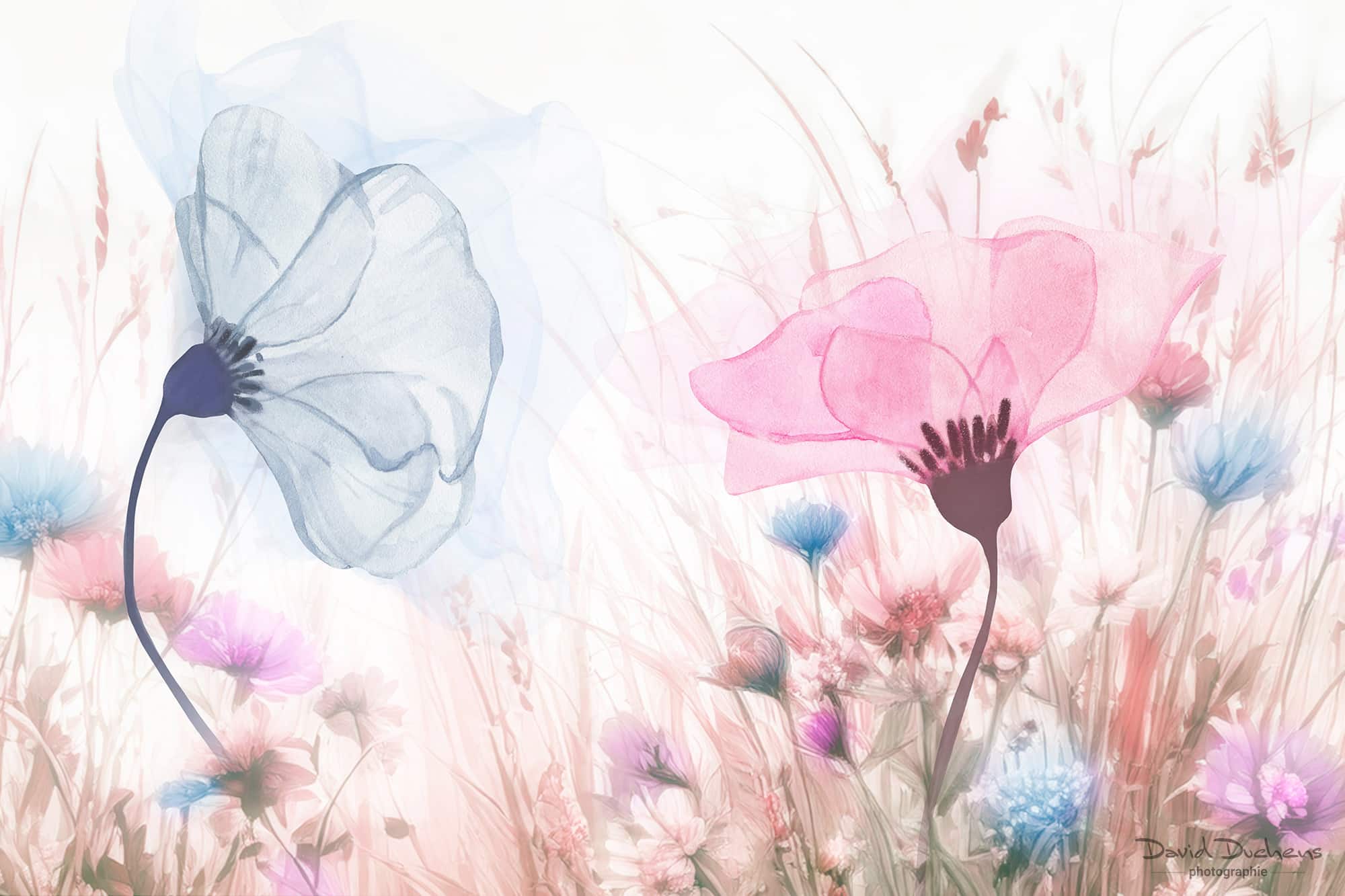
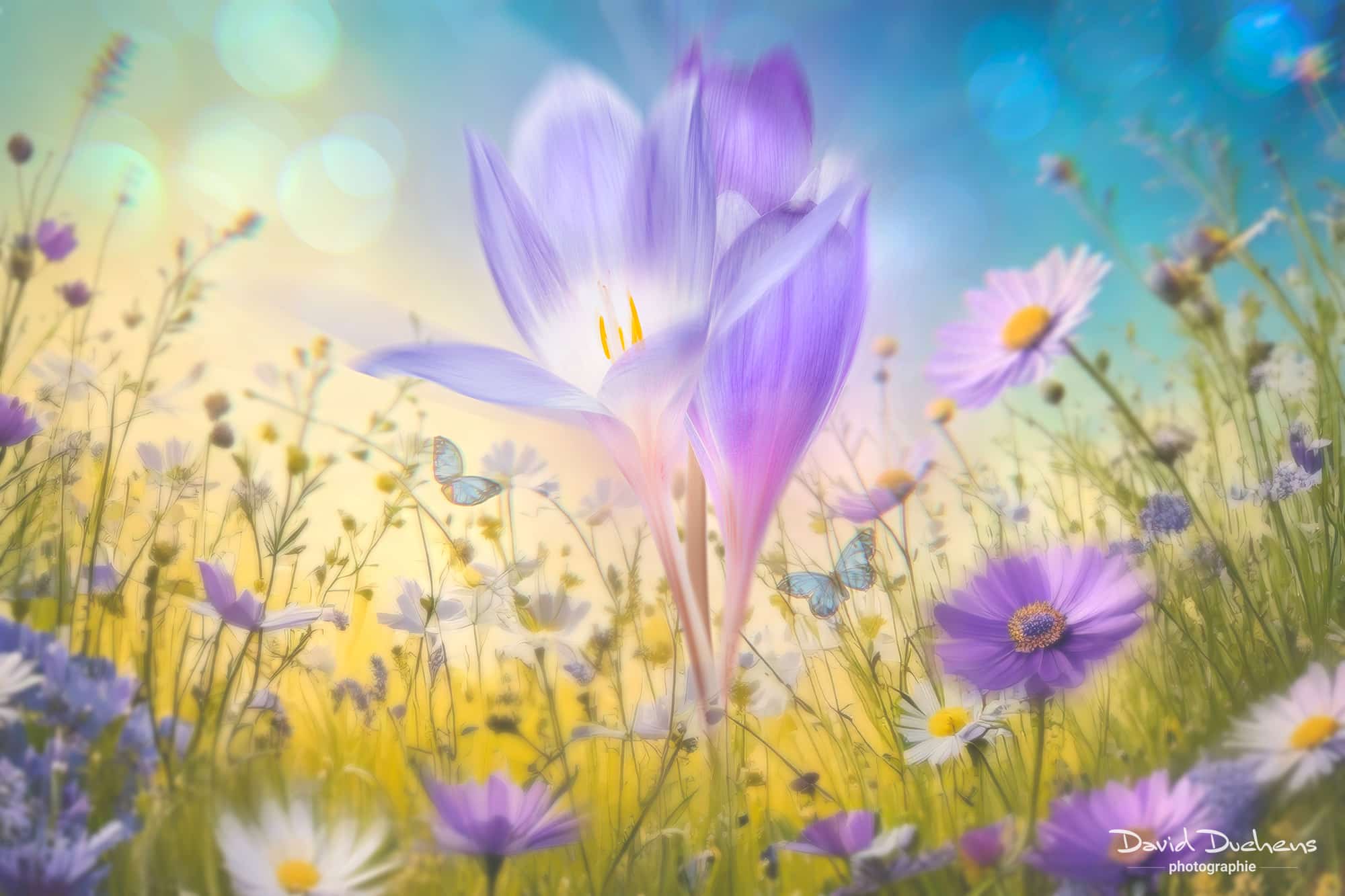
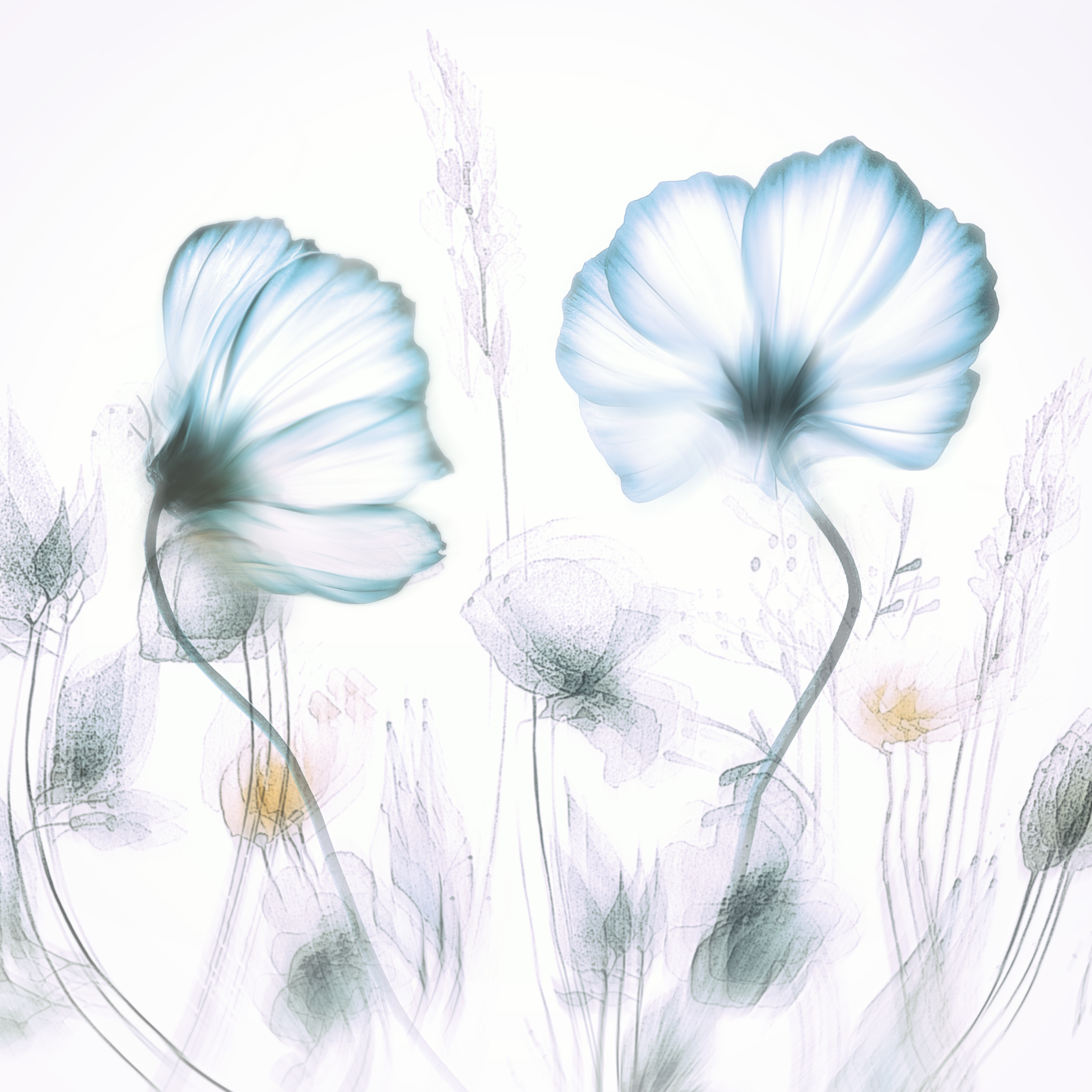
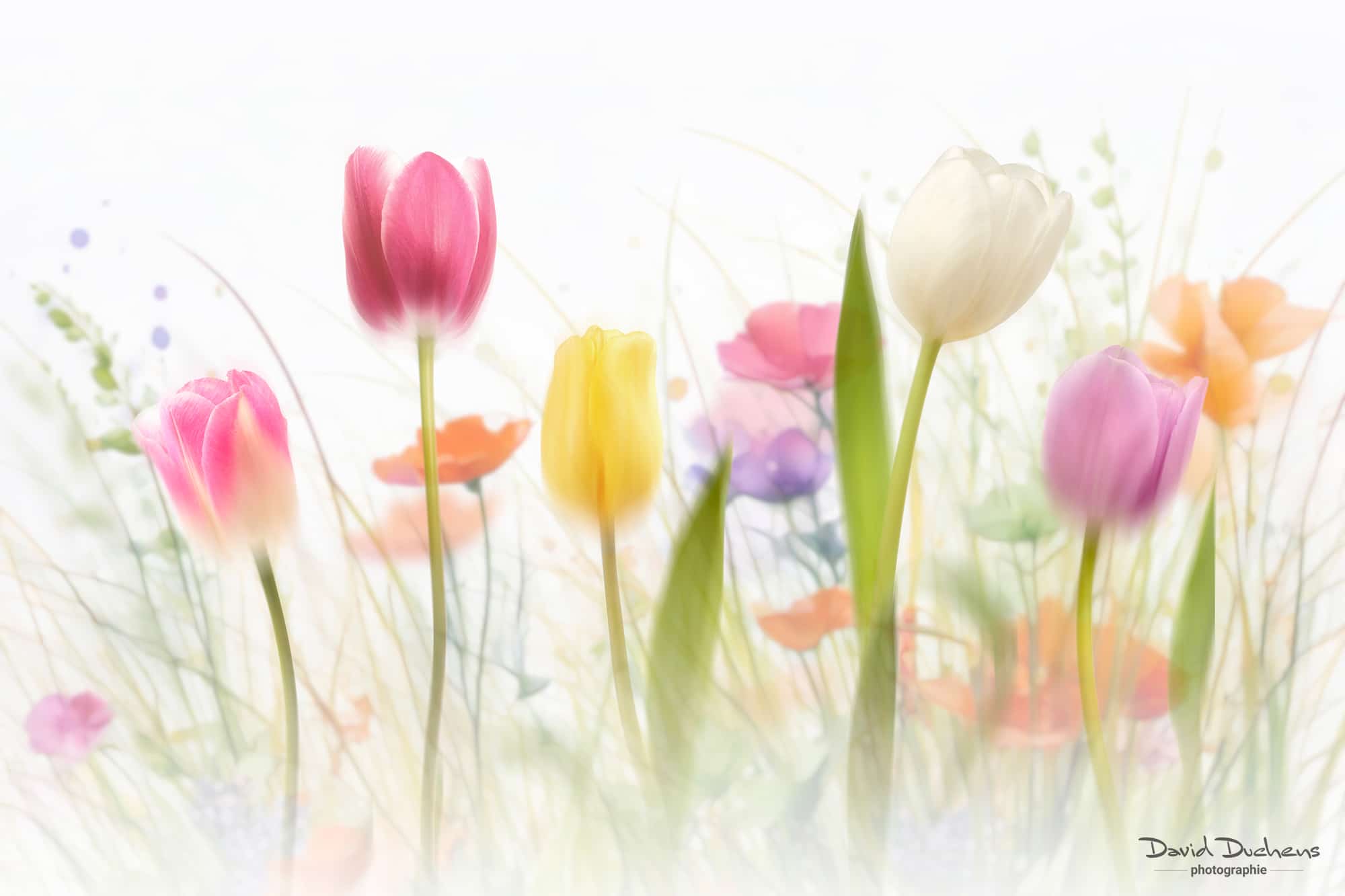
In this new Creative Floral Art - Part 2 online workshop, completely different from the previous one, you'll learn how to create unique, artistic flower arrangements. You'll discover how to use Photoshop to transform images of flowers into real works of art.
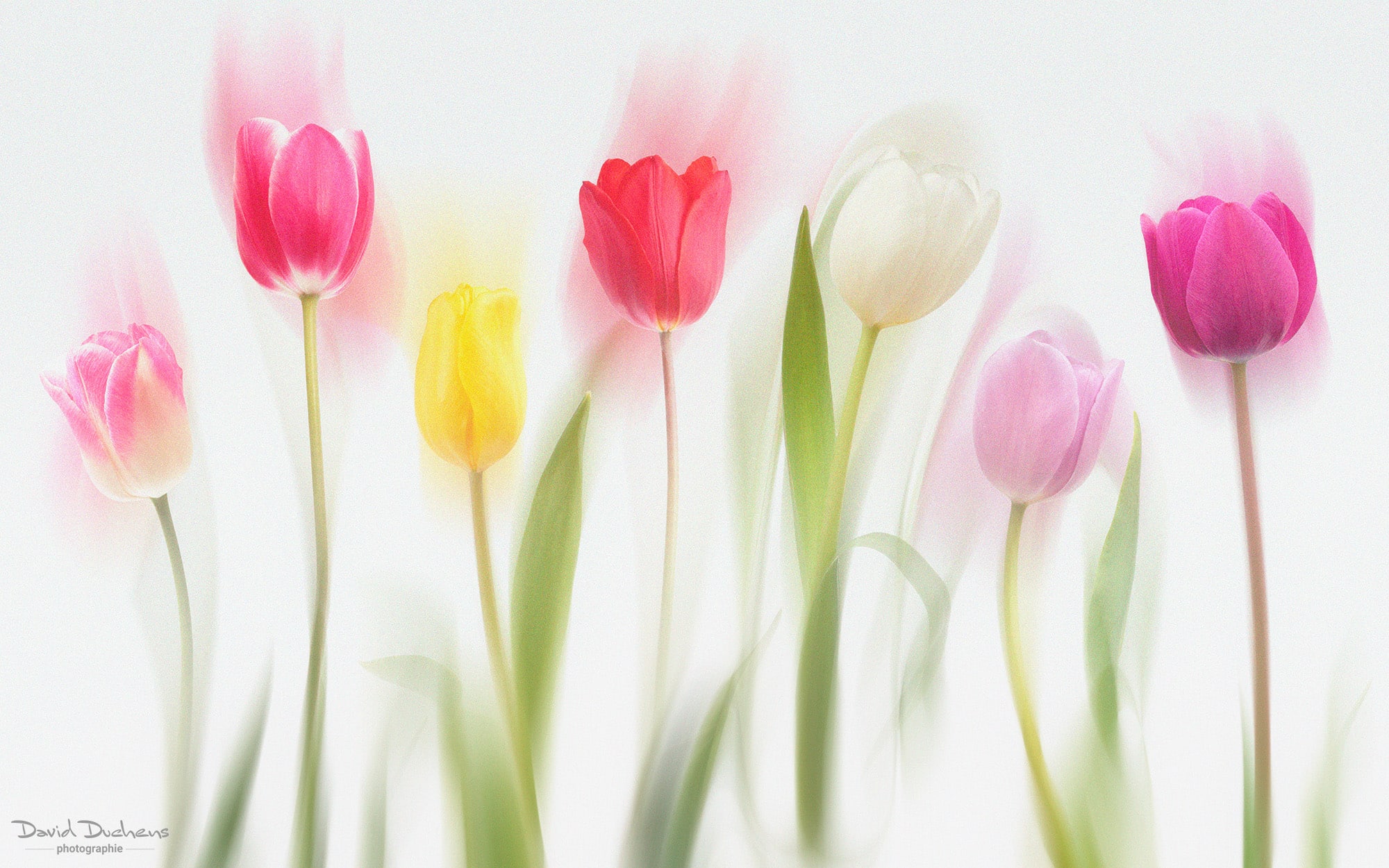
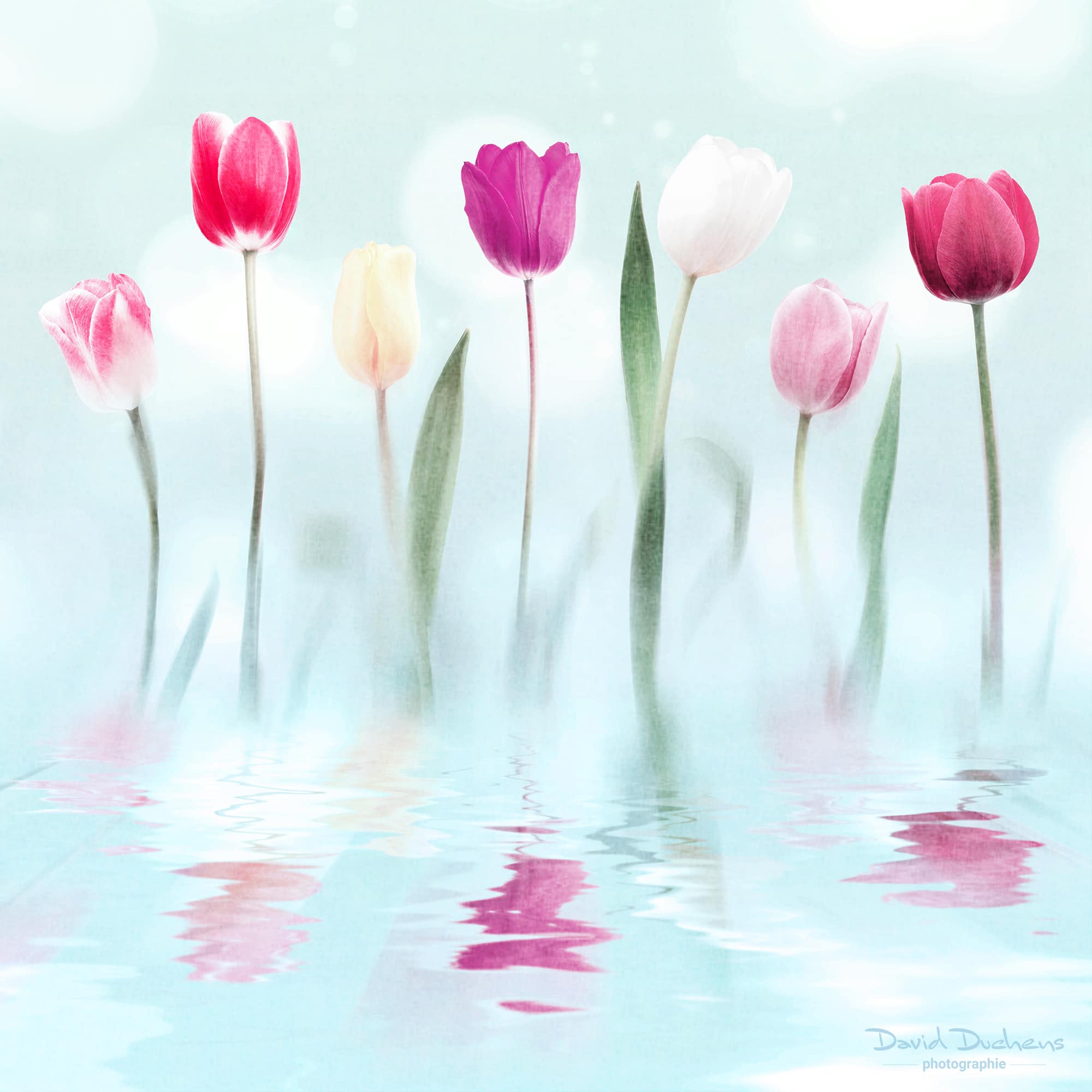
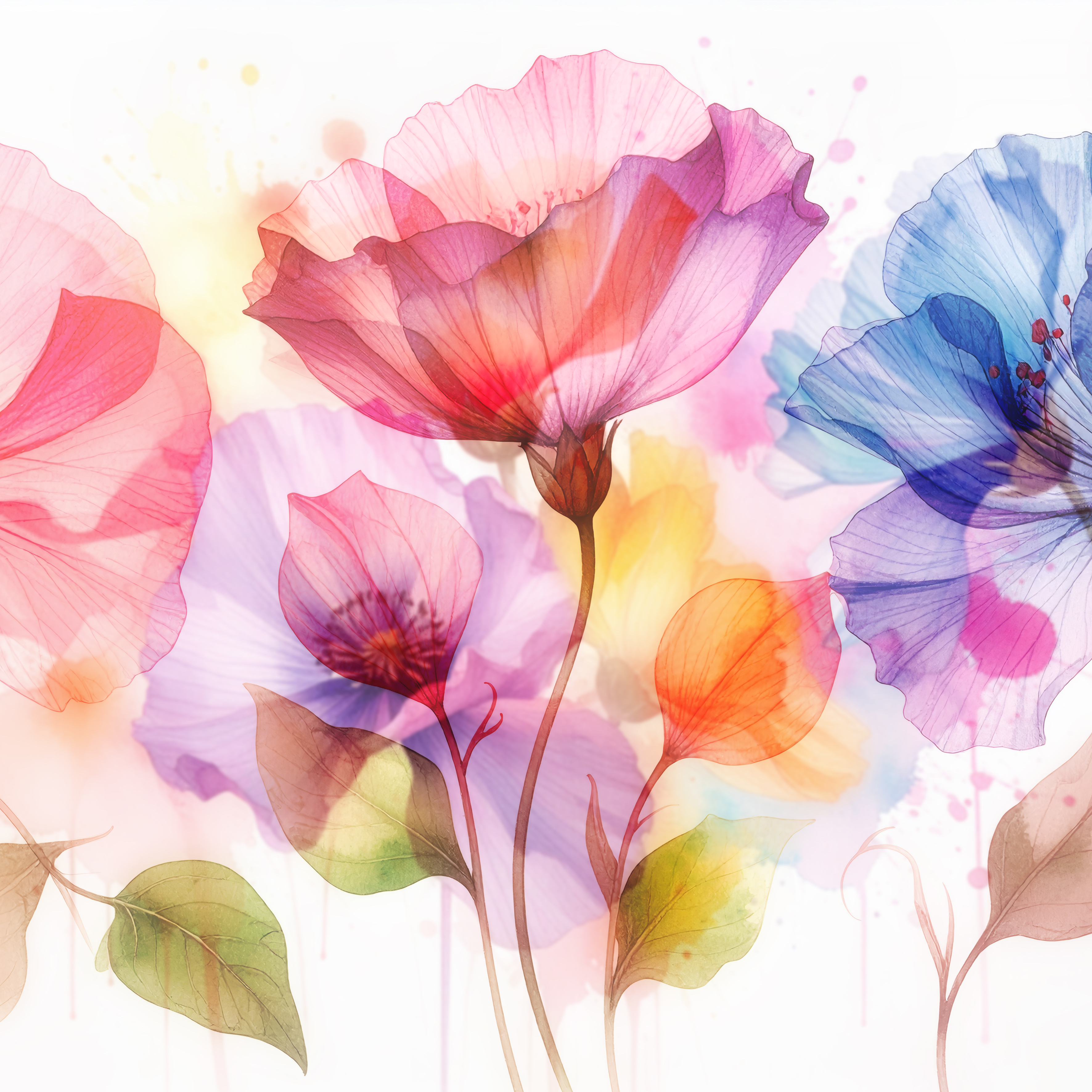
The concept here is to create magnificent artistic compositions featuring flowers, in a variety of colors, that seem to dance gracefully against a clear, luminous, almost ethereal background. Backgrounds are sometimes added. A delicate blur effect surrounds the flowers and their stems, giving them an impression of movement and softness, as if swaying in a spring breeze. The overall effect is poetic, light and dreamlike, evoking nature's delicate renewal.
What you will learn during the 2 sessions on June 22 and 29 :
✅ Clipping and selection techniques to isolate flowers precisely
✅ Using layers and blending modes for artistic effects
✅ Creating harmonious floral compositions
✅ Application of textures and backgrounds
✅ Creation of lighting and special effects for artistic rendering
✅ Advanced retouching and colorimetry techniques to magnify colors
✅ Detailed study of the use of various motion and blur effects
Methodology :
- Real-time demonstrations with practical exercises
- Source files provided for self-paced practice
Using plugins:
Although they are absolutely not necessary for this course, I will show you some additional possibilities through the use of plugins. If you don't have them, you can download trial versions. They are installed in Photoshop filters.
Boris FX Optics: this software specializes in the creation of visual effects. It contains a huge number of filters, all of which can be modified, offering almost infinite possibilities.
Food2: this plugin lets you create water reflections. It's very easy to use, and creates some interesting effects.
Nik Collection: this software suite is well known to photographers. Here, I'll show you how to use some of the lesser-known filters.
For your information:
Boris FX and Flood 2 are only available in English. However, it's not very difficult to use them, even without understanding the language. And once again, it's perfectly possible to do without them for the creative examples you'll see during this workshop.
Workshop schedule:
This workshop will be held online (via the Internet), and live. The ZOOM videoconferencing application will be used. Connection is just a few clicks away. You don't need to create an account or subscribe to Zoom to take part in the workshop. An invitation link will be sent to you by e-mail before each session. You will then simply be asked to download the application, in order to get access to the user interface. It's very easy to learn. Don't hesitate to contact me if you have any questions.
videos of the 2 sessions :
This workshop is accompanied by a video for each session.
They are recorded live during the workshop.
The video will be sent to you in MP4 format, via WeTransfer, after each session. Exercise files will be sent at the same time as the videos.
Bernard Didriche (confirmed customer) -
I took part in the Creative Floral Art Workshop. The training is very interesting and opens up a lot of possibilities. David is very pedagogical.
Creating backgrounds is the key to success. AI image creation is used a lot in this creative process, but it's not an absolute necessity.
For those who despise Photoshop, there are no unknowns: everything is based on the combination of layer masks, selections, opacity etc...
At the end of the workshop, we receive the video recording and the exercise files to facilitate understanding.
If you're interested in creativity, and have a good knowledge of PS, don't hesitate, you won't be disappointed.
Pierre Mestdagh (confirmed customer) -
Everyone has the good taste to love flowers, and thanks to this workshop by David Duchens, you'll find the pleasure of being active in this field. Indeed, thanks to simple techniques drawn mainly from Photoshop, sometimes also, but not necessarily, with the help of software such as Nik Collection, Topaz and also Boris FX Optics. In this way, you'll be able to enhance the presentation of the flowers you love, grouping them together in a wonderful bouquet enhanced by an elegant background. And delight your friends with the images you've created.
I'm not a Photoshop specialist, but I managed to do it.
Alice C. (confirmed customer) -
Very fine demonstration in this workshop devoted to floral art to develop our creativity.
What's more, we're discovering new tools and techniques that we can use on other subjects.
I have to say I wasn't expecting this aesthetic, creative vision when I signed up.
Thank you David!