Description
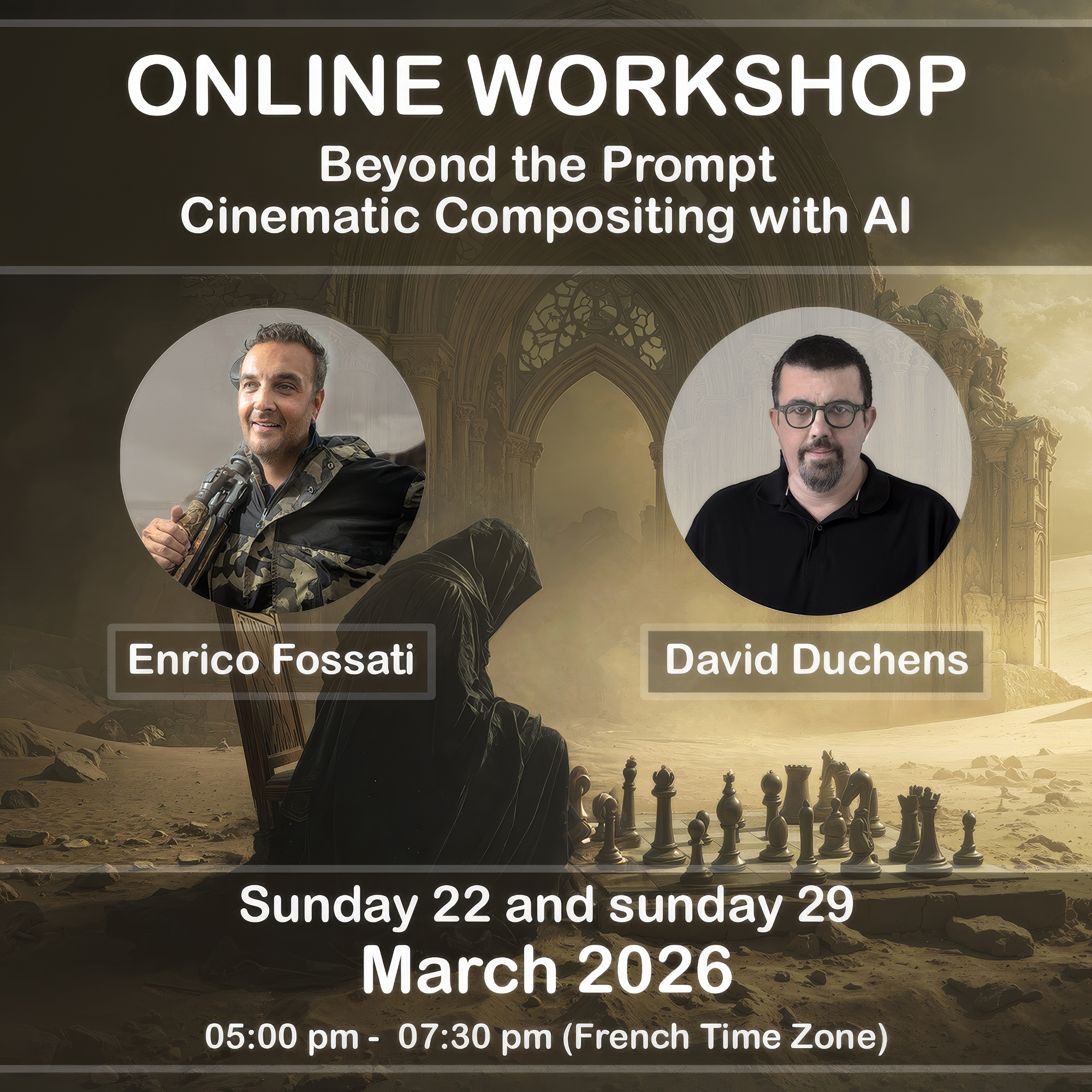
I’m pleased to announce a new collaboration with Enrico Fossati for a brand-new online workshop.
Enrico and I have long shared the same vision and approach to imagery in general, and to photomontage in particular. This will, in fact, be our fourth collaboration.
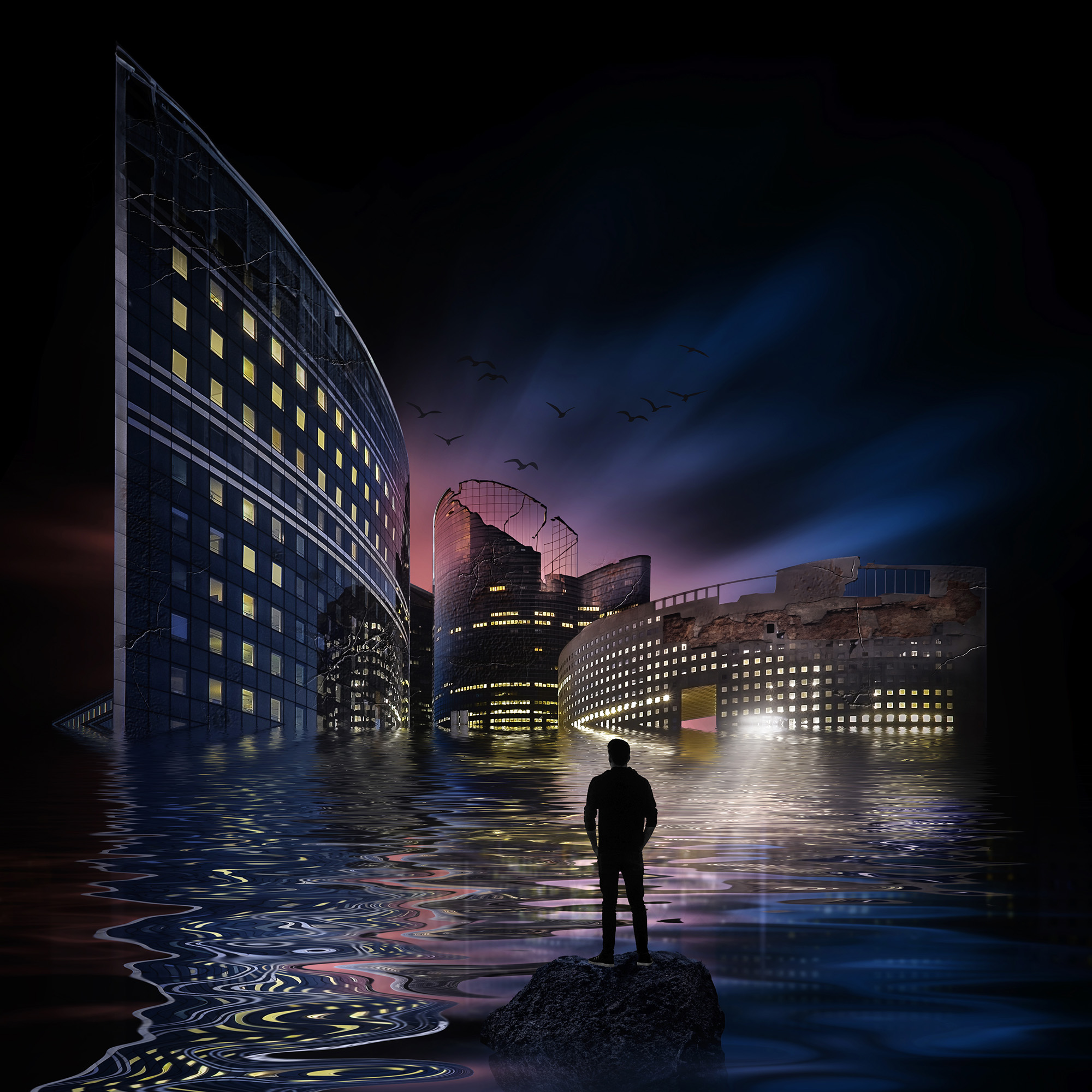
At the end of 2024, we each presented a workshop focused on the use of artificial intelligence in our photomontages. As you’ve no doubt noticed, this technology — which we see purely as a tool, not an end in itself — is evolving at an extremely rapid pace.
Adobe Photoshop continues to integrate more and more AI-powered features and models, offering incredible possibilities today, whether for simple image corrections or complex photomontages. It therefore felt like the right moment to offer a new workshop that incorporates all of these advancements.
Photoshop isn’t the only tool worth mentioning. Recently, Bloom, a very powerful new tool developed by Topaz Labs, has emerged and opened up exciting creative possibilities.
SESSIONS CONTENT
March 22 – Enrico Fossati :
Workshop Program – AI-Assisted Compositing for Cinematic & Fantasy Imagery
Introduction – AI as a Creative Tool, Not a Shortcut
- What AI really is in a contemporary visual workflow
- The difference between generation, assistance, and authorship
- Why AI does not replace artistic vision
- Positioning AI within a fine-art / cinematic composite workflow
- Ethical and creative considerations
AI as raw material, not final output
Foundations of Compositing & Blending
- What makes a composite believable
- Light direction, contrast hierarchy, and atmospheric depth
- Color harmony and tonal consistency
- Matching scale and perspective
- Using real photographs as the backbone of the scene
Focus on:
- Why blending matters more than generation
- Building mood through light and atmosphere
Prompt Construction in MidJourney
- How MidJourney interprets visual language
- Prompt structure:
- Subject
- Environment
- Mood and atmosphere
- Camera language (lens, perspective, depth)
- Using prompts to support compositing, not replace it
- Avoiding over-designed or “AI-looking” results
- Generating elements meant for integration, not standalone images
Live examples:
- Base structures
- Secondary elements
- Textures and atmospheric layers
AI Enhancement Tools in the Workflow
Topaz Bloom
- Enhancing light diffusion and glow
- Creating cinematic highlights
- Subtle use vs overprocessing
Magnific AI
- Detail enhancement without destroying realism
- When to upscale and when not to
- Preserving texture and avoiding artifacts
Core idea:
- AI enhancement as finishing, not as rescue
Building the Final Image – From Raw Elements to Artwork
- Layer hierarchy and visual flow
- Integrating AI elements into a Photoshop composite
- Controlling attention and visual narrative
- Final color grading and atmosphere shaping
- Knowing when an image is truly finished
Breakdown of a complete image:
- Original photographs
- AI-generated elements
- Final composite result
Final Thoughts & Open Discussion
- Developing a personal AI-assisted visual language
- Avoiding trends and aesthetic shortcuts
- Maintaining long-term artistic consistency
- Questions and discussion
March 29 – David Duchens :
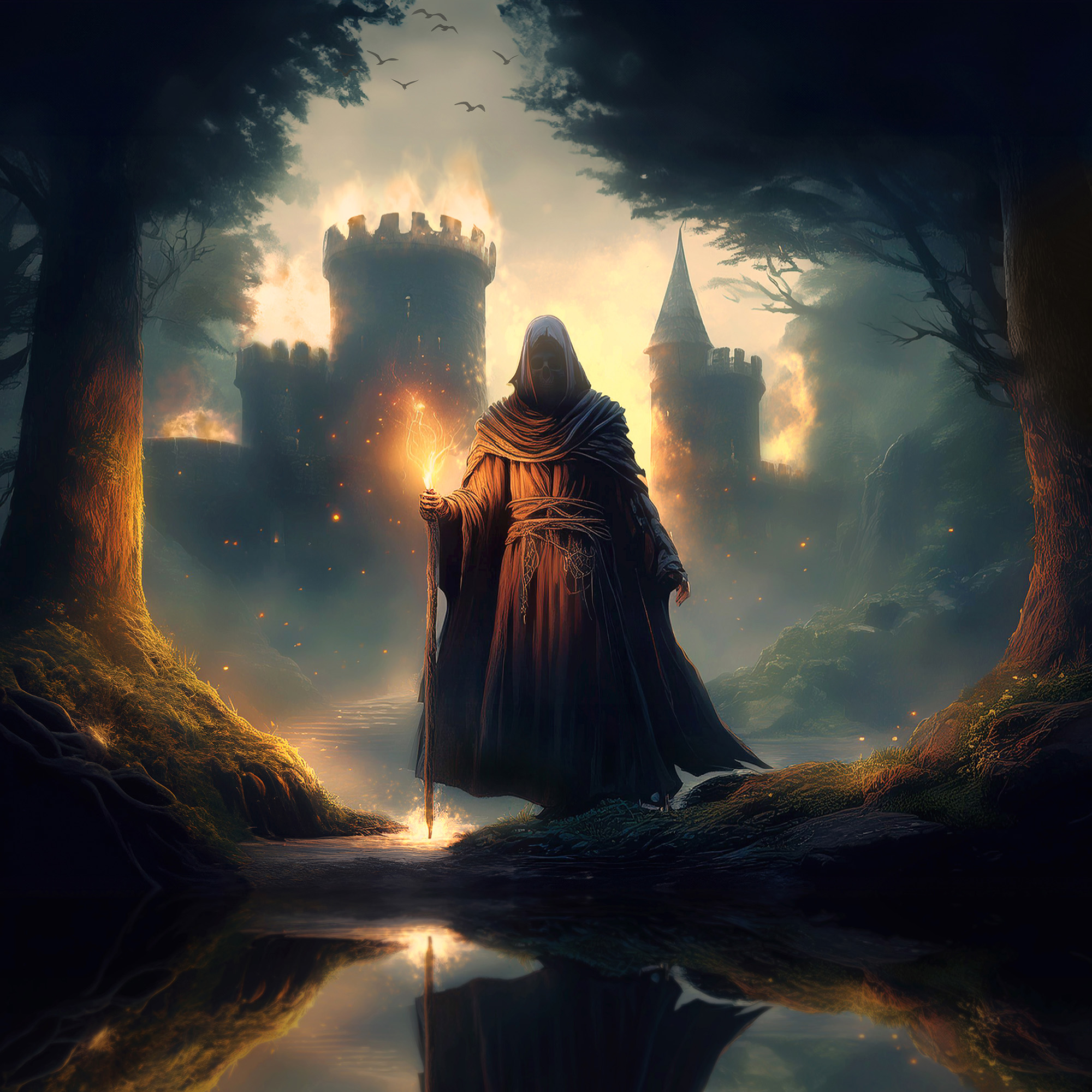
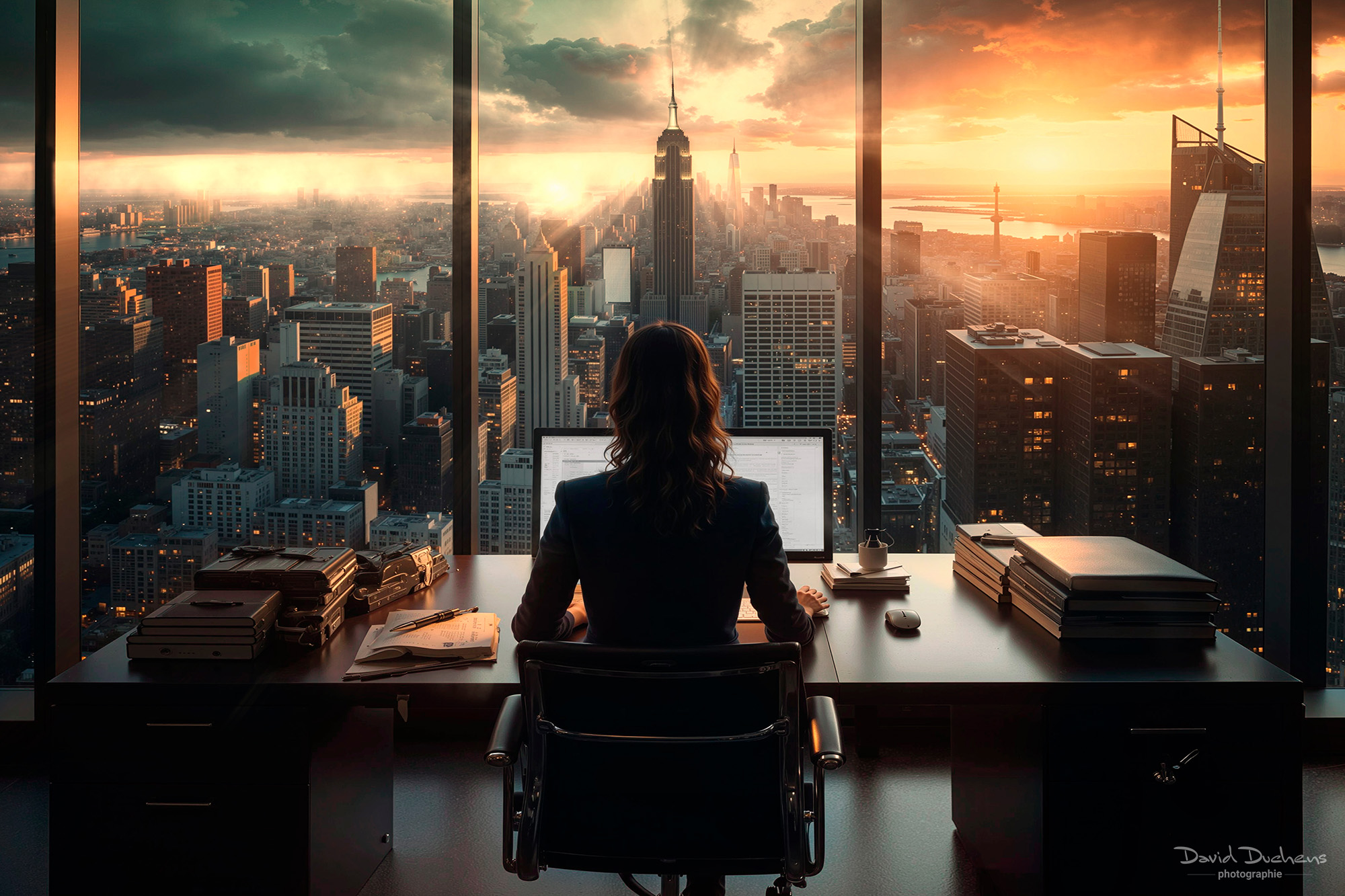
I’ll be presenting images generated by the Adobe Firefly application.
You’ll discover :
the different settings
An overview of the filters used to create different image styles.
Last year I started to work with Bloom, from Topaz Labs.
It is a new application, allowing to upscale images, with several levels of creativity and renderings.
I will demonstrate it.
Photoshop did some incredible updates last times.
We will see in details the new possibilities with AI.
I will also demonstrate an image using both AI and Photoshop. The whole process will be explained.
How the workshop works :
This workshop is delivered online (via the Internet), and live. The ZOOM video conferencing application will be used. The connection is established in a few clicks. You do not need to create an account or subscribe to Zoom to participate in the workshop. An invitation link will be sent to you by e-mail before each session. You will then simply be asked to download the application, in order to get the user interface. It is very easy to learn. Do not hesitate to contact us if you have any questions.
Video recording :
This workshop is accompanied by a video for each session.
It is recorded live during the workshop.
The video will be sent to you in MP4 format, via WeTransfer, after each session.
You can find Enrico Fossati’s work on the networks:
Website : https://www.enricofossati.it/
Instagram : https://www.instagram.com/enrico.fossati/